8 Best Guidde Alternatives for Creating AI Tutorial Videos
Discover the best Guidde alternatives for AI tutorial videos, onboarding, and product demos with better automation, AI voiceovers, and editing.
If you’re reading this blog right now, there’s a good chance you already know what it feels like to spend way too much time creating a “simple” tutorial video with Guidde.
You record the screen, fix the narration, adjust captions, re-record a few parts, and suddenly the whole thing takes much longer than expected.
And that’s why so many people are now searching for a better Guidde alternative.
Guidde definitely made AI-powered walkthroughs easier, especially for SaaS teams.
But newer tools now offer much more automation, better AI voiceovers, cleaner editing, AI avatars, silent recording workflows, and even automatic documentation generation.
Some focus on polished demos and tools to create product walkthrough videos, while others are built for onboarding, training, or scalable customer education.
That’s why this list includes some of the best Guidde alternatives for different workflows and content styles.
So whether you’re looking for faster tutorial creation, more automation, or the best Guidde alternatives for SaaS, this blog will help you find the right tool for your needs.
If you’re also planning to create onboarding or internal tutorials, here’s a helpful guide on how to create training videos faster with AI.
What Is Guidde?
Guidde is an AI tool that helps you create tutorial videos and written guides from a simple screen recording.
It’s mainly used for product walkthroughs, onboarding videos, SOPs, and internal training content.
Here’s how it works:
Record Screen
     ↓
AI Detects Steps
     ↓
Adds Voiceover + Captions
     ↓
Creates Tutorial Video + Docs
One reason Guidde became popular is its simplicity.
You can record your workflow through its Chrome extension, and the platform automatically generates captions, AI voiceovers, visuals, and written instructions.
What Guidde Does Well
- Fast tutorial creation
- AI-generated video + documentation
- 200+ AI voices and 25+ languages
- Easy sharing and integrations
- Beginner-friendly workflow
But while Guidde is useful for quick tutorials, many users eventually look for a better Guidde alternative.
Reasons why users look for Guidde Alternatives
But what could be the exact reasons why people are looking for other options than Guidde?
We’ve curated the following best points to know the reason behind this:
- The free plan has heavy restrictions
- AI voiceovers can sound robotic
- Mostly Chrome-based workflow
- Basic editing and syncing tools
- Pricing increases quickly for advanced features
So while Guidde works well for simple documentation, it may not be the best fit for teams creating scalable or highly customized tutorial videos.
How We Chose These Guidde Alternatives
To find the best Guidde alternatives, we compared each tool based on the features that matter most for SaaS teams and creators making tutorial content.
Here’s What We Looked At
- AI automation quality
- Silent recording support
- AI voice quality
- Pricing for small teams
- SaaS features like demos, embeds, and multilingual support
Some tools focus on quick documentation, while others are better for polished onboarding and training videos.
That’s why this list includes a mix of the best Guidde alternative tools for different workflows and use cases.
Bottom Line
The best tool depends on your needs.
But if you want maximum automation with minimal manual work, platforms like VideoMule stand out for creating tutorial videos without needing a microphone or scripting.
8 Best Guidde Alternatives for Creating AI Tutorial Videos
1. Videomule
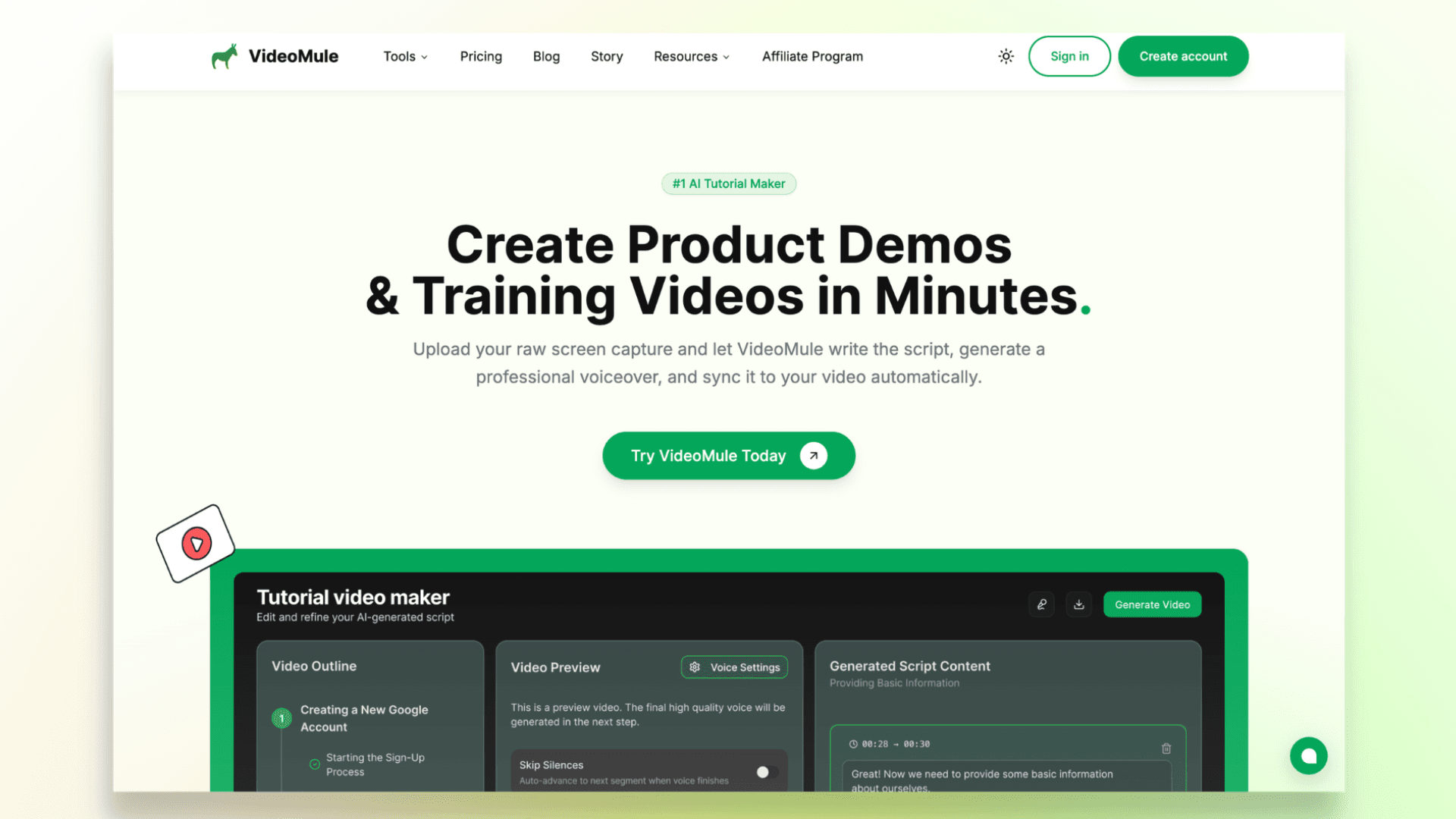
Are you still recording your voice, writing full scripts, making sure everything syncs properly, and devoting days to produce a tutorial video?
What if I told you that VideoMule lets you record your screen without speaking a single word?
And wait, the story doesn’t end here.
Once your recording is done, VideoMule can automatically:
- Generate the full script from your screen actions
- Let you preview and edit the script before exporting
- Create AI voiceovers automatically
- Choose from 100+ AI voices and translate into 70+ languages
- Create multilingual tutorials for global audiences — each language gets a translated script, a native AI voiceover, captions, and its own render
- Add AI avatars — stock faces, custom photo avatars from a single photo, or a digital twin trained from your own footage — to present the intro, outro, and transitions
- Generate documentation alongside the video
- Sync narration, visuals, and scenes automatically
- Give you the flexibility to edit, trim, and rearrange timelines easily
So the workflow feels much more like:
You can try VideoMule with a 7-day free trial, which makes it one of the most affordable ways to create AI-powered tutorial videos.
Exports are another place VideoMule stands out. Instead of metering every export with credits, paid plans come with free unlimited local renders — your video renders locally in your browser, up to 4K and watermark-free, without ever touching your monthly cloud render quota. And if a video needs more processing power, it automatically falls back to cloud rendering.
So if you want to create onboarding videos, product walkthroughs, or training tutorials faster, you can also check out VideoMule’s dedicated AI Tutorial Video Maker tool.
2. Clueso
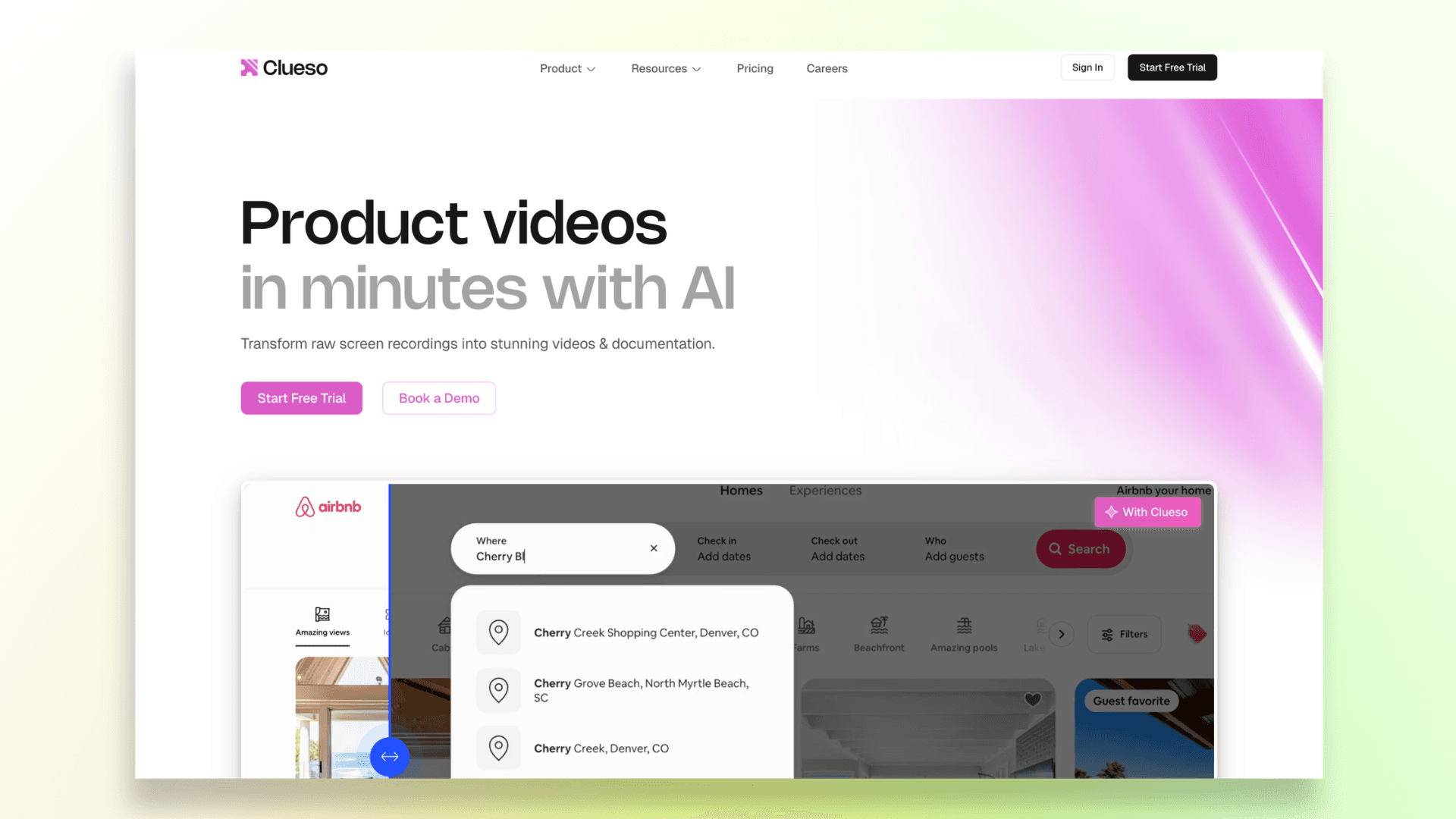
If you want your tutorial videos to look more presentation-ready, Clueso is a solid Guidde alternative.
The platform automatically adds features like smart zooms, transitions, AI voiceovers, captions, and documentation, which help simple screen recordings feel more professional.
Key Features of Clueso:
- AI voiceovers
- Smart zoom and motion effects
- Auto-generated documentation
- AI avatars
- Captions and branding tools
Clueso works especially well for:
- onboarding videos,
- product demos,
- and customer-facing tutorials where presentation quality matters.
That said, it still feels more editing-focused than fully automated.
You’ll usually need a decent recording first, and the pricing can feel a bit expensive for smaller teams.
3. Trainn
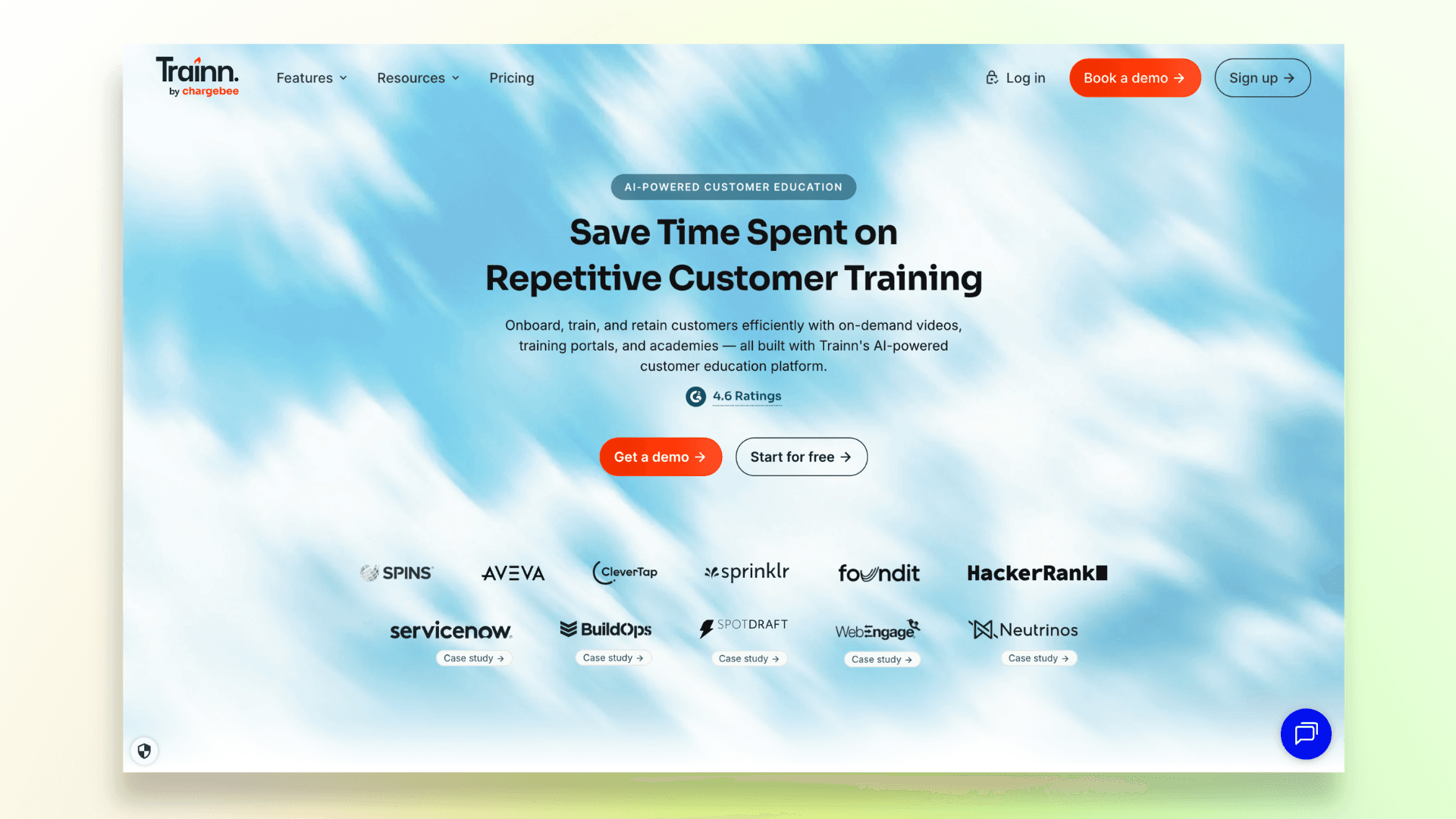
Trainn is built more like a complete customer education platform than a simple screen recorder.
Along with creating tutorial videos, it also helps teams build onboarding flows, training hubs, help content, and product documentation in one place.
Some standout features include:
- AI-generated voiceovers
- Interactive guides and walkthroughs
- Built-in LMS and training center
- Knowledge base tools
- Video hosting and analytics
- Team collaboration features
Trainn fits best for SaaS companies that are serious about scaling customer onboarding and training across larger teams or user bases.
The only downside is that it can feel a little overwhelming if you just want to make quick product demos.
Since the platform focuses heavily on structured training systems, it may be more than smaller teams actually need.
If your focus is building structured learning content, this guide on creating a video training course may also help.
4. Trupeer
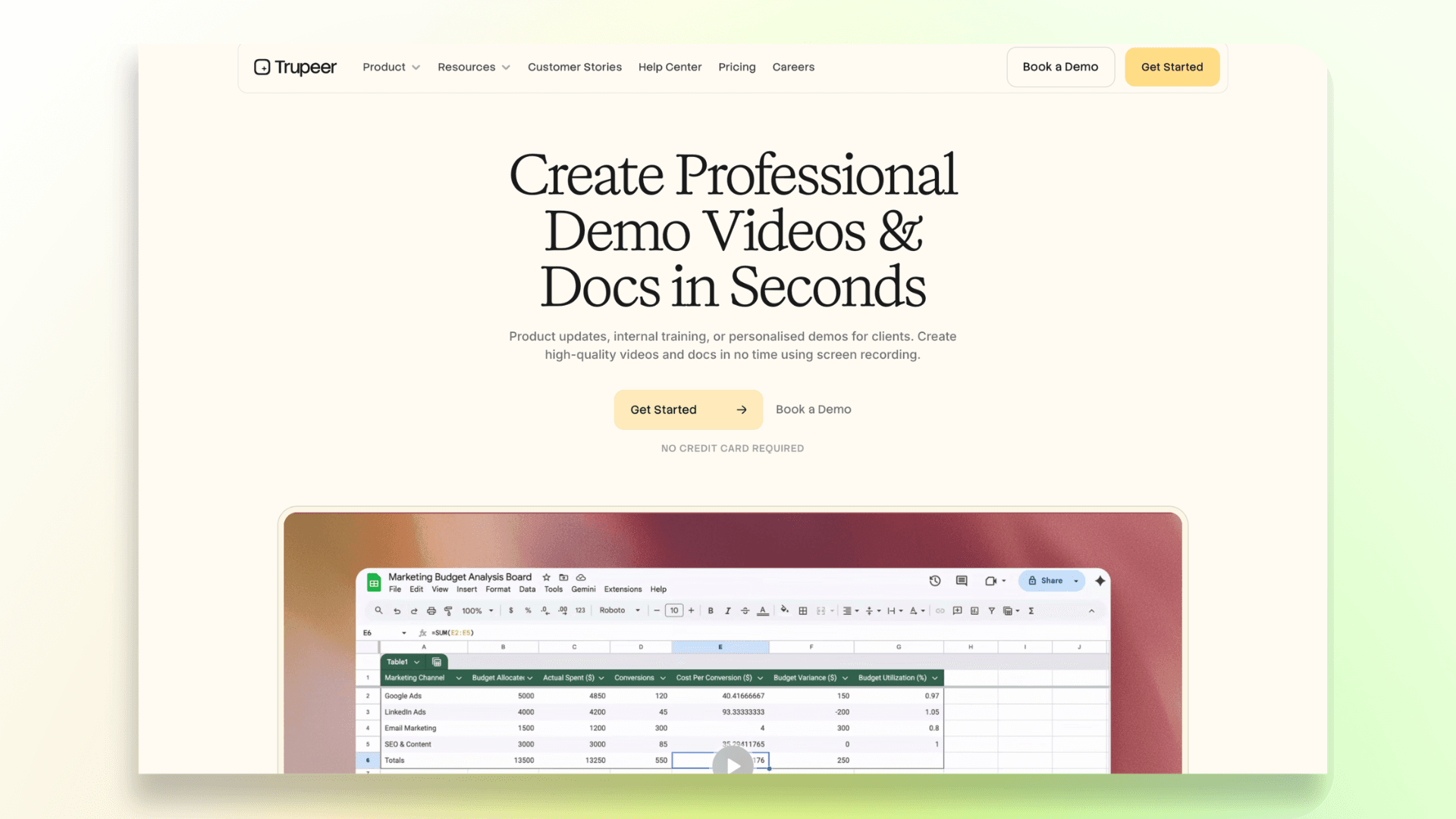
Trupeer is a good pick for teams that already record their own tutorials but don’t want to spend forever polishing them afterward.
The platform takes simple screen recordings and makes them feel far more refined with cleaner narration, captions, AI voices, and smoother editing.
Key Features of Trupeer:
- AI voice enhancement
- Natural AI voiceovers
- AI avatars
- Auto captions
- Cleaner transitions and editing
- Written documentation generation
It works especially well for product walkthroughs, onboarding tutorials, customer education videos, and internal training content.
One thing to note is that Trupeer works best when the original recording is already fairly decent. It can improve the presentation a lot, but it’s not really built for fully automated video creation from scratch.
5. Visla
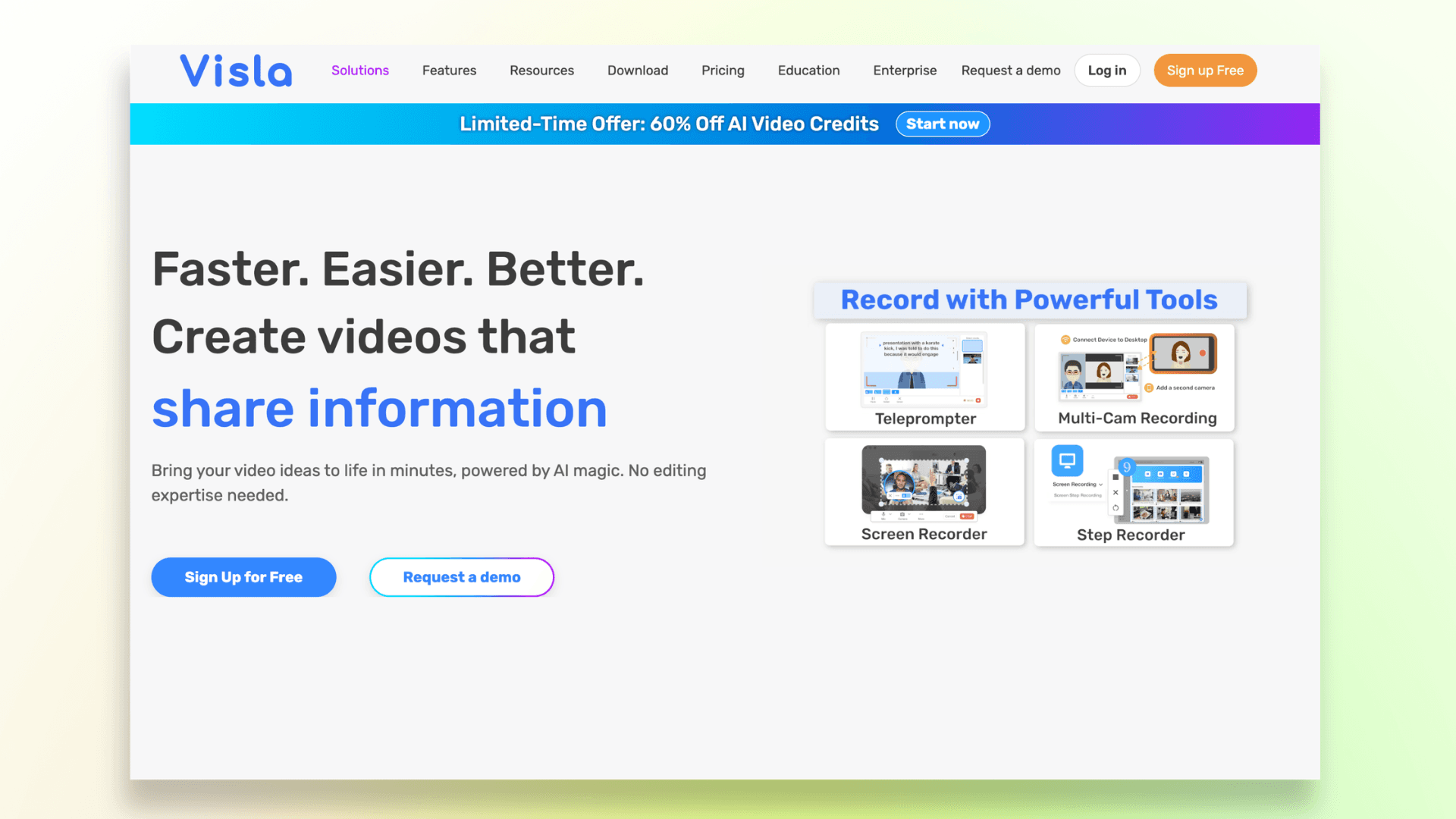
Visla is a good option if you want one platform that can handle recording, editing, and AI video creation together.
It also gives you tools for things like screen recording, AI voiceovers, team collaboration, and even turning text or documents into videos.
Some of its standout features include:
- AI video generation
- Screen and meeting recording
- AI voiceovers and avatar
- Text-to-video tools
- Collaborative editing
Visla works well for teams creating training content, internal updates, product explainers, or customer tutorials regularly.
The only catch is that the platform tries to do a lot at once.
So if you just need a simple tool for quick walkthrough videos, the interface can feel a bit busy in the beginning.
6. Tutorial.ai
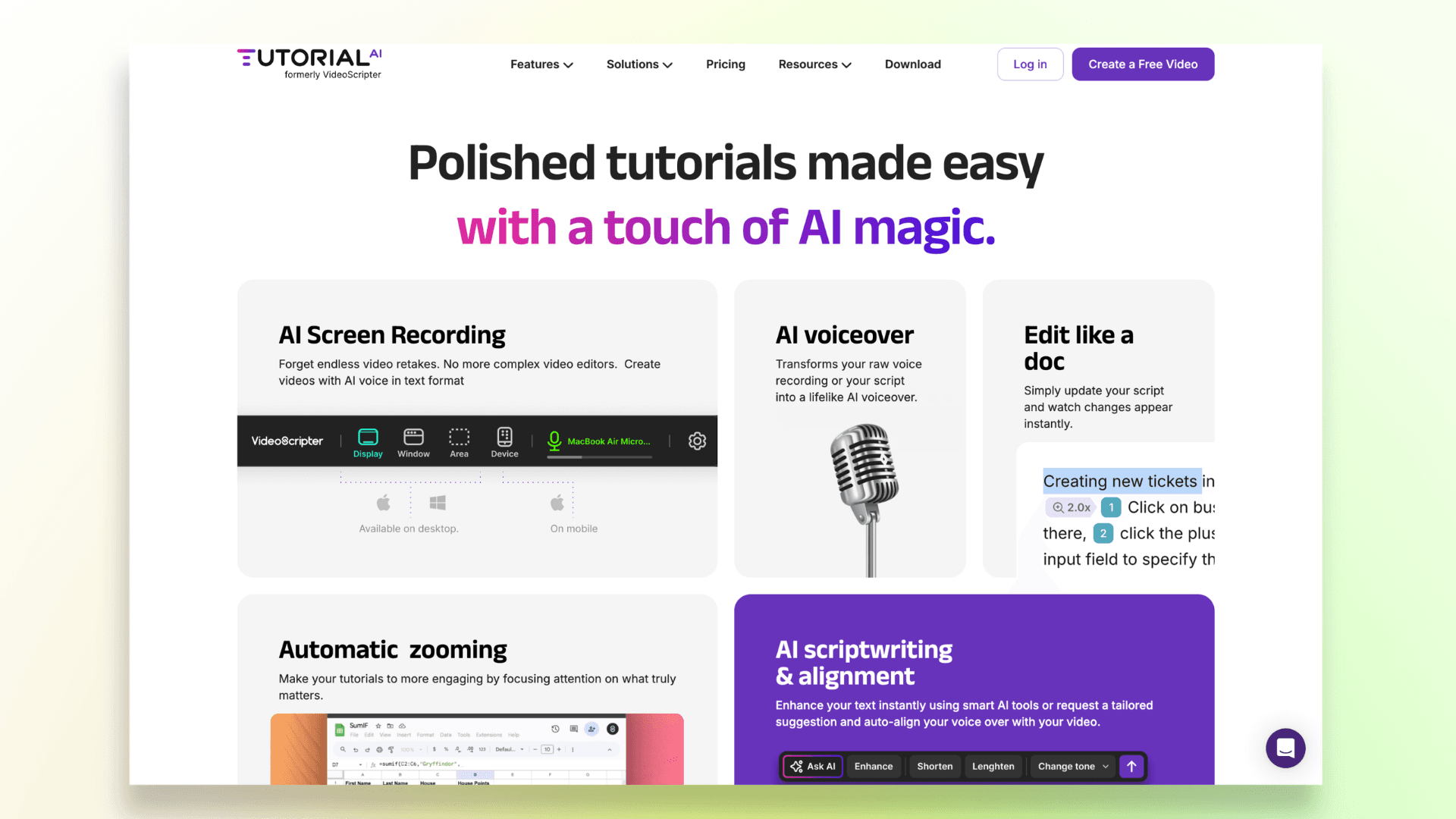
Tutorial.ai feels more built for power users who want extra control while creating tutorials.
Unlike most browser-based tools, this one runs as a desktop app on both Mac and Windows, which makes it appealing for teams that prefer working locally.
It comes with features like silent screen recording, like Videomule, AI voice generation, and automatic translation with synced timing, which is especially useful if you’re creating tutorials for a global audience.
Some standout features:
- Screen recording with AI-generated narration
- Auto translation and subtitle syncing
- Desktop support for Mac and Windows
- Timeline-based editing for more control
The tradeoff is that it has a bit more of a learning curve compared to simpler AI tutorial tools.
So if you just want fast, ready-to-publish walkthroughs, it may feel more technical than necessary.
7. WowTo
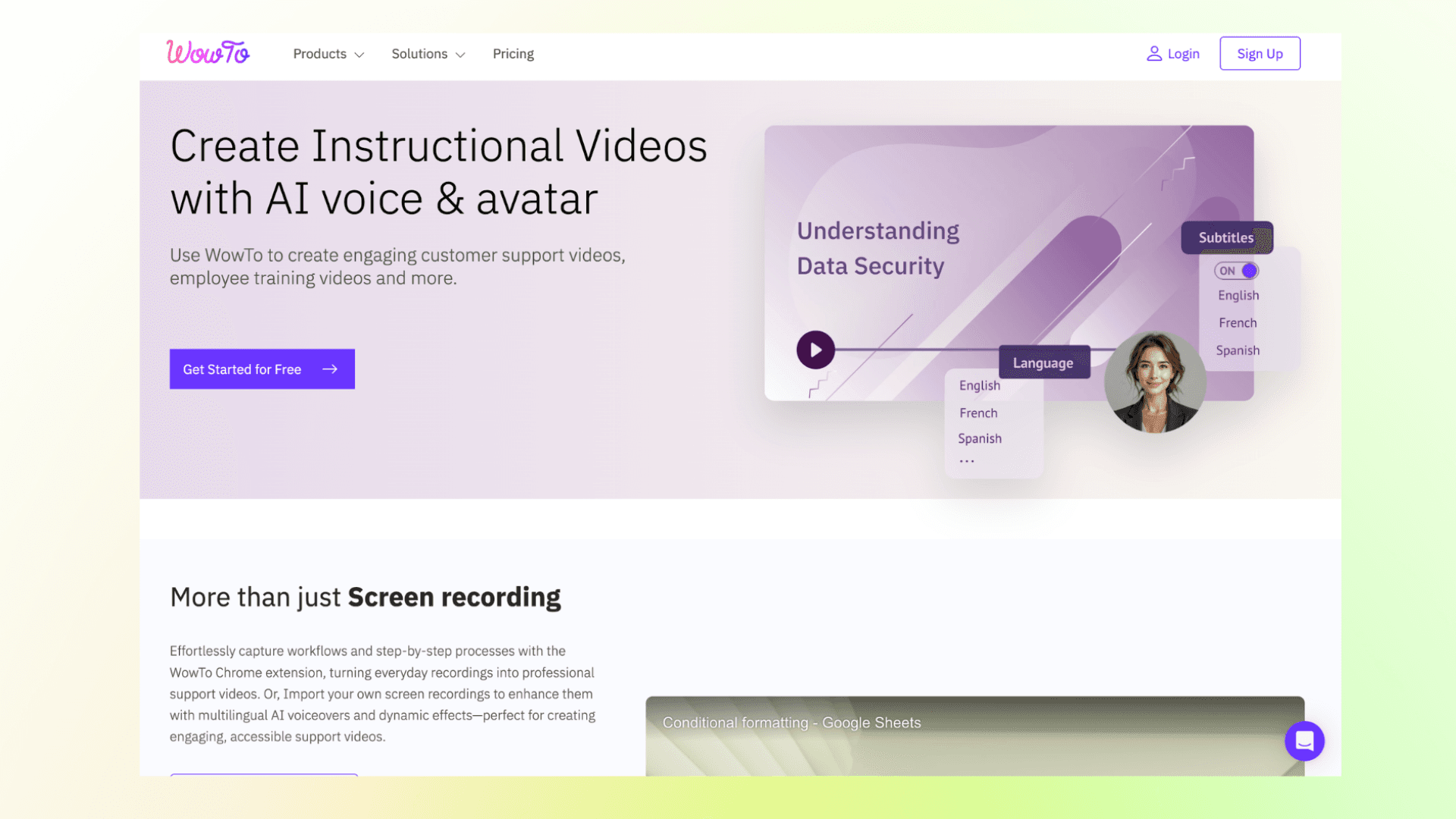
WowTo is more focused on helping companies build a full video help center rather than just creating standalone tutorials.
You can make support videos, organize them into a knowledge base, and even embed help widgets directly inside your product.
It also comes with a large library of AI voices, making it much easier to create narrated tutorials without having to record everything yourself.
Some useful features include:
- Video knowledge base creation
- In-app help widgets
- 300+ AI voices
- Multi-language support
- Integrations with support and documentation tools
WowTo works especially well for SaaS companies that want to scale customer support with video-first help content.
The platform is less focused on advanced editing or highly polished production.
So if you’re looking for cinematic-looking demos or heavy video customization, other tools may feel more flexible.
8. Synthesia
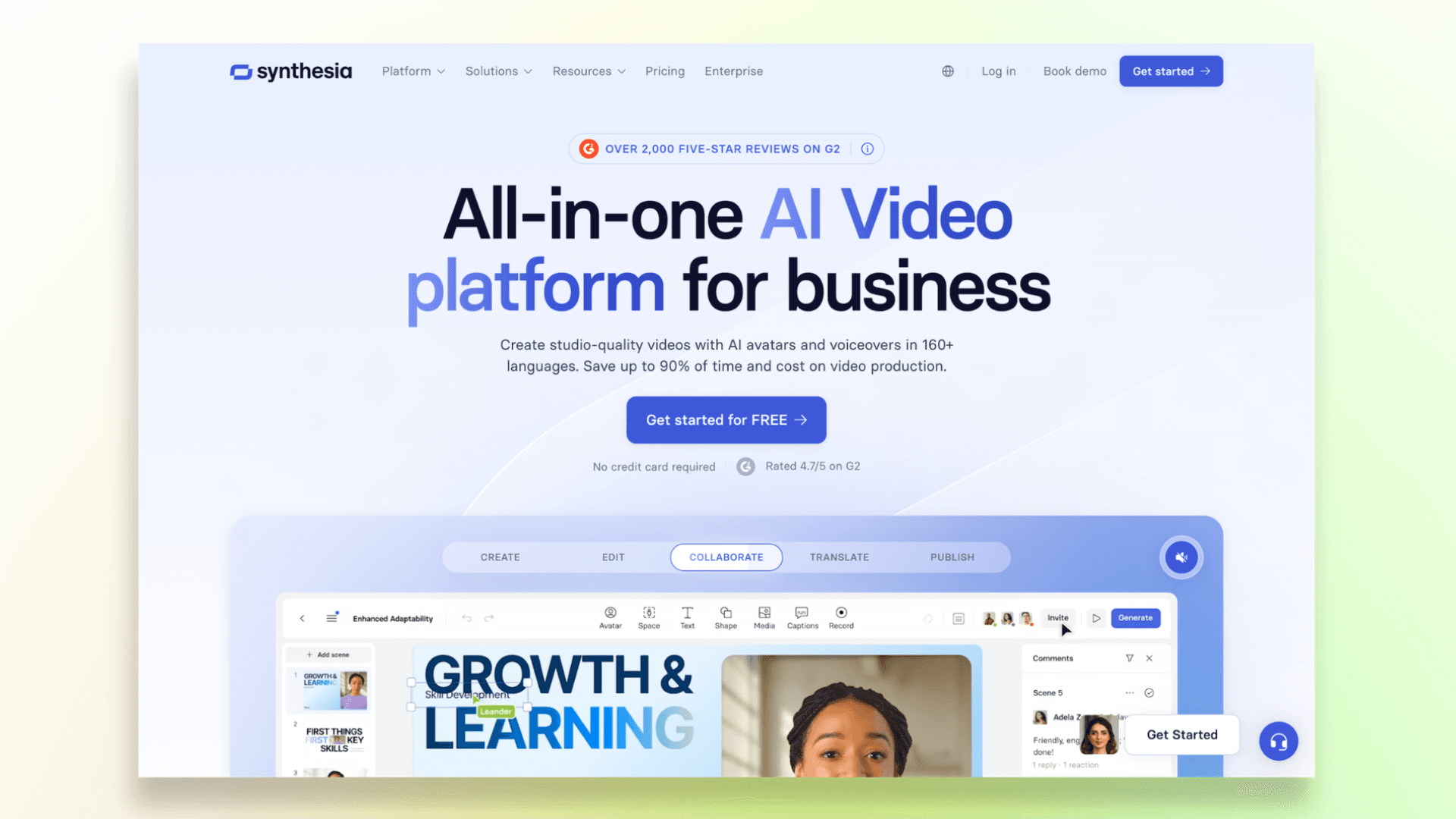
Synthesia is one of those tools that’s become really popular for AI training and onboarding videos, especially for businesses that don’t want to record people on camera every time they make a tutorial.
You basically type your script, pick an AI avatar, and the platform turns it into a finished video with voiceover, subtitles, and presentation-style visuals.
Some of the features people like most are:
- Realistic AI avatars
- AI voiceovers in different languages
- Easy video translation
- Screen recording support
- Team collaboration tools
Synthesia works especially well for onboarding videos, internal training, customer education, and multilingual content where speed matters more than heavy editing.
The only thing is that the videos can sometimes feel a little too polished or corporate-looking.
So if you want something more casual, personal, or creator-style, it may not feel as natural as recording a real person.
You can also explore some of the best SaaS product demo video software options for creating walkthroughs and demos.
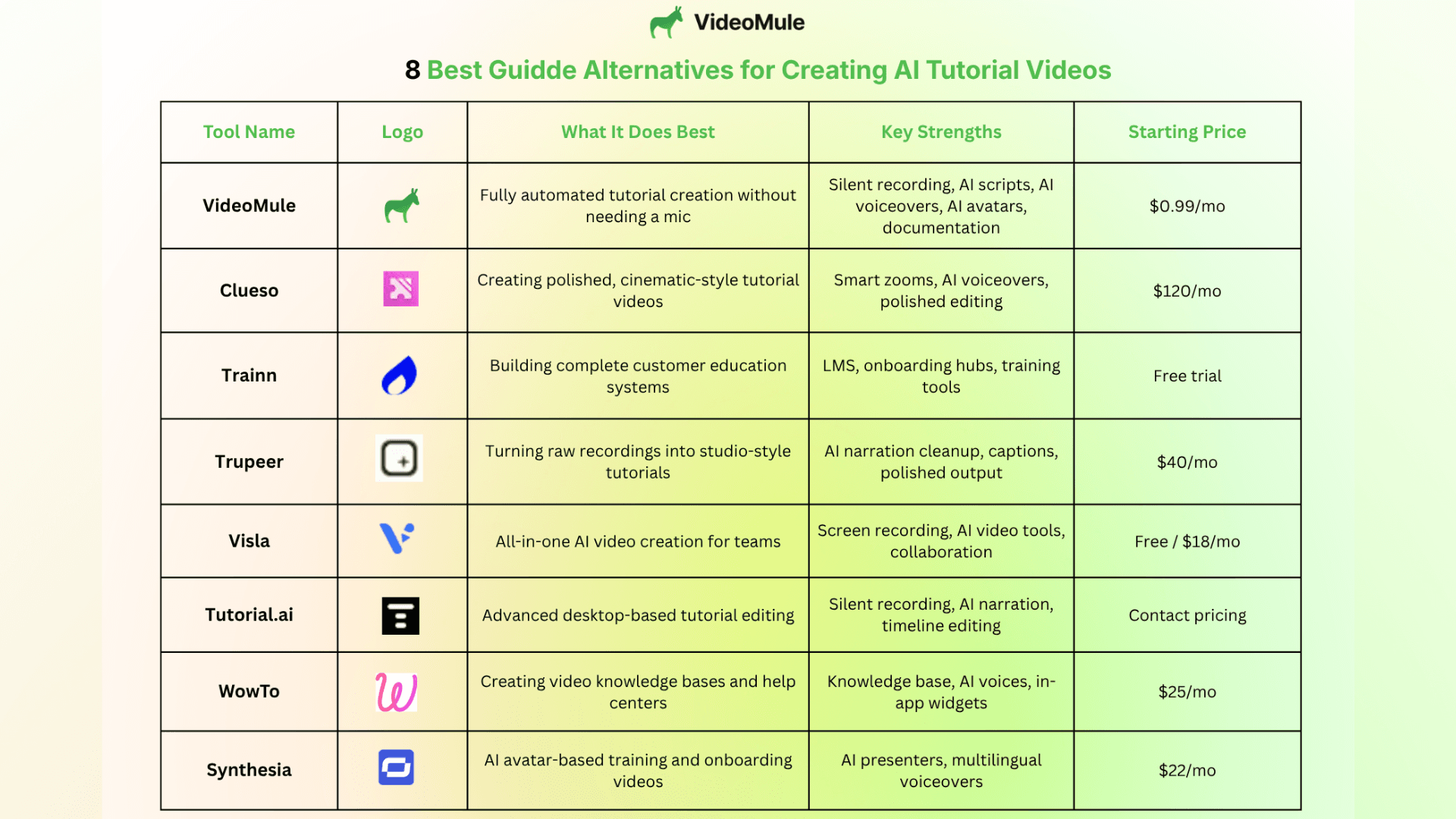
Quick Comparison — Which Tool Is Best for You?
Every tool on this list is built a little differently. Some focus on polished visuals, some are better for training systems, while others are designed for fast AI-generated tutorials.
To make things easier, here’s a quick comparison of which platform stands out for what:
Final Thoughts — Which Guidde Alternative Should You Choose?
Guidde is still a useful tool for quick walkthroughs, but a lot of newer platforms now go much further with AI automation.
Some are better for proper visuals, some focus on training systems, and others are built around AI avatars and presentations.
If you want the fastest and most hands-off workflow though, VideoMule feels like one of the strongest options right now.
It can turn simple screen recordings into full tutorials with AI voiceovers, avatars (including a digital twin of yourself), scripts, and documentation, without needing much manual editing or constant mic recordings.
For teams making tutorials regularly, that can save a huge amount of time.
FAQs About Guidde Alternatives
1. What are the best alternatives to Guidde?
If you’re looking for a more modern alternative to Guidde, VideoMule is one of the strongest options right now. It focuses heavily on AI automation, helping teams create tutorials faster with AI voiceovers, avatars, scripts, and documentation.
2. Can I create tutorial videos without recording my voice?
Yes. VideoMule lets you create tutorials without needing to record narration manually. The platform can generate AI voiceovers automatically from your screen recordings, making the whole process much faster.
3. Is there a better alternative to Guidde for AI automation?
For teams looking for a more hands-off workflow, VideoMule offers much deeper automation than traditional screen recording tools.
4. What is VideoMule used for?
VideoMule is used for creating AI-powered tutorials, onboarding videos, product walkthroughs, and help content. It’s especially useful for teams that want faster video creation without spending hours editing recordings.
5. Can AI tools create documentation from screen recordings?
Yes. VideoMule can automatically generate documentation and step-by-step guides directly from screen recordings, helping teams create both videos and written help content much more efficiently.
Keep reading
AI Tutorial Video Maker
Turn one screen recording into a step-by-step tutorial with an AI script and voiceover.