10 Best Chrome Screen Recorders for Tutorials & Demos
Find the best screen recorder Chrome extension. Compare 10 tools for tutorials and demos, including free and AI-powered options like Videomule.
Loom used to be the go-to tool for screen recording.
But once the free plan got limited, many people started looking for a better option.
And if you’re searching for the best screen recorder Chrome extension, chances are you’ve already faced issues like time limits, watermarks, or too much editing work.
You record a video and then spend more time fixing it than actually using it.
That’s where most tools fall short. At the same time, video has become essential.
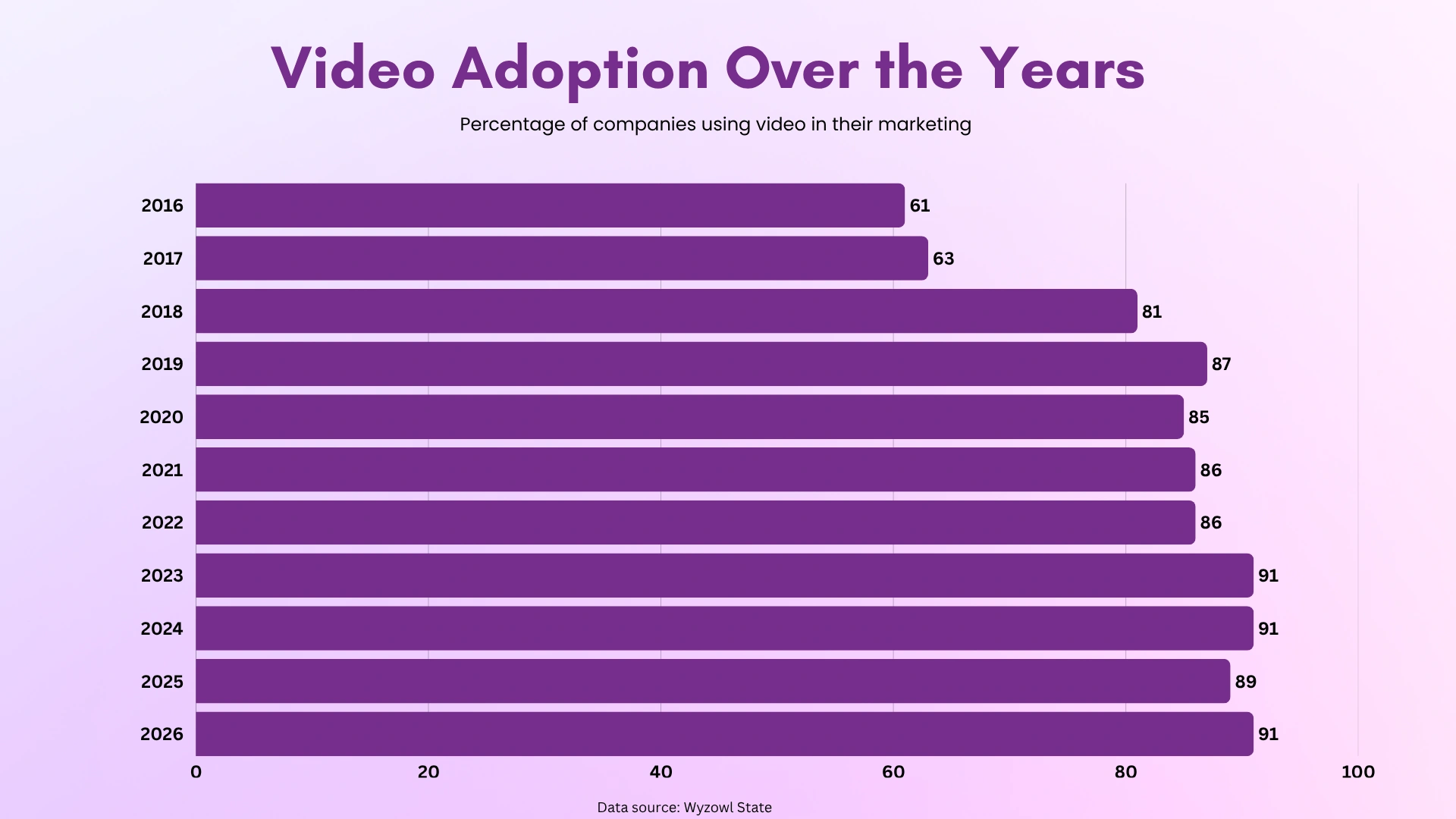
Today, 91% of businesses use video as a marketing tool for tutorials, demos, and training.
Whether you're looking for a simple screen recorder Chrome extension or a more advanced Chrome extension screen recording tool, the right choice depends on your goal.
Some tools are better as a Chrome extension for recording tutorials, while others work well as a Chrome extension for recording product demo videos for sales and marketing.
In this guide, you’ll find 10 screen recorder Chrome extensions, from simple tools for quick recordings to smarter, AI-powered tools that help you go from recording to a finished video.
Spending hours editing your recordings? Videomule turns them into narrated, captioned videos automatically.
Quick Comparison of Screen Recorder Chrome Extensions
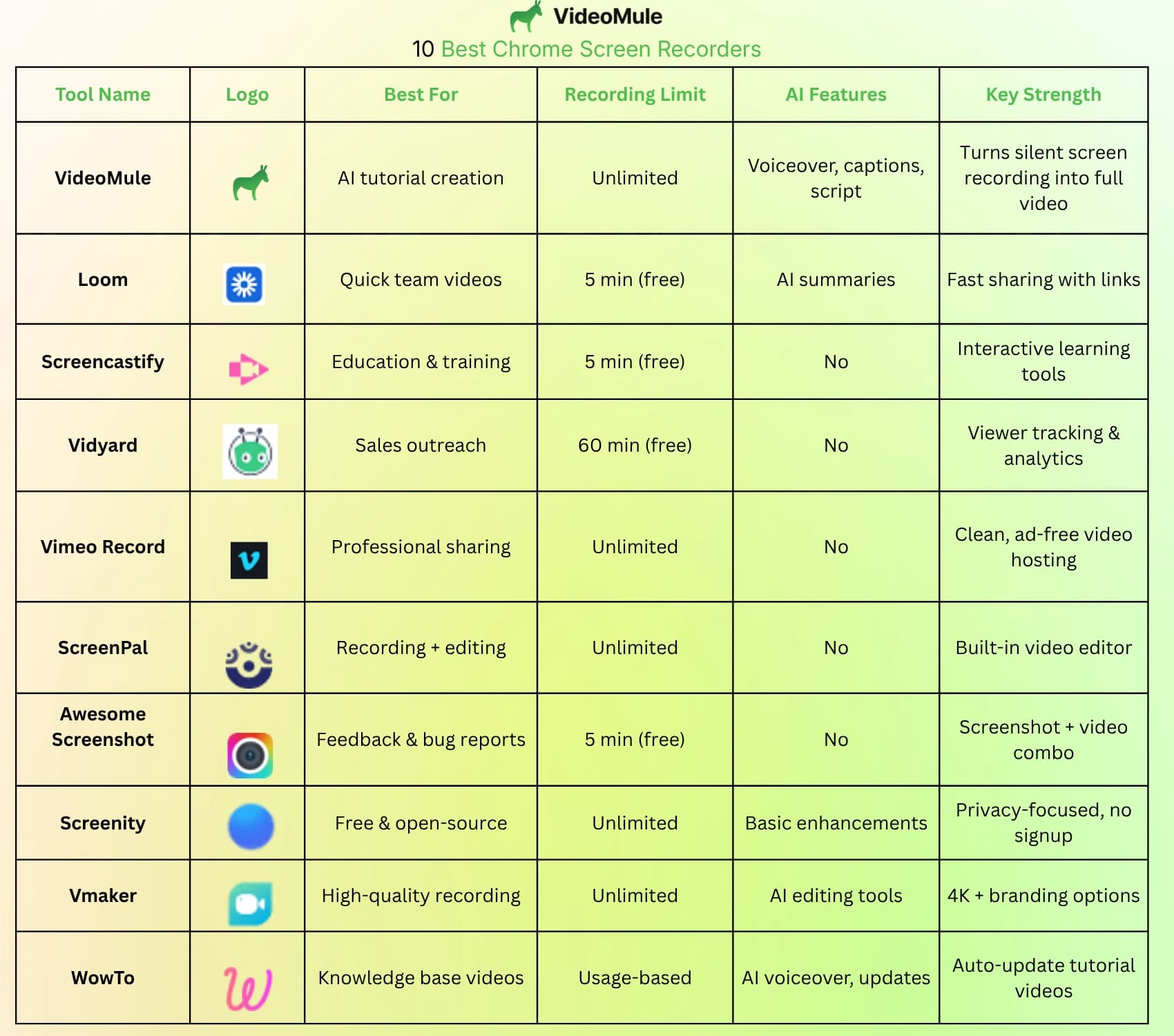
Before choosing a screen recorder Chrome extension, it helps to quickly compare the key features.
The table below gives you a clear side-by-side view so you can pick the right tool based on your needs.
If you’re creating onboarding or training content, you can also check how customer onboarding videos improve user experience and reduce support queries.
10 Best Chrome Extension Screen Recording Tools for Tutorials and Demos
1. Videomule
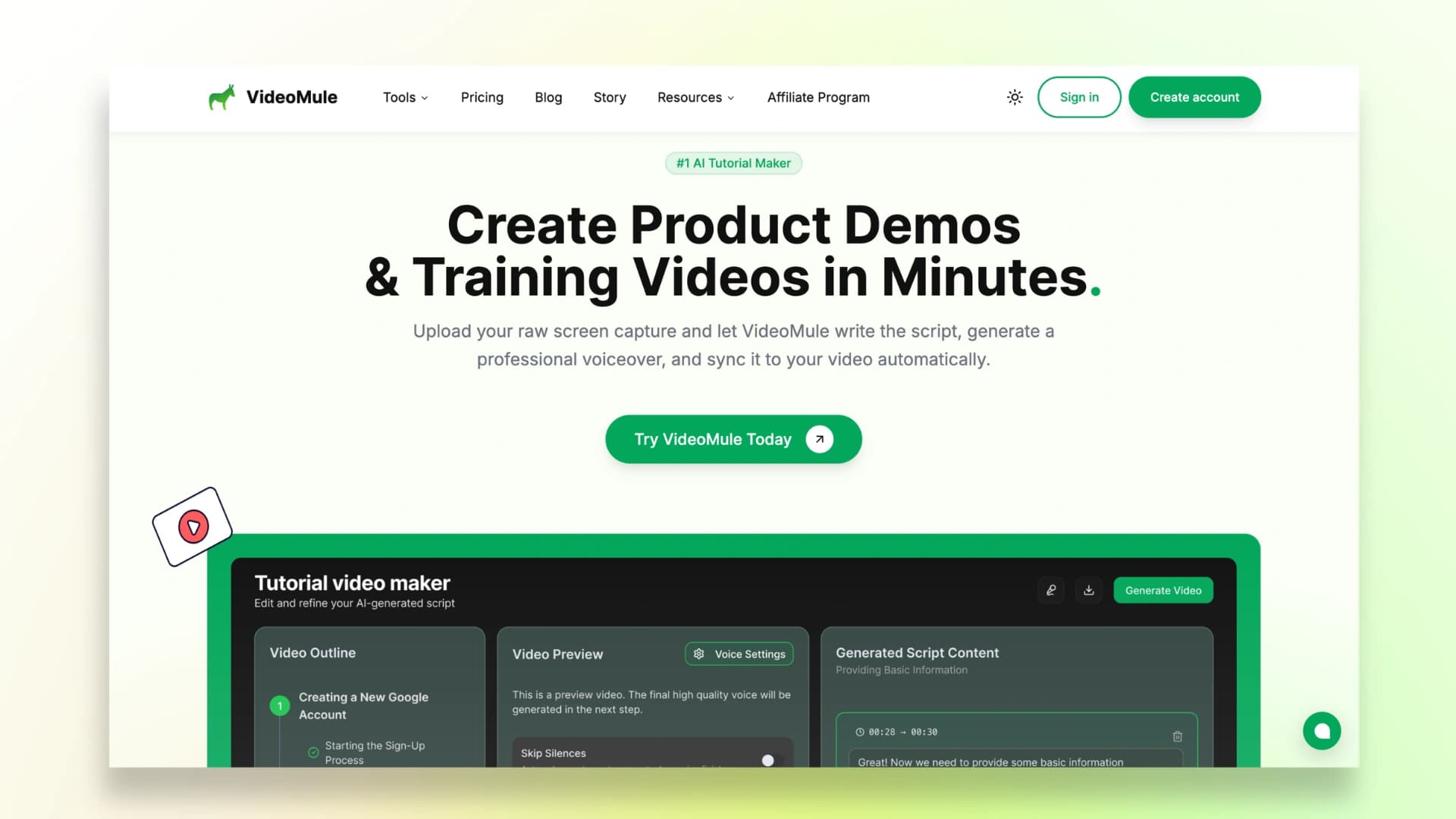
Videomule is not just a screen recorder Chrome extension. It’s an AI-powered tool designed to turn simple recordings into fully finished videos without the usual editing work.
Instead of going through the typical process of recording, scripting, adding voiceovers, and editing separately, Videomule combines them into a single automated workflow.
You can simply record your screen silently, and the tool analyzes your actions to generate a structured script, add a natural-sounding AI voiceover, and automatically sync captions.
It also removes the need for a microphone or camera, which is ideal if you’re creating content in a noisy environment or prefer faceless videos. Plus, since it works directly in the browser, there’s no setup or installation required.
Some of its most useful capabilities include:
- AI-generated scripts based on your screen actions
- Automatic voiceover with 100+ voices and voice cloning options
- Multi-language support for creating global content
- 4K video export for professional-quality output
- Editing through text (you edit the script, and the video updates automatically)
Best For: Tutorials, SaaS demos, training videos
If you want to go deeper, you can also learn how to make a tutorial video step by step and create better structured content using Videomule.
2. Loom
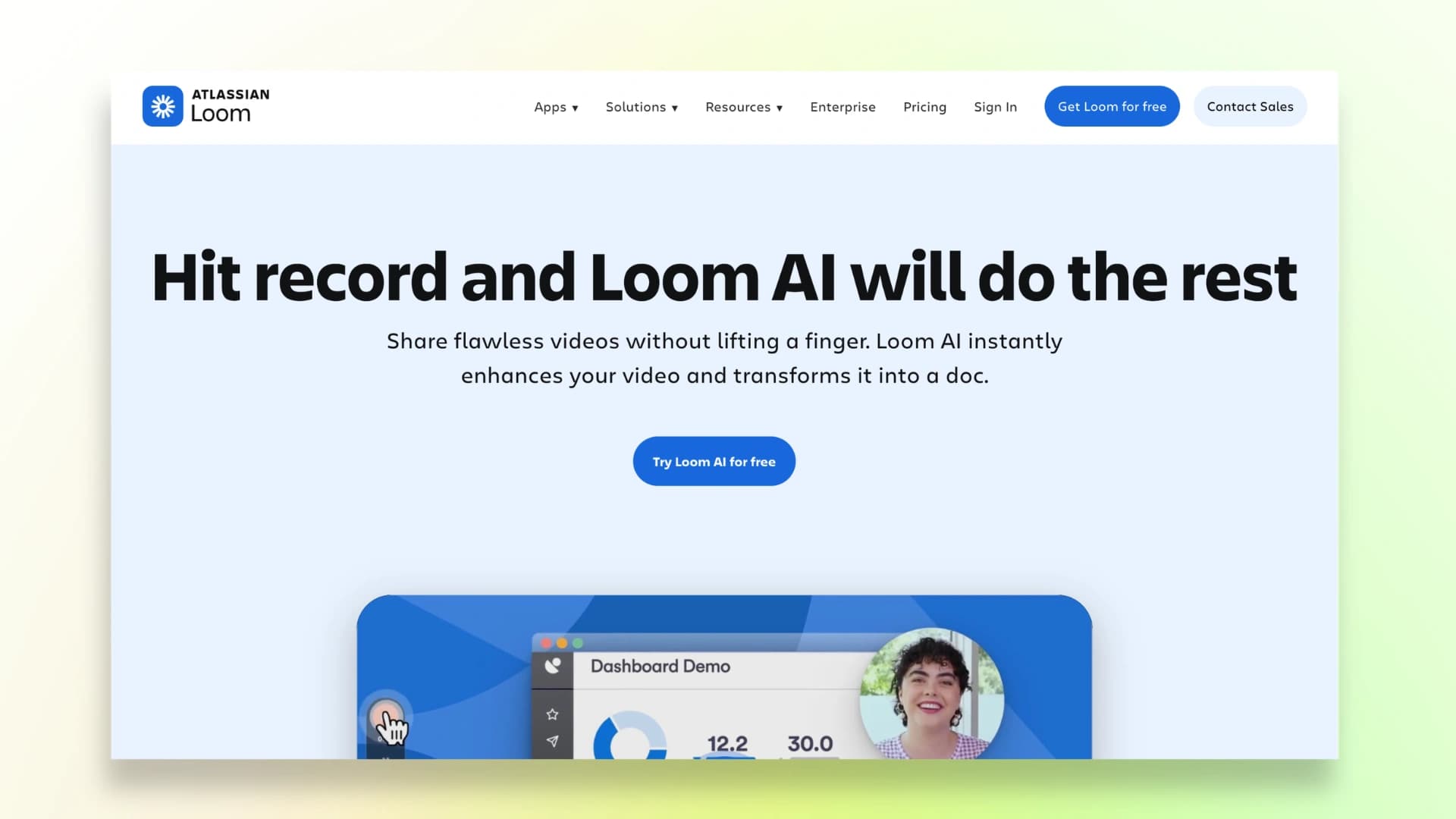
Loom is one of the most popular tools for quick screen recording and instant sharing. It allows you to record your screen, camera, or both, and generate a shareable link immediately.
It also includes AI-powered features like automatic summaries, transcripts, and video insights, making it ideal for team communication and async collaboration.
However, the biggest drawback is the free plan limitation, which restricts recording time and storage, making it less suitable for long tutorials.
Key Features:
- Instant shareable video links
- AI summaries and transcripts
- Viewer insights and engagement tracking
Best For: Team communication, quick demos
Limitation: 5-minute limit on free plan
3. Screencastify
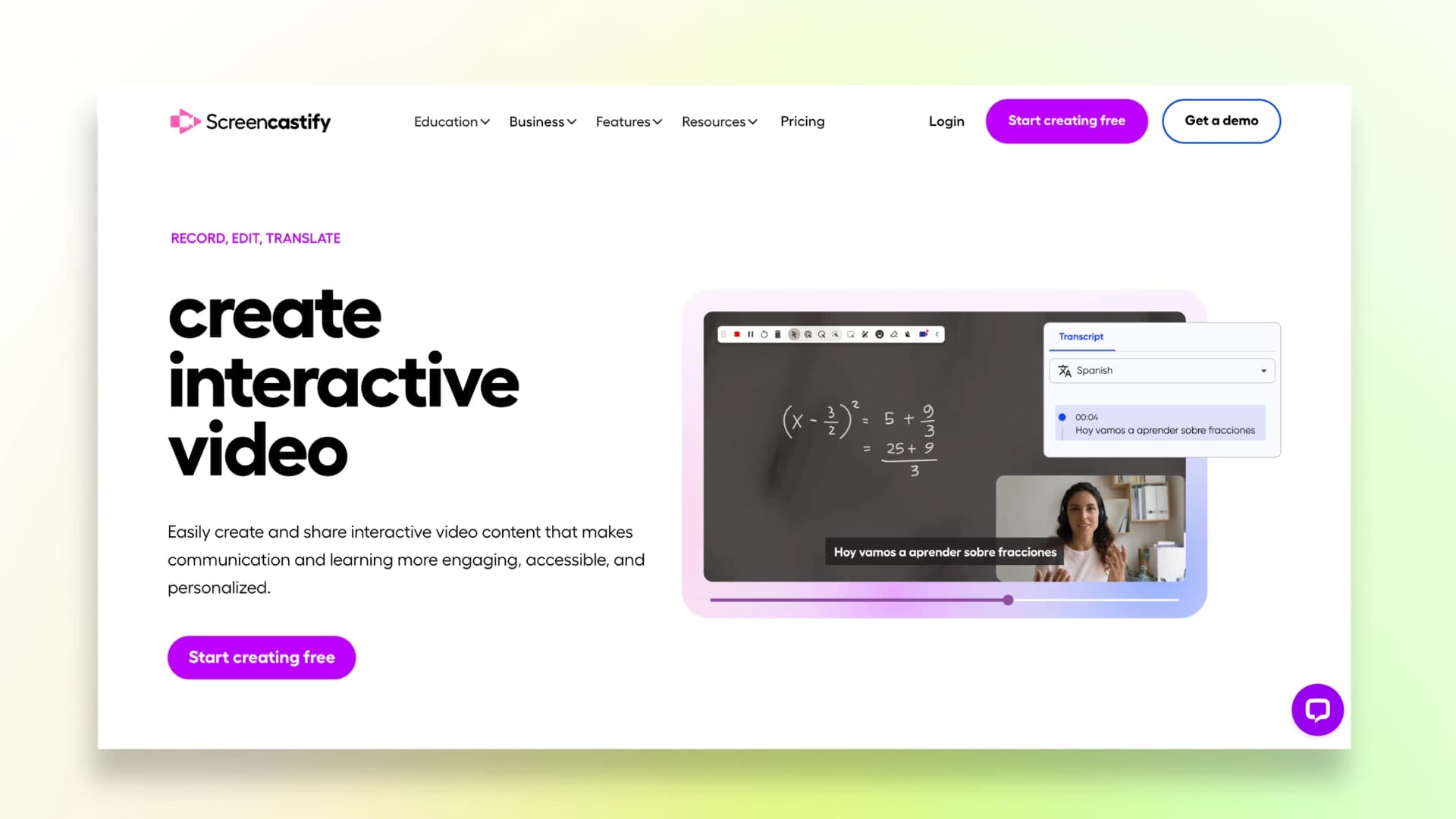
Screencastify is widely used in the education space, especially by teachers and trainers creating learning content. It works entirely within Chrome, making it simple and beginner-friendly.
One of its standout features is the ability to add interactive questions inside videos, which helps improve engagement and retention for learners.
However, it’s more browser-focused, so it may struggle when recording external apps or complex workflows.
Key Features:
- Interactive questions inside videos
- Easy Chrome-based recording
- Simple editing tools
Best For: Educational content, tutorials
Limitation: Limited flexibility outside browser
4. Vidyard
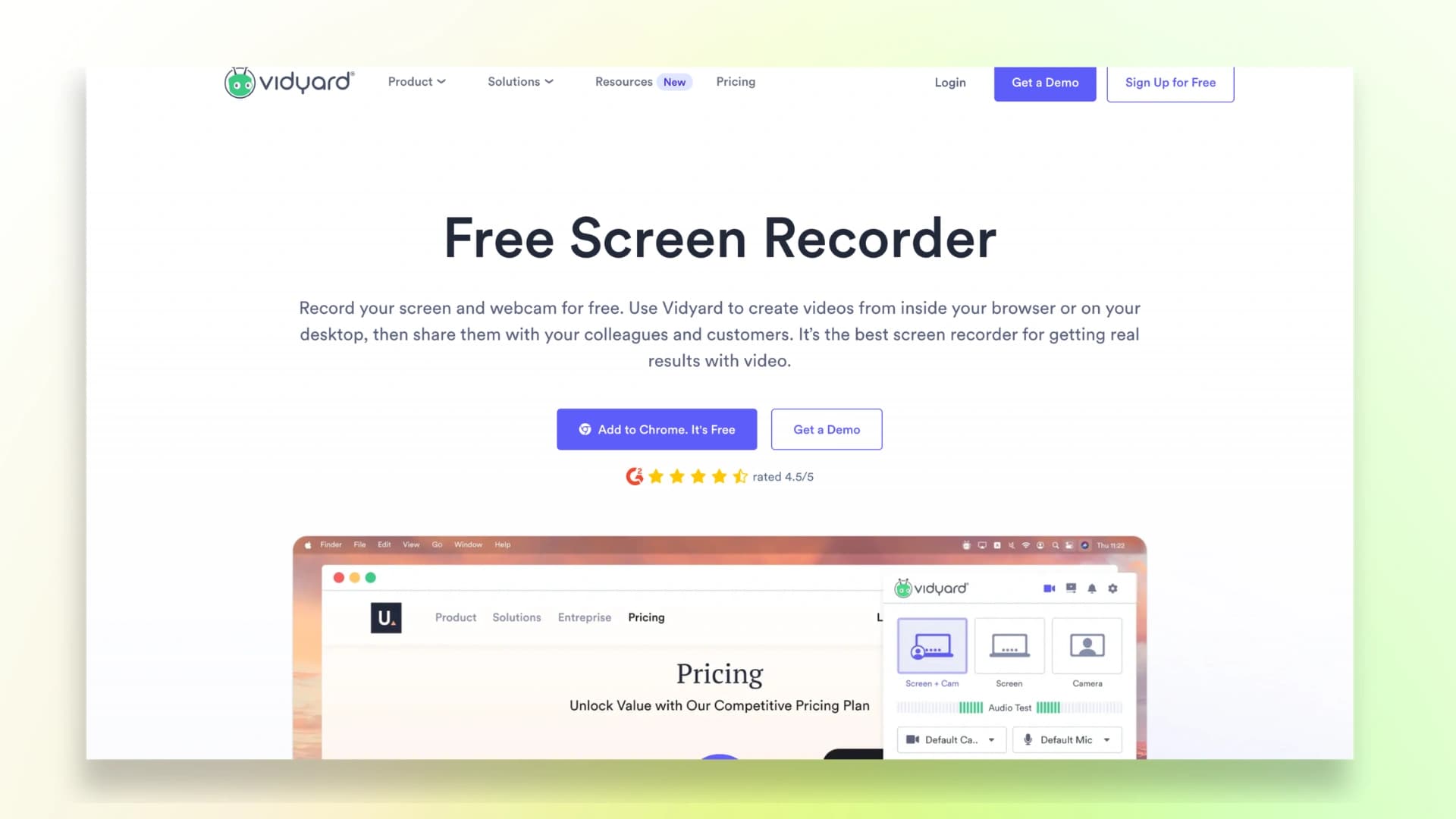
Vidyard is designed specifically for sales and marketing teams. Unlike regular screen recorders, it focuses heavily on analytics and viewer tracking.
You can see who watched your video, how long they stayed, and where they dropped off. This makes it extremely useful for follow-ups and improving conversion rates in sales funnels.
Key Features:
- Viewer tracking and analytics
- Personalized video messaging
- CRM integrations
Best For: Sales outreach, product demos
Limitation: Limited free plan
If your goal is to create sales videos, understanding how to make a product demo video can help you convert more viewers into customers.
5. Vimeo Record
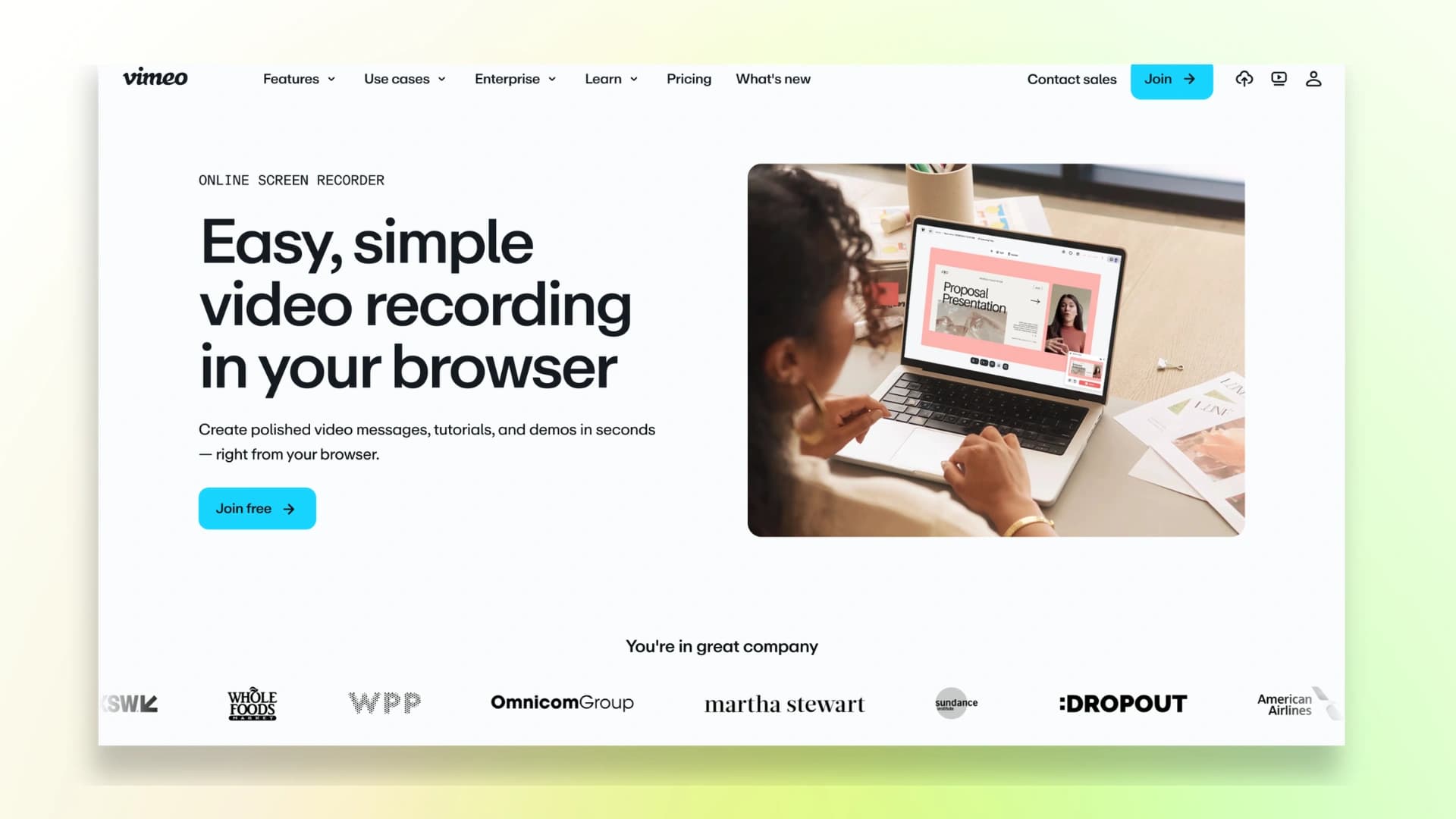
Vimeo Record focuses on creating clean, professional-looking videos with minimal effort. It includes a built-in teleprompter, allowing you to read scripts while recording without losing flow.
It’s great for structured presentations, training content, and polished demos. However, compared to lightweight tools, it can feel heavier and slower for quick recordings.
Key Features:
- Built-in teleprompter
- High-quality video output
- Seamless Vimeo integration
Best For: Professional presentations
Limitation: Not ideal for quick recordings
6. ScreenPal
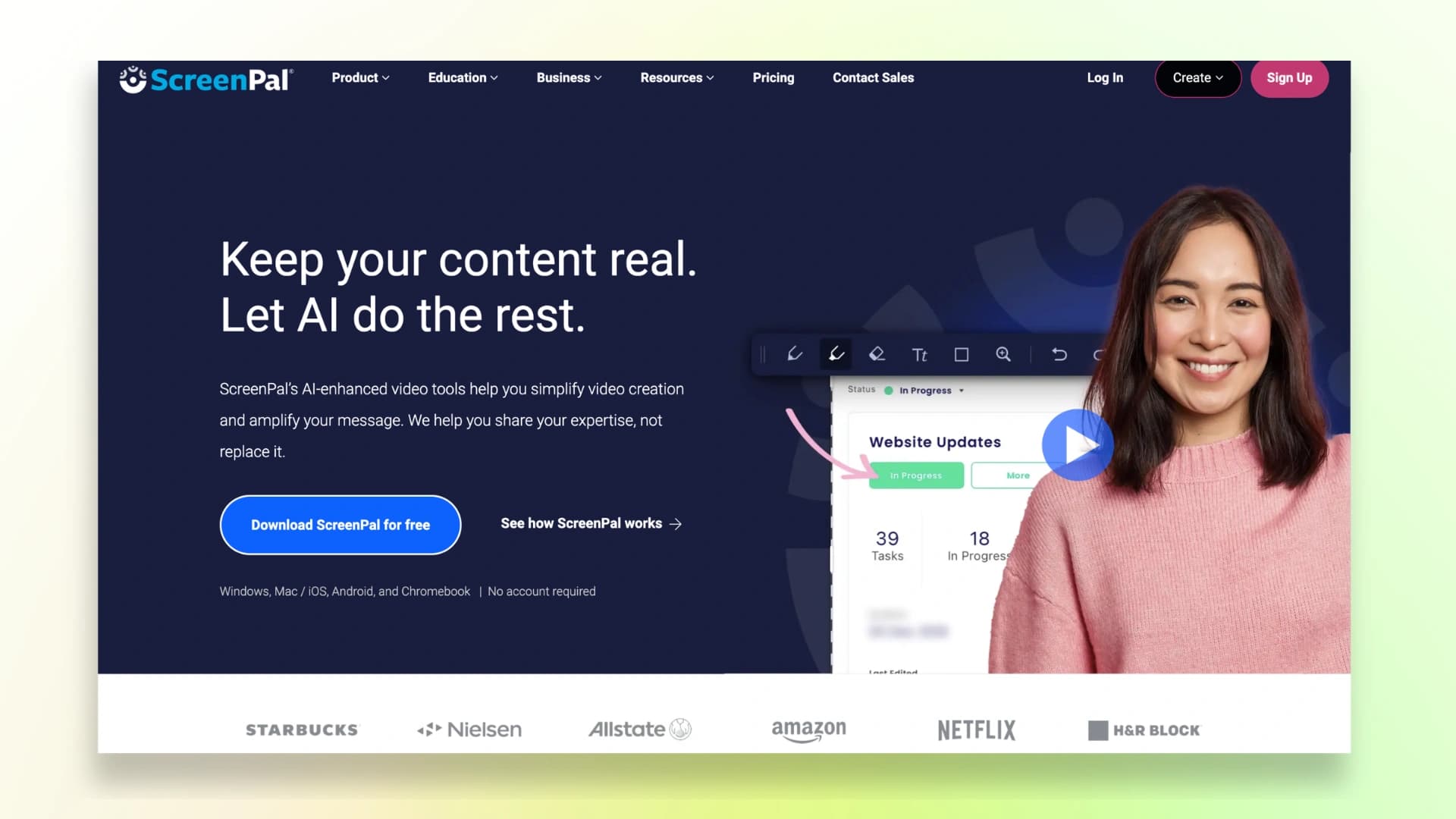
ScreenPal combines screen recording with built-in video editing, making it a more complete solution compared to basic tools.
You can trim clips, add effects, blur sensitive information, and enhance your videos—all without switching software. It’s a good option if you want control over editing without using complex tools like Premiere Pro.
Key Features:
- Built-in video editor
- Blur, effects, and enhancements
- Affordable pricing
Best For: Users who want editing + recording
Limitation: Outdated UI
7. Awesome Screenshot
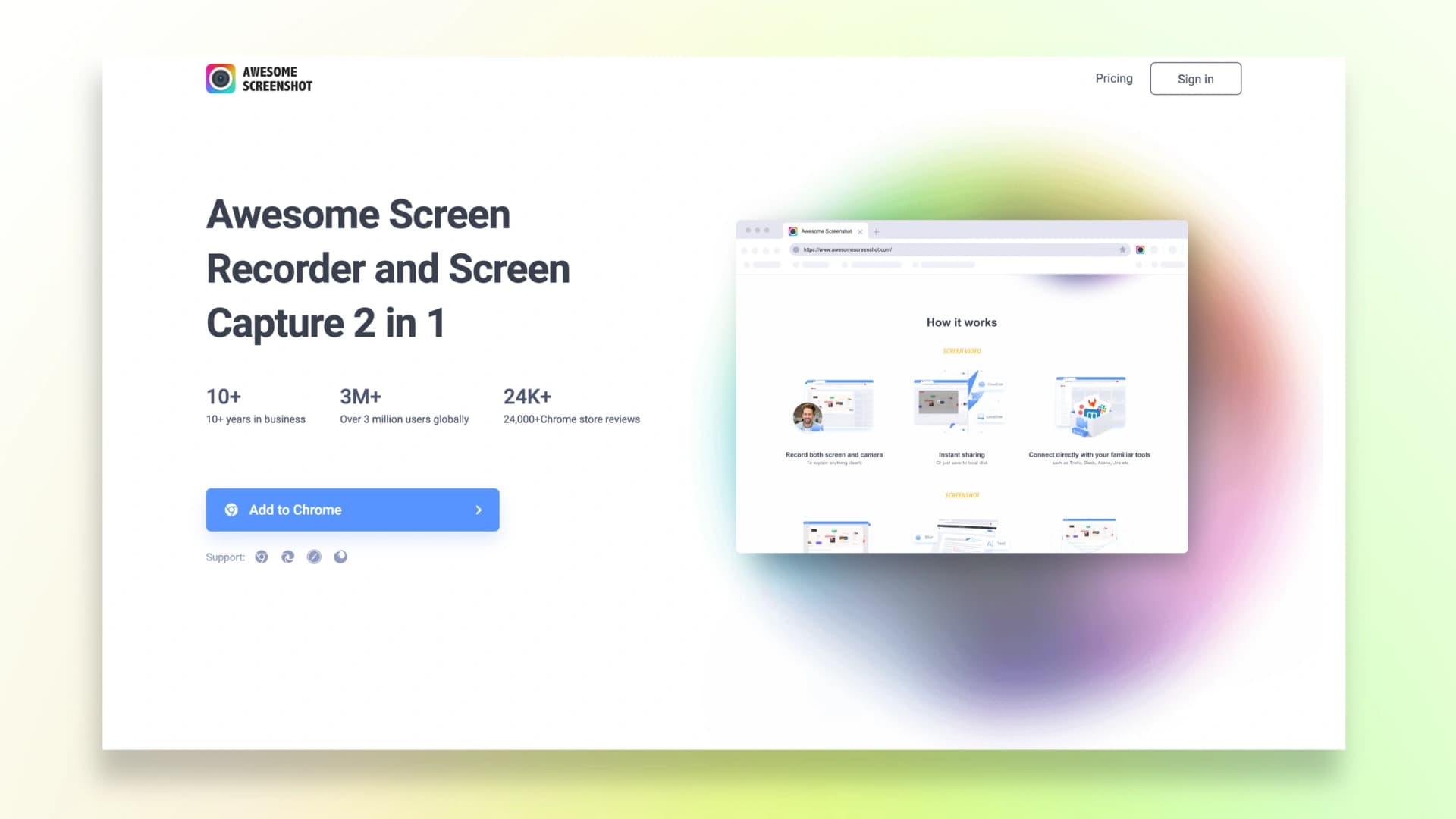
Awesome Screenshot is a dual-purpose tool that combines screenshot capture and screen recording. It’s especially useful for quick tasks like bug reporting, feedback sharing, or simple walkthroughs.
It includes real-time annotation and blur tools, which help you hide sensitive information while recording. However, its video capabilities are more basic compared to dedicated tools.
Key Features:
- Screenshot + recording in one tool
- Annotation and blur features
- Lightweight and easy to use
Best For: Quick recordings, feedback videos
Limitation: Limited advanced video features
8. Screenity
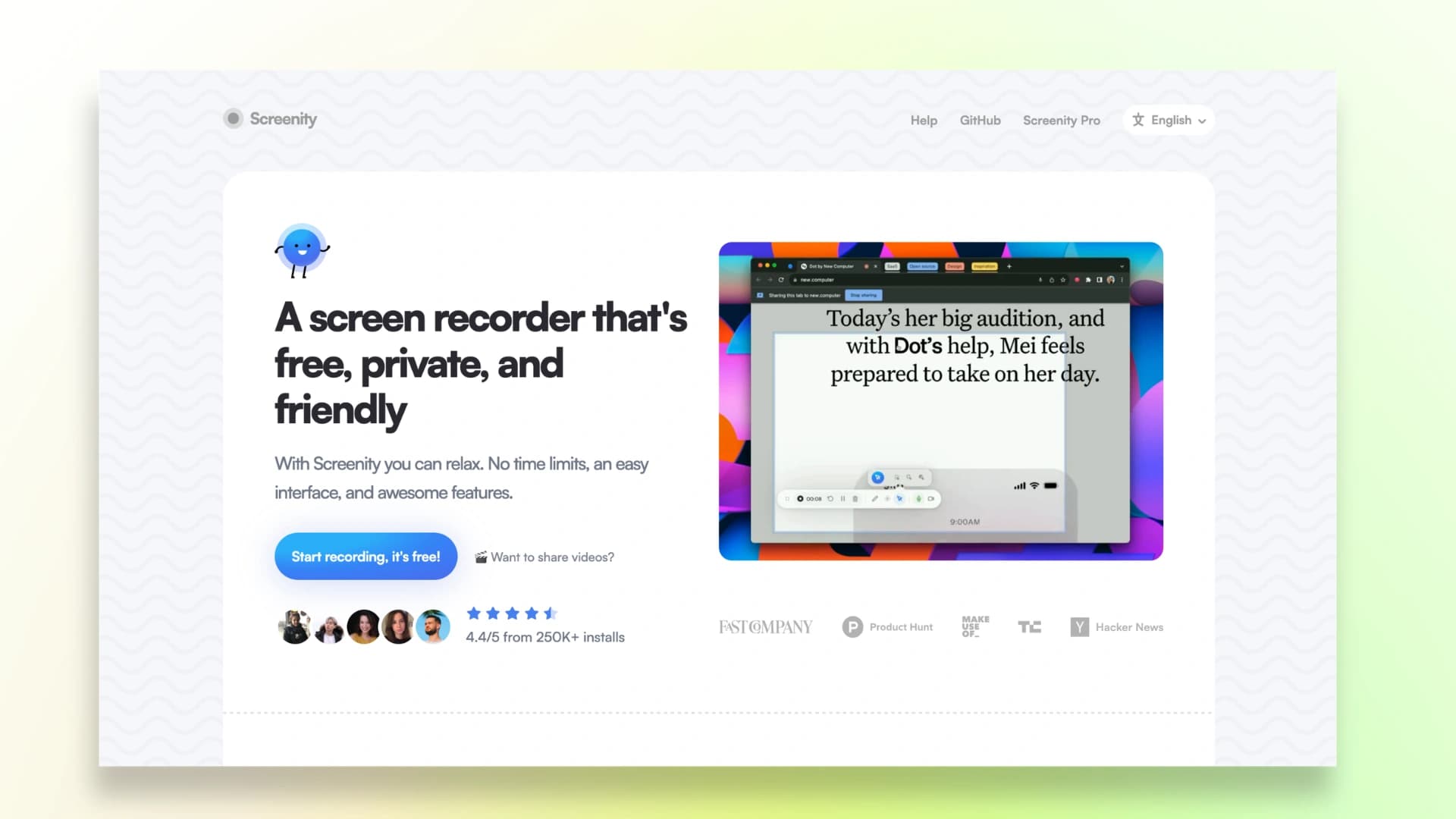
Screenity is a free and open-source Chrome extension with no time limits and no watermarks, making it one of the best free options available.
It processes recordings locally on your device, ensuring privacy and control over your data. However, it doesn’t offer built-in hosting, so you’ll need to upload videos manually to share them.
Key Features:
- 100% free, no watermark
- Open-source and privacy-focused
- Local processing
Best For: Free users, privacy-focused creators
Limitation: No hosting or sharing system
If you’re choosing tools specifically for SaaS, you can explore the best SaaS product demo video software to find tools built for conversions.
9. Vmaker
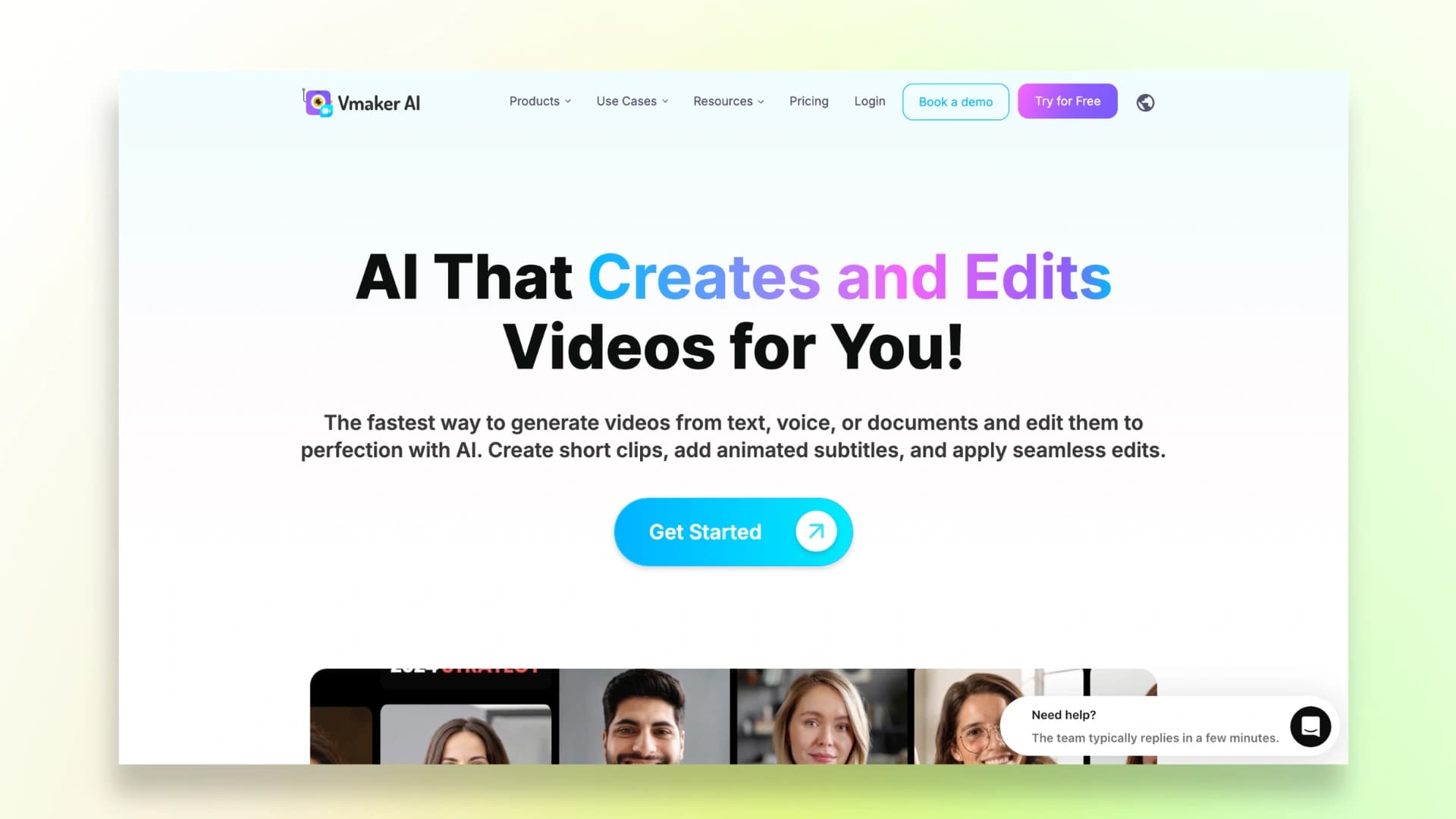
Vmaker focuses on high-quality recordings and branding. It supports 4K video recording and allows you to customize videos with logos, colors, and brand elements.
This makes it a strong choice for professionals and businesses that want visually polished content. Some advanced features, however, are only available in paid plans.
Key Features:
- 4K recording support
- Branding (logo, colors, themes)
- Cloud storage and sharing
Best For: Branding, high-quality videos
Limitation: Premium features locked
10. WowTo
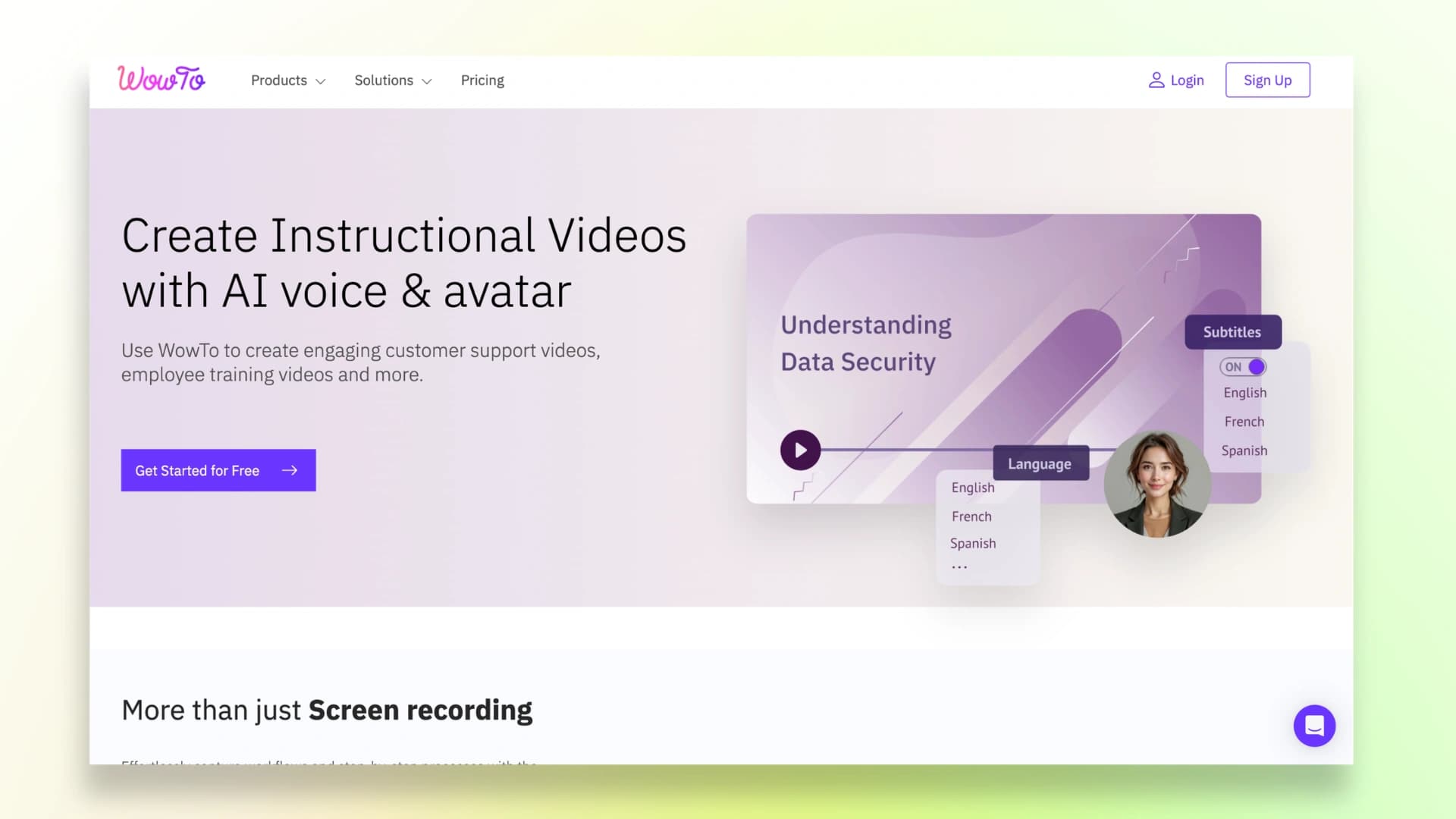
WowTo is designed for creating training videos and help center content at scale. Its biggest advantage is AI-based video updating—when your content changes, the tool updates the video automatically.
This is extremely useful for SaaS companies and support teams that frequently update tutorials and documentation.
Key Features:
- AI auto-update for videos
- Help center integration
- Scalable training content creation
Best For: Teams, SaaS documentation
Limitation: Overkill for simple use
Which Tool Should You Choose?
The right screen recorder Chrome extension depends on what you need.
If you want a free tool with no limits, you can go with Screenity or Vmaker. They are simple and useful for basic recording.
If you are in sales or outreach, Vidyard can help you track who watched your videos and improve follow-ups.
But if your goal is to create clean, professional tutorials without spending hours editing, Videomule is the better choice. It saves time by turning your recording into a complete video with voiceover and captions.
Record it, and Videomule finishes it.
FAQs on Best Chrome Screen Recorders for Tutorials & Demos
1. What is the best screen recorder extension for Chrome?
It depends on your need. For quick recording, tools like Loom are simple. For complete tutorial videos without editing, Videomule is a better option.
2. Can I record without a microphone?
Yes. Most tools let you record silently. Videomule can also add voiceover later using AI.
3. What is the best Loom alternative in 2025?
Screenity and Vmaker are good free options. Videomule is better if you want a finished video with voiceover and captions.
4. How long should tutorial videos be?
Keep them short and clear. Around 2 to 6 minutes works best. Longer videos should stay under 10 minutes.
5. What is the best recorder for product demos?
Vidyard works well for sales demos. Videomule is better if you want a clean, ready-to-share demo without editing.
Keep reading
AI Screen Recorder
Record your screen in the browser and get the script, voiceover and captions back automatically.