Synthesia vs VideoMule: Best SaaS Demo Tool 2026
Compare Synthesia vs VideoMule to find the best AI video tool for SaaS demos. Explore features, pricing, workflows, and choose the right fit for your team.
Creating a product demo shouldn't take hours. But for most SaaS teams, it still does.
You record your screen, write a script, record the voiceover, edit the video, add captions, fix mistakes, and then export the final version. Even a simple two-minute demo can turn into a long editing session.
That's why AI video tools have become so popular. They automate much of the work and help teams create professional videos much faster.
Two popular options are Synthesia and VideoMule. While both use AI to simplify video creation, they're built for different purposes.
Synthesia is avatar-first: the whole video is built around an AI presenter delivering your script. It's a great choice for business presentations, training videos, and multilingual content.
VideoMule, on the other hand, starts with your screen recording. It turns your product walkthrough into a polished demo with AI-generated scripts, voiceovers, captions, and editing without needing you to record your own narration. It now supports AI avatars too — including custom photo avatars and digital twins of yourself — but they present the intro, outro, and transitions around your recording rather than replacing it.
So which one is the better choice?
If you need polished, avatar-led business videos with no screen recording involved, Synthesia is the stronger option.
If you want to create SaaS demos, tutorials, onboarding videos, or product walkthroughs from real screen recordings — with or without an avatar presenter framing them — VideoMule offers a more natural workflow.
Let's compare them feature by feature.
Quick Verdict: Synthesia or VideoMule?
If you're short on time, here's the fast answer before the detailed breakdown:
| Use Case | Better Choice | Why |
|---|---|---|
| SaaS product demo from screen recording | VideoMule | Product UI stays central |
| Full-screen avatar video (no screen recording) | Synthesia | Avatar-first studio with the widest avatar variety |
| Product demo with an avatar presenter | VideoMule | Photo avatars or a digital twin of you deliver the intro, outro, and transitions |
| Internal training video | Synthesia | Strong for presenter-led training |
| Feature walkthrough | VideoMule | Better for step-by-step screen workflows |
| Sales enablement video | Depends | Synthesia for polished presenter video, VideoMule for product-led demo |
| Customer onboarding video | VideoMule | Easier to show actual workflows |
| Multilingual avatar-presenter video | Synthesia | Strong translation/localization focus for avatar videos |
| Multilingual product demo | VideoMule | Re-renders the full demo per language in 70+ languages |
| Beginner product demo creation | VideoMule | Simpler recording-to-video path |
| Unlimited video exports | VideoMule | Free unlimited local renders on paid plans |
What Is Synthesia?
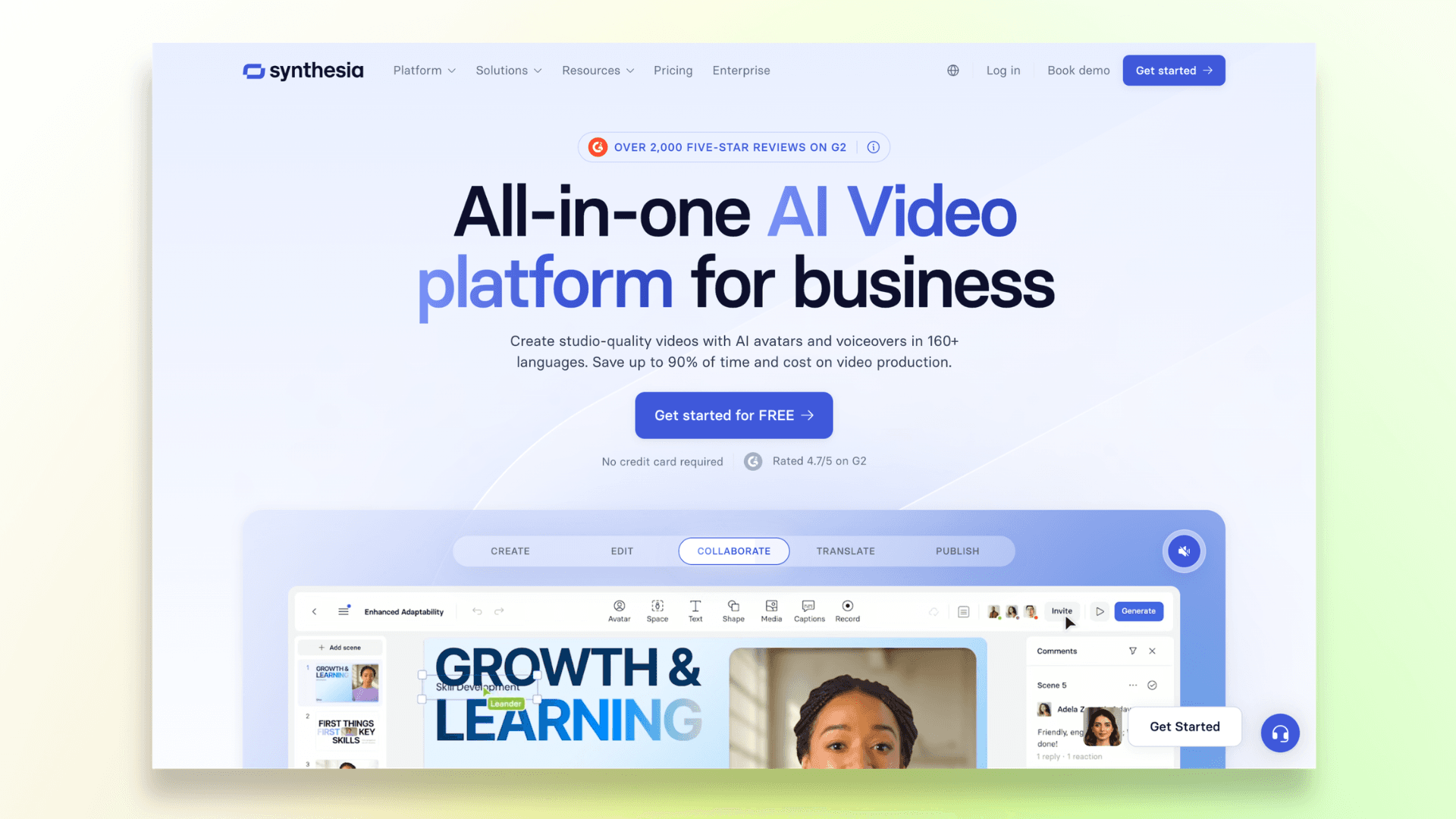
Synthesia is an AI video platform built for business use. Its core pitch is simple: create professional videos without a mic, a camera, actors, or a studio. Feed it a script, and it generates a video with an AI presenter delivering it.
Synthesia is best known for AI avatars, AI voiceovers, business video templates, training content, localization, and enterprise use cases.
It also has a product demo video maker page, where it positions itself around turning product features into polished, presenter-led videos, including the ability to turn PowerPoint slides or PDFs into product walkthroughs, generate talking-head videos, and translate demo videos into 130+ languages and accents.
Is Synthesia only for avatar videos? Avatars are its signature feature, but the platform also supports templates and slide-based video creation more broadly.
Can Synthesia create product demos? Yes, through its product demo maker, though the output leans presenter-led rather than screen-recording-led.
Typical Use Cases
- An HR team creating internal training videos
- A marketing team producing polished explainer videos
- A sales team building a presenter-led overview for prospects
- An enterprise team localizing training content into multiple languages
What Is VideoMule?
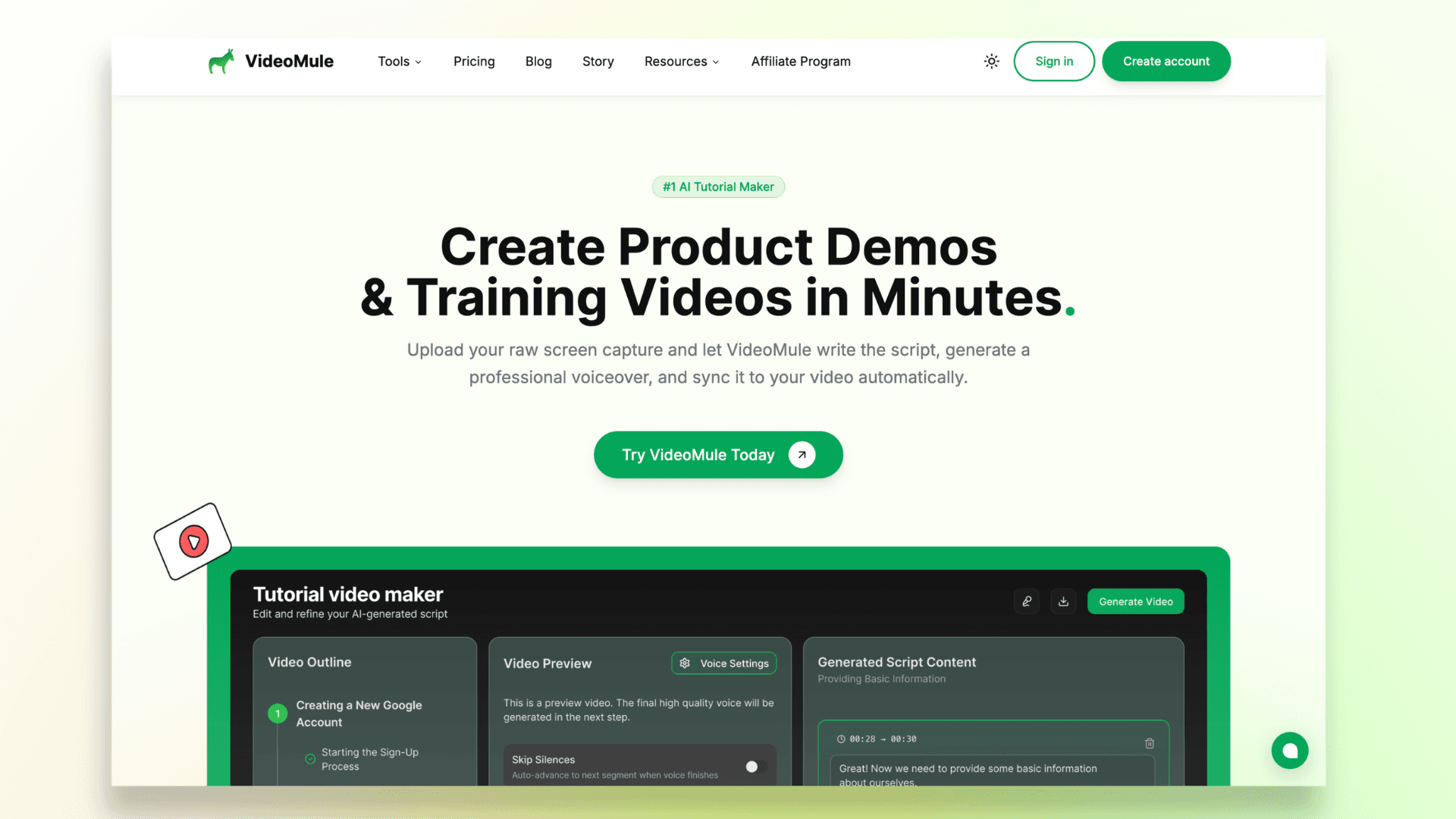
VideoMule is an AI product demo and tutorial video maker built around screen recordings.
Instead of starting from a script and generating a presenter, it starts from what you already have, a recording of your product, and turns it into a professional video with an AI-powered voiceover.
The workflow looks like this:
- Record or upload a screen recording
- Let AI analyze the video
- Generate a script from what's on screen
- Add an AI voiceover
- Edit captions and timing
- Export the finished demo
You can also add an AI avatar presenter — a stock face, a photo avatar created from a single photo, or a digital twin trained on 15 seconds to 10 minutes of your own footage — to deliver the intro, outro, and transitions around the recording. Avatar clips render at 1080p across three quality tiers, and the screen content stays the star.
Do users need to record their own voice? No. That's a core part of the pitch: you can record silently and let the AI handle narration.
Is VideoMule beginner-friendly? It's designed to be direct — record, let AI script and voice it, export, which tends to suit people who know their product but don't want to write or narrate a script themselves.
Typical Use Cases
- A founder recording a feature walkthrough and turning it into a narrated demo
- A customer success manager building onboarding videos from product screens
- A product marketer creating a launch video that shows the real dashboard
- A support team producing help videos without writing scripts by hand
Want to explore more options? Here's our roundup of the best product walkthrough software tools to help you find the right solution for onboarding, tutorials, and customer education.
Stage 1: Starting the Video
Synthesia
Synthesia starts with a script, prompt, PowerPoint, or PDF. It's ideal for presenter-led videos, product explainers, training, and onboarding content.
VideoMule
VideoMule starts with a screen recording. Upload your recording, and AI generates the script, voiceover, captions, and final video. You can even record silently.
Verdict: Choose Synthesia for presenter-led videos. Choose VideoMule for real product walkthroughs.
Stage 2: Creating SaaS Product Demos
Synthesia
Best for product overviews, sales presentations, training videos, and multilingual demos with AI avatars.
VideoMule
Built for feature walkthroughs, onboarding videos, tutorials, help center content, and launch demos using real screen recordings — with the option to bookend them with an AI avatar intro, outro, and transitions.
Verdict: VideoMule is better for product-led demos, while Synthesia is better for presenter-led product stories.
Stage 3: Script, Voiceover & Narration
Synthesia
Perfect for videos where you already have a script and want an AI avatar to deliver it professionally.
VideoMule
Creates the script and AI voiceover directly from your screen recording, eliminating the need to write or record narration yourself.
Verdict: Use Synthesia when the avatar is the whole video. Use VideoMule when the narration should follow your real product workflow — with an avatar presenter framing it if you want one.
Stage 4: Editing & Customization
Synthesia
Offers advanced editing with AI avatars, templates, localization, and collaboration features for business teams.
VideoMule
Focuses on quick edits like updating the script, regenerating voiceovers, adjusting captions, and fixing timing, everything needed for product demos.
Verdict: Synthesia is better for polished business videos. VideoMule is better for fast product demo editing.
Stage 5: Pricing
Synthesia
Starts at $29/month, with higher-tier plans offering more video minutes, collaboration, and enterprise features.
VideoMule
Starts with a 7-day free trial and offers affordable plans with AI voiceovers, translations into 70+ languages, more video minutes, and watermark-free exports. Paid plans also include AI avatar minutes (3–20 per month depending on plan) — avatars aren't part of the free trial.
Verdict: Synthesia is a better fit for businesses creating avatar-led videos at scale. VideoMule offers better value for teams focused on screen-recorded product demos.
If you're looking for more tools before making a decision, check out our guide to the best SaaS product demo video software, where we compare the top platforms for creating professional product demos.
Render Limits and Export Costs
Pricing tiers only tell half the story — how much you can actually export matters just as much. With Synthesia, plans are built around video minutes, so the amount you can produce depends on the tier you're on.
VideoMule's paid plans (Creator at $29/month and up) include free unlimited local renders. Your video renders locally in your browser, up to 4K and watermark-free, and it never counts against your monthly cloud render quota. If a video needs more processing power, VideoMule automatically falls back to cloud rendering.
Each paid plan also includes monthly cloud renders — 30 on Creator, 60 on Team, and 120 on Agency — so re-exporting after a script tweak or caption fix costs nothing extra. See the pricing page for full details.
Final Verdict: Which AI Video Tool Is Best for SaaS Product Demos?
For SaaS product demos specifically, VideoMule is usually the better fit if your goal is to show real product workflows from screen recordings.
Synthesia is better if your goal is to create polished, avatar-led business videos, training content, or localized presenter-style explainers.
The choice is no longer "avatars or screen recordings." It's an avatar-first studio versus screen-recording-led demos with an avatar presenter: VideoMule now supports photo avatars and digital twins — an AI clone trained on your own footage — that deliver the intro, outro, and transitions around your recording, rendered at 1080p across three quality tiers.
Choose Synthesia if:
- You want full-screen, avatar-led videos with no screen recording — its avatar variety and script-driven, slide-based workflow are the strongest around
- You need polished, presenter-led videos
- You create enterprise training or internal communications
- You need strong localization and business video templates
- You're comfortable with higher entry-level pricing
Choose VideoMule if:
- You want to create SaaS product demos from screen recordings
- You want an avatar presenter — even a digital twin of yourself — introducing your demo without taking it over
- You don't want to record your own voice
- You need onboarding videos, tutorials, and walkthroughs
- You want the product UI to stay the main focus
- You want a simpler workflow as a beginner or small team
FAQs
Is VideoMule a good Synthesia alternative?
Yes, if you want to turn screen recordings into AI-narrated product demos — including demos framed by an AI avatar or a digital twin of yourself. For full-screen, avatar-led business videos with no screen recording, Synthesia is still the better choice.
Does VideoMule have AI avatars?
Yes. VideoMule supports AI avatars — including custom photo avatars created from a single photo and digital twins trained on your own footage — that present the intro, outro, and transitions around your screen recording. Avatar clips render at 1080p across three quality tiers. Synthesia remains the stronger pick when the entire video is the avatar.
Is Synthesia good for SaaS product demos?
Yes. It's great for presenter-led demos, sales explainers, and multilingual product videos.
Which is better for product demos, Synthesia or VideoMule?
VideoMule is better for screen-recorded product walkthroughs, while Synthesia is better for presenter-led demos.
Which tool is easier for beginners?
VideoMule is easier for beginners thanks to its simple record-and-generate workflow.
Can I create videos without recording my voice?
Yes. Both tools offer AI voiceovers, so you don't need to record your own voice.
Which tool is better for SaaS onboarding?
VideoMule is better for step-by-step onboarding, while Synthesia works well for welcome and introduction videos.
Which tool is better for multilingual videos?
For multilingual avatar-presenter videos, Synthesia is the stronger choice, with support for 130+ languages and accents. For multilingual product demos, VideoMule translates into 70+ languages — and it's not a dub overlay: each language gets a translated script, a native AI voiceover, captions, and its own render.
Which tool is cheaper?
VideoMule has a lower starting price, while Synthesia costs more but offers a broader business video platform.
Keep reading
AI Avatar Video Maker
Put an AI presenter in front of your screen recording for the intro, outro and transitions.