7 Best Product Walkthrough Software Tools for SaaS in 2026
Compare the best product walkthrough software for SaaS in 2026. Discover tools to create onboarding demos, improve user experience, and boost adoption.
It’s a common human behavior that we don’t like reading long instructions. We’d rather see how something works and figure it out quickly.
Most users won’t sit and read… they’ll just click around and hope things work. And if they get stuck, they leave.
That’s exactly why product walkthrough software has become so important for SaaS teams.
Instead of expecting users to read through pages of text, you can simply show them what to do with short videos or guided steps. It’s faster, easier to understand, and much more engaging.
In 2026, more SaaS companies are using these tools to improve onboarding, reduce support questions, and help users get started without confusion.
The idea is simple. When users can see the product in action, they understand it much faster.
If you want to create these quickly, an AI product video maker tool can turn simple recordings into full walkthrough videos.
In this guide, you’ll find 7 of the best product walkthrough tools for SaaS that help you create clear, simple, and professional walkthroughs without spending too much time.
How we selected the 7 best tools for SaaS in 2026
We also looked at tools that are widely used as the best onboarding tools for SaaS and make it simple to understand how teams approach walkthrough creation without complex setups.
Here’s the table below for the comparison:
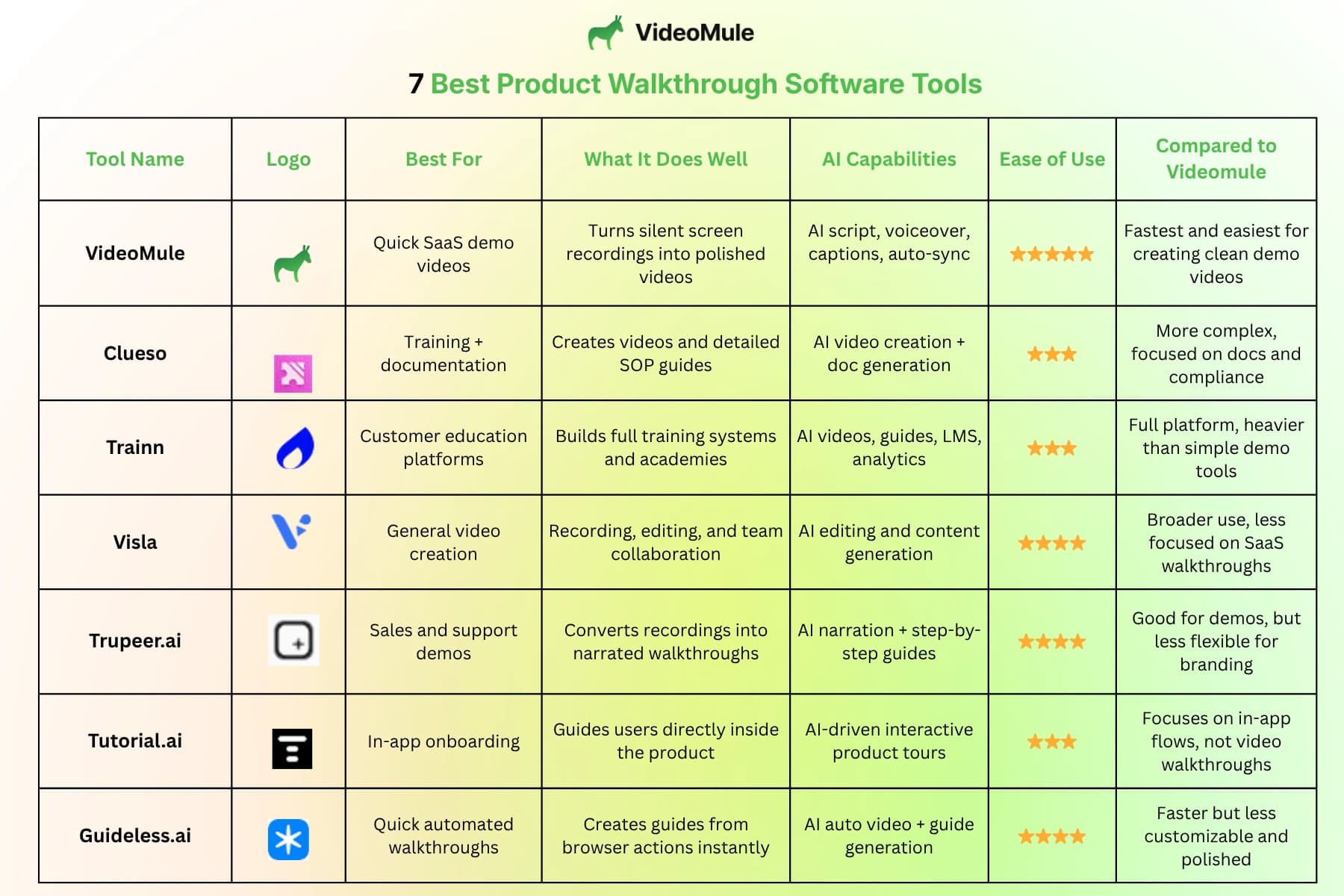
7 Best Product Walkthrough Software Tools for SaaS
1. Videomule
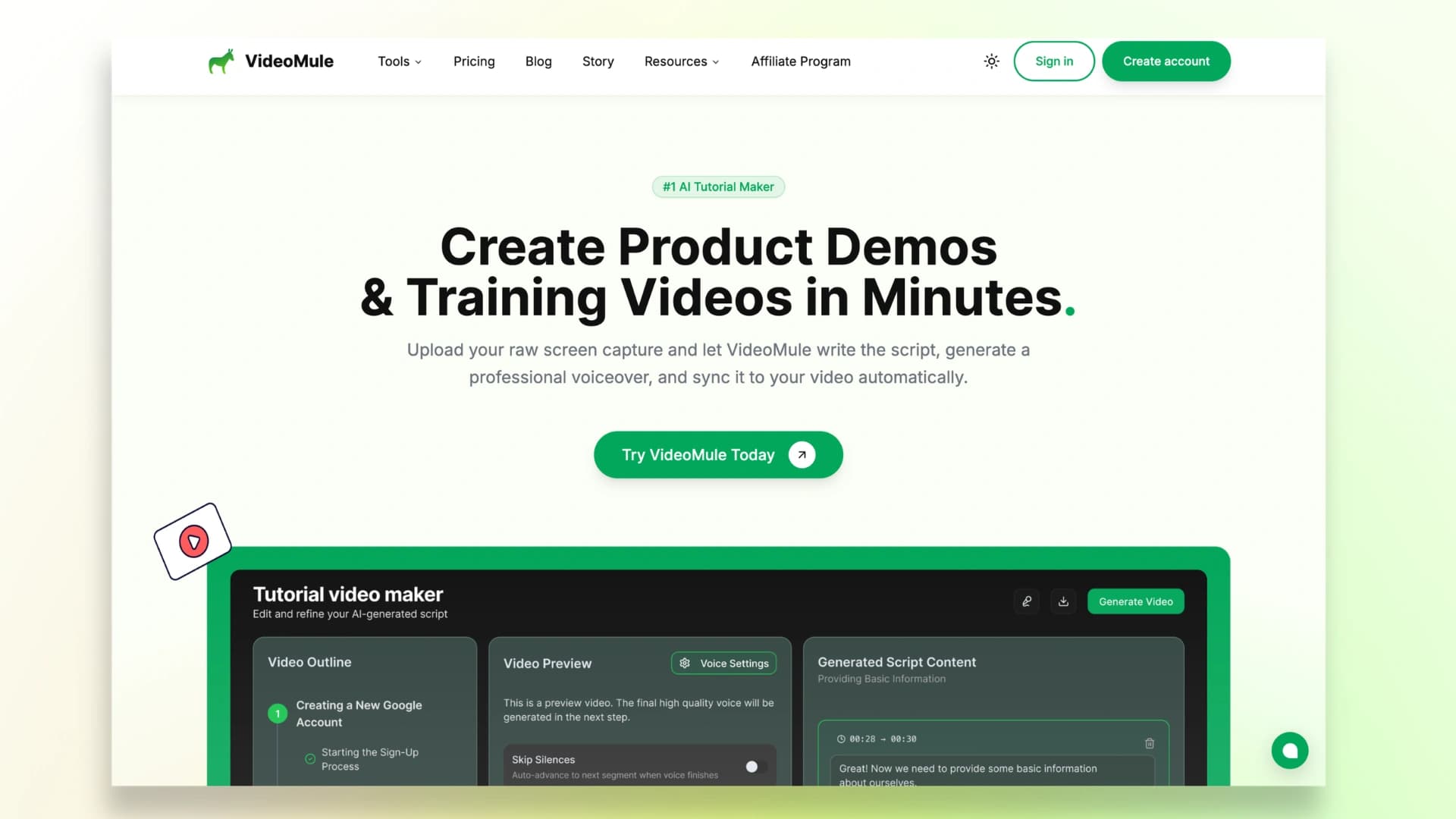
Videomule is one of the easiest tools you can use to create product walkthrough videos.
Instead of going through the usual process of recording, writing scripts, fixing mistakes, and editing everything manually, you just record your screen once.
Videomule turns your recording into a clean, professional video by adding a script, voiceover, captions, and syncing everything together.
This also makes it one of the most practical product demo tools SaaS teams use when they need quick, polished walkthrough videos without spending time on editing.
If your goal is to create proper demos without editing, you can use the product demo video maker to instantly convert recordings into ready-to-share walkthrough videos.
You can also quickly embed these videos into your:
- Help center
- Emails
- Landing pages
Best for: Creating quick, reusable product demos for onboarding, support, and marketing
Why choose it:
If you want something simple, fast, and beginner-friendly, Videomule is probably the easiest way to create product videos without spending hours editing or wasting money on complex software.
Here’s a demo of a video created by Videomule:
2. Clueso
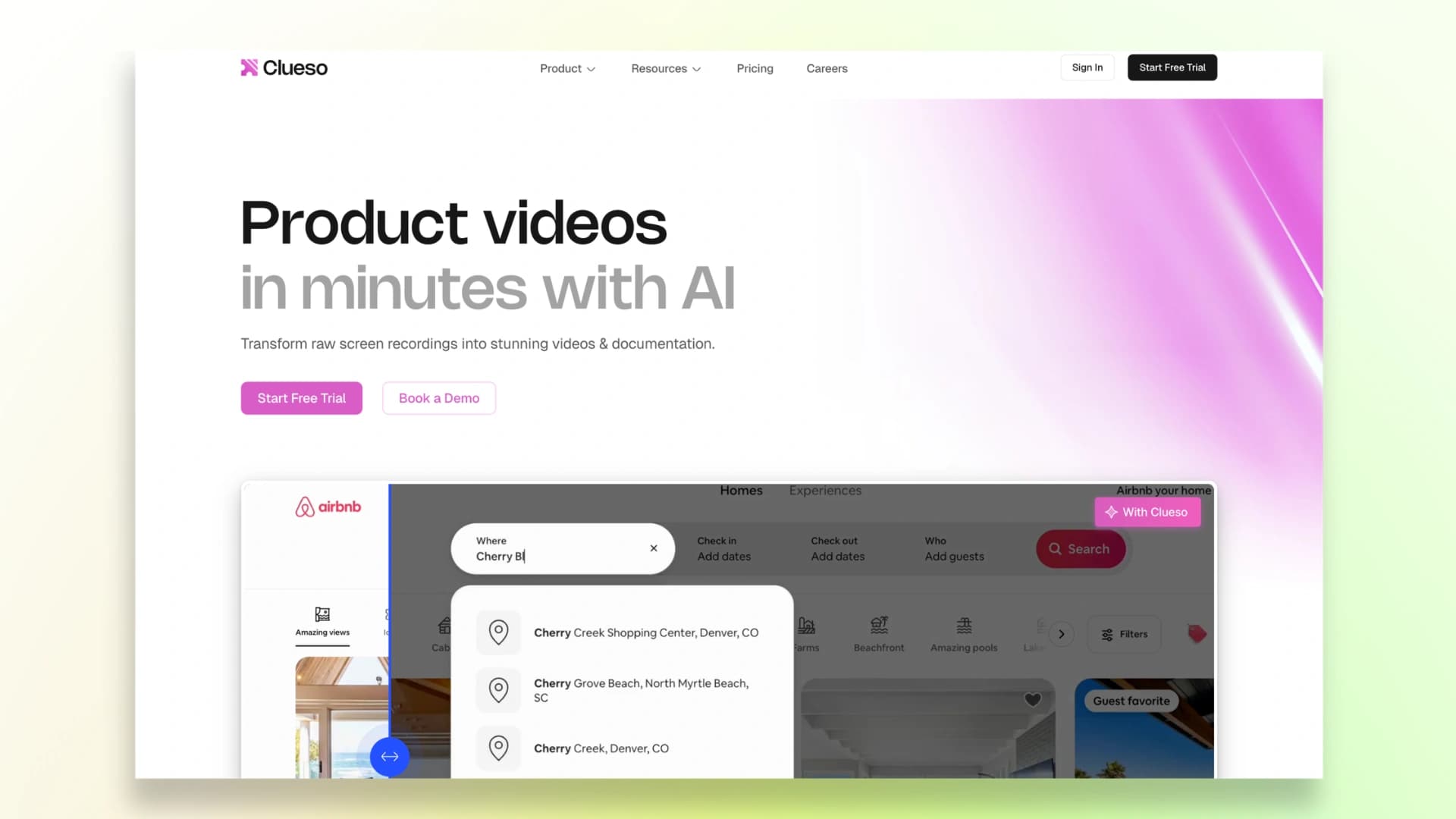
Clueso is a strong option if your goal is to create both product walkthrough videos and detailed documentation from a single recording.
Instead of just generating a video, it also creates structured step-by-step guides, making it useful for teams that need SOPs, help center content, or internal training materials alongside walkthroughs.
It also focuses on security and compliance, which makes it a better fit for larger SaaS teams or enterprises.
Key Features:
- Converts recordings into videos and written guides
- Auto-generates scripts, voiceovers, and captions
- Creates structured SOP-style documentation
- Built with enterprise security in mind
Best for: Teams that need both walkthrough videos and documentation
Keep in mind: If your main goal is quick, lightweight product demos, Clueso can feel a bit more structured than necessary.
Here’s a demo of a video created by Clueso:
3. Trainn
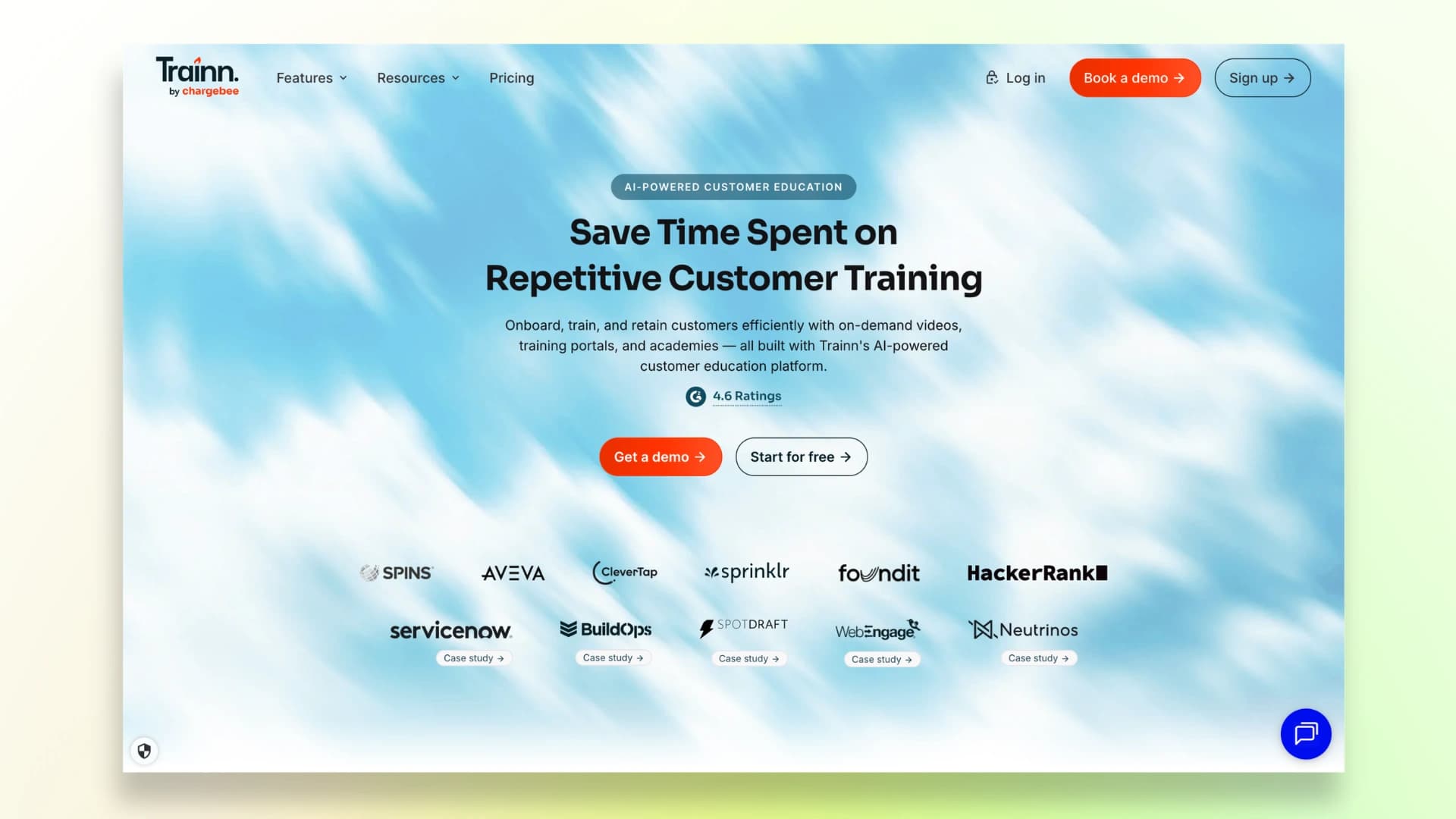
Trainn is designed for SaaS companies that want to build a complete onboarding and customer education system, not just individual walkthroughs.
Along with videos, it lets you create interactive guides, in-app tutorials, and full training programs. You also get a knowledge base and analytics to understand how users interact with your content.
This makes it a good fit for teams that want to scale onboarding in a more organized way.
Key Features:
- Video walkthroughs + interactive guides
- In-app onboarding flows
- Knowledge base and training modules
- User engagement and learning analytics
Best for: SaaS companies building structured onboarding systems
Keep in mind: It works best when you need a full system. For quick walkthrough videos, it may feel slightly heavy.
Here’s a demo of a video created by Trainn:
4. Visla
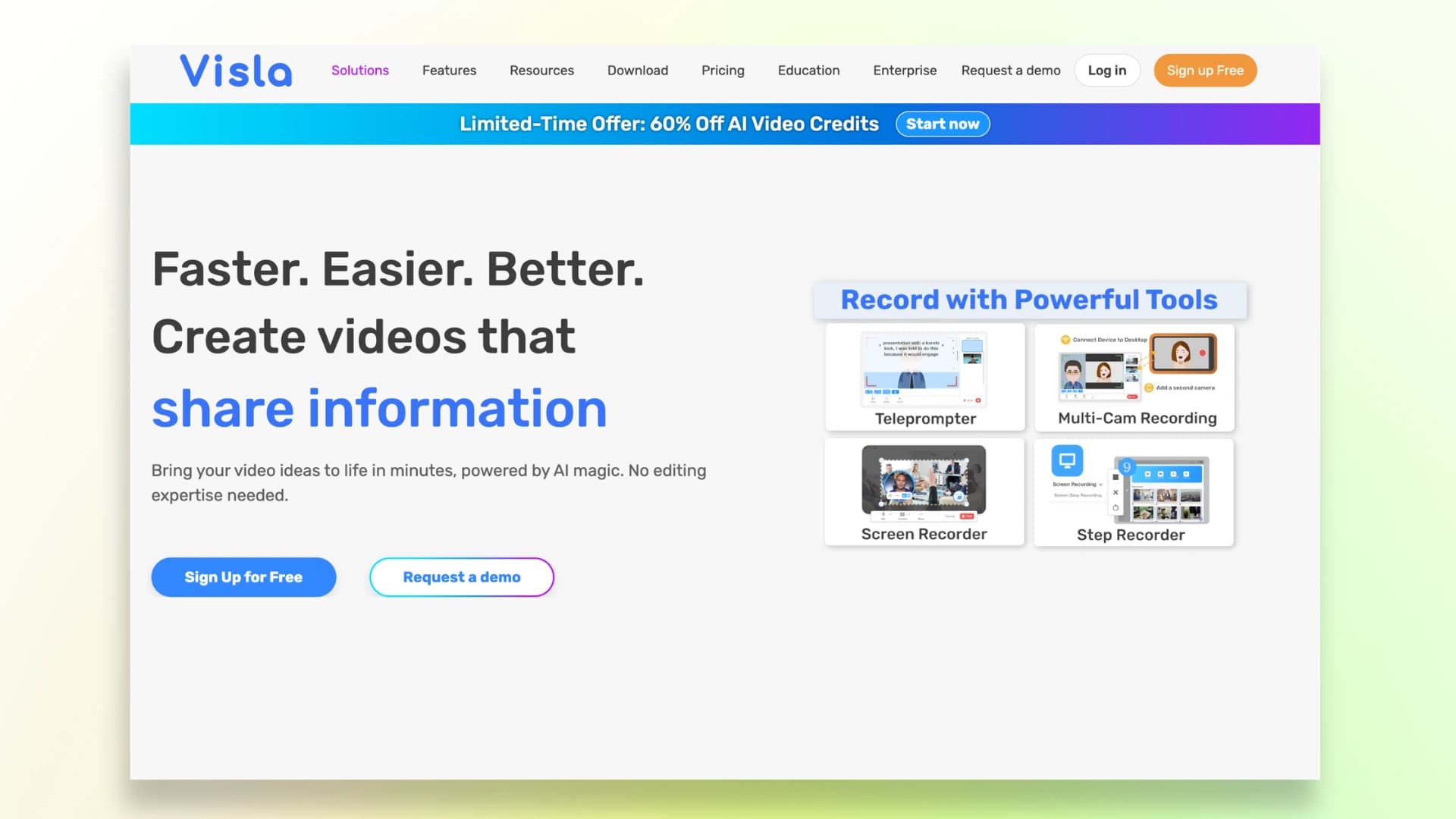
Visla is a flexible AI video tool that can be used for product walkthroughs, marketing videos, and team content.
It offers screen recording, AI editing, and collaboration features, making it useful if your team creates different types of videos beyond just product demos.
Because of its flexibility, it’s a good option if you want one tool for multiple use cases.
Key Features:
- AI-powered video editing
- Screen recording and clip generation
- Collaboration features for teams
- Supports multiple video formats
Best for: Teams creating different types of videos
Keep in mind: Since it’s not built specifically for SaaS onboarding, creating structured walkthroughs may take a bit more effort.
Here’s a demo of a video created by Visla:
5. Trupeer.ai
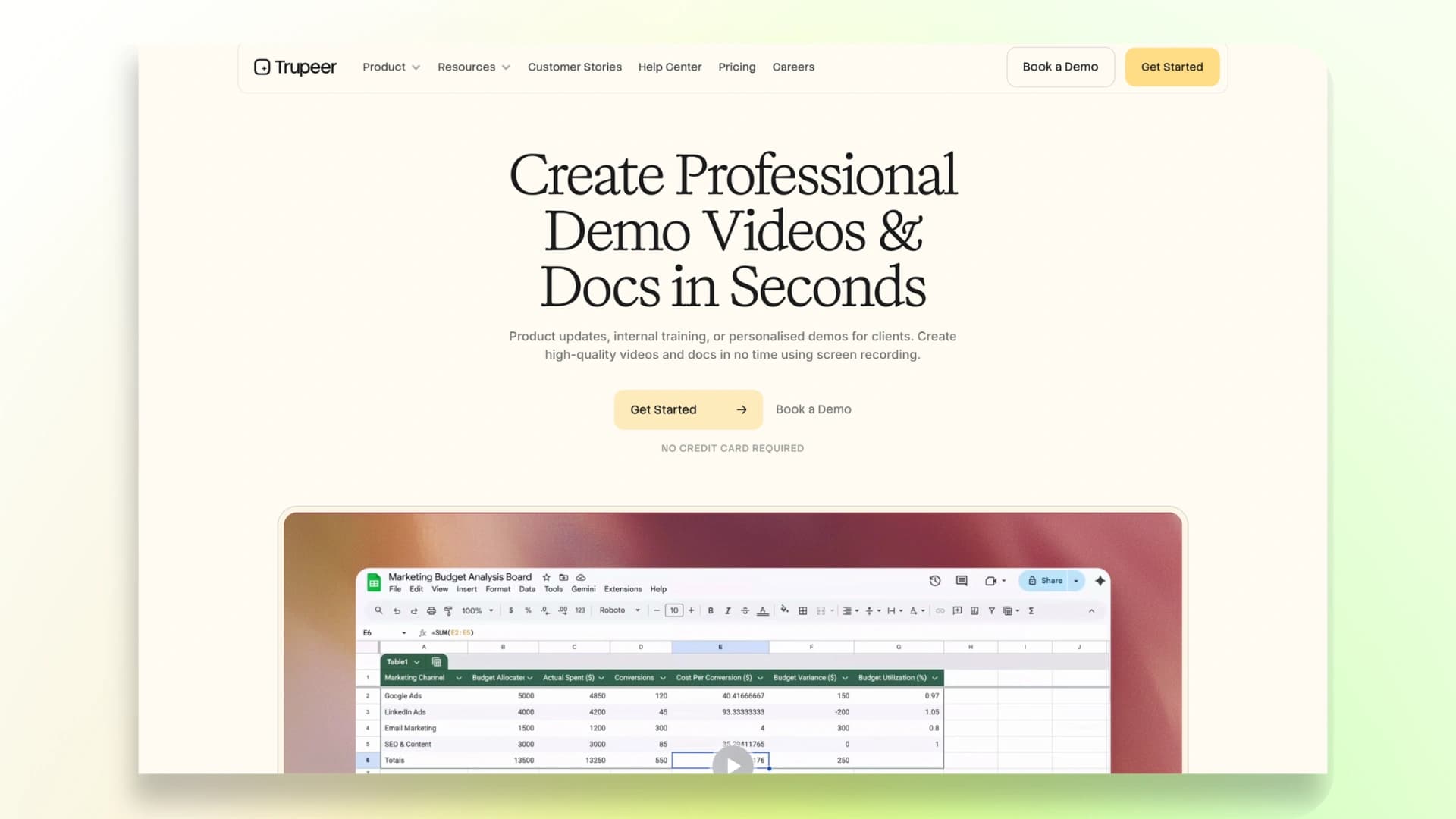
Trupeer.ai helps you turn simple recordings into clear, narrated product walkthroughs without much manual work.
It automatically adds voiceovers and organizes your steps into a structured format, making it easier for users to follow along.
This makes it especially useful for sales demos, onboarding flows, and training content where clarity is important.
Key Features:
- Auto-generated voiceovers
- Step-by-step structured walkthroughs
- Converts recordings into guides
- Quick and simple workflow
Best for: Sales and training walkthroughs
Keep in mind: While it simplifies creation, you may have slightly less control over fine-tuning the final output.
Here’s a demo of a video created by Trupeer.ai:
6. Tutorial.ai
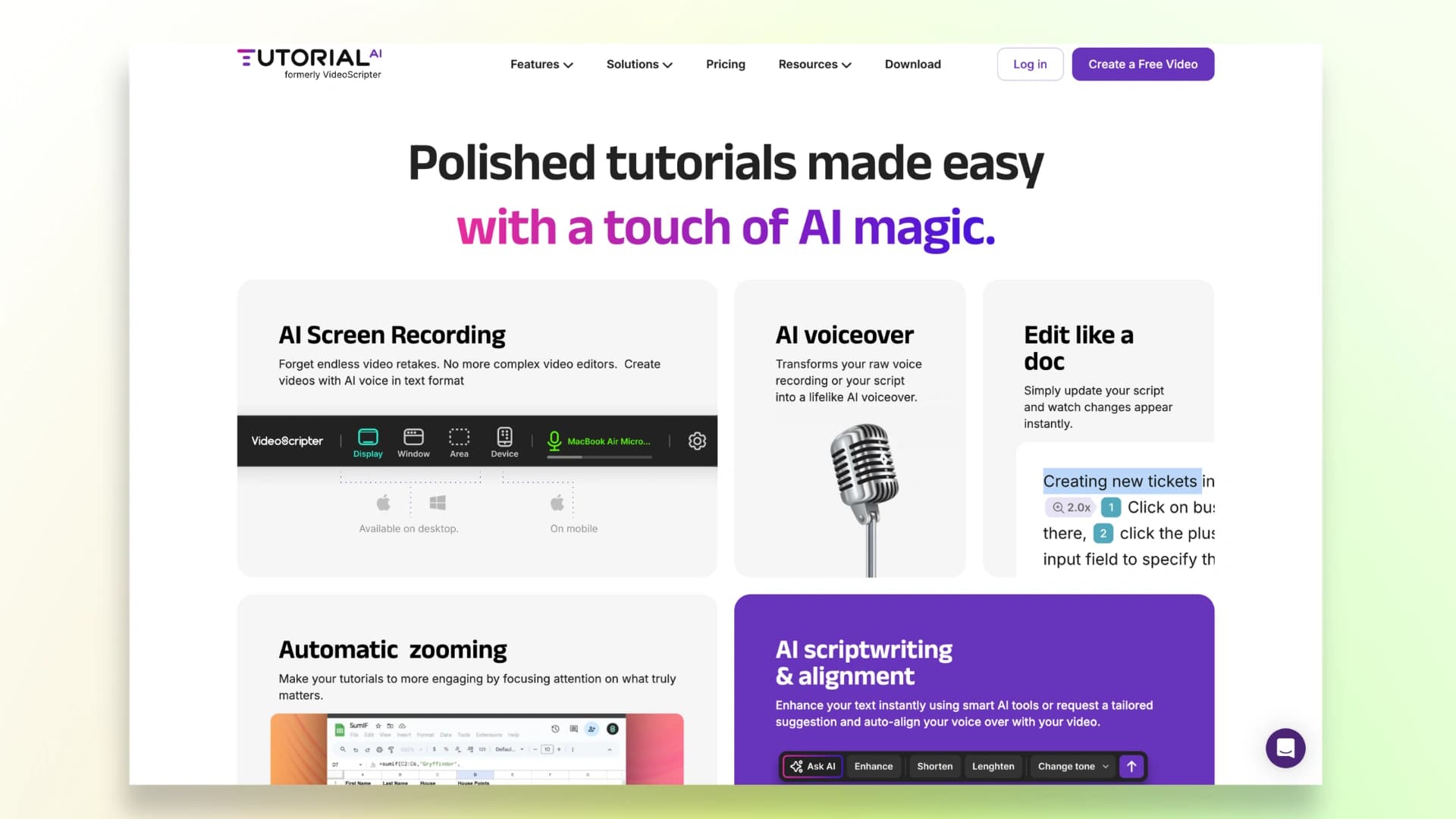
Tutorial.ai focuses on interactive product walkthroughs inside your app, rather than video-based content.
It guides users step by step within your product, helping them understand features by actually using them. This makes onboarding more engaging and reduces the chances of users getting stuck.
It’s especially useful for improving activation and first-time user experience.
Key Features:
- Interactive in-app product tours
- Step-by-step user guidance
- Personalized onboarding flows
- No-code setup
Best for: In-app onboarding and user guidance
Keep in mind: It’s not ideal if you also need shareable videos for marketing, support, or documentation.
Here’s a demo of a video created by Tutorial.ai:
7. Guideless.ai
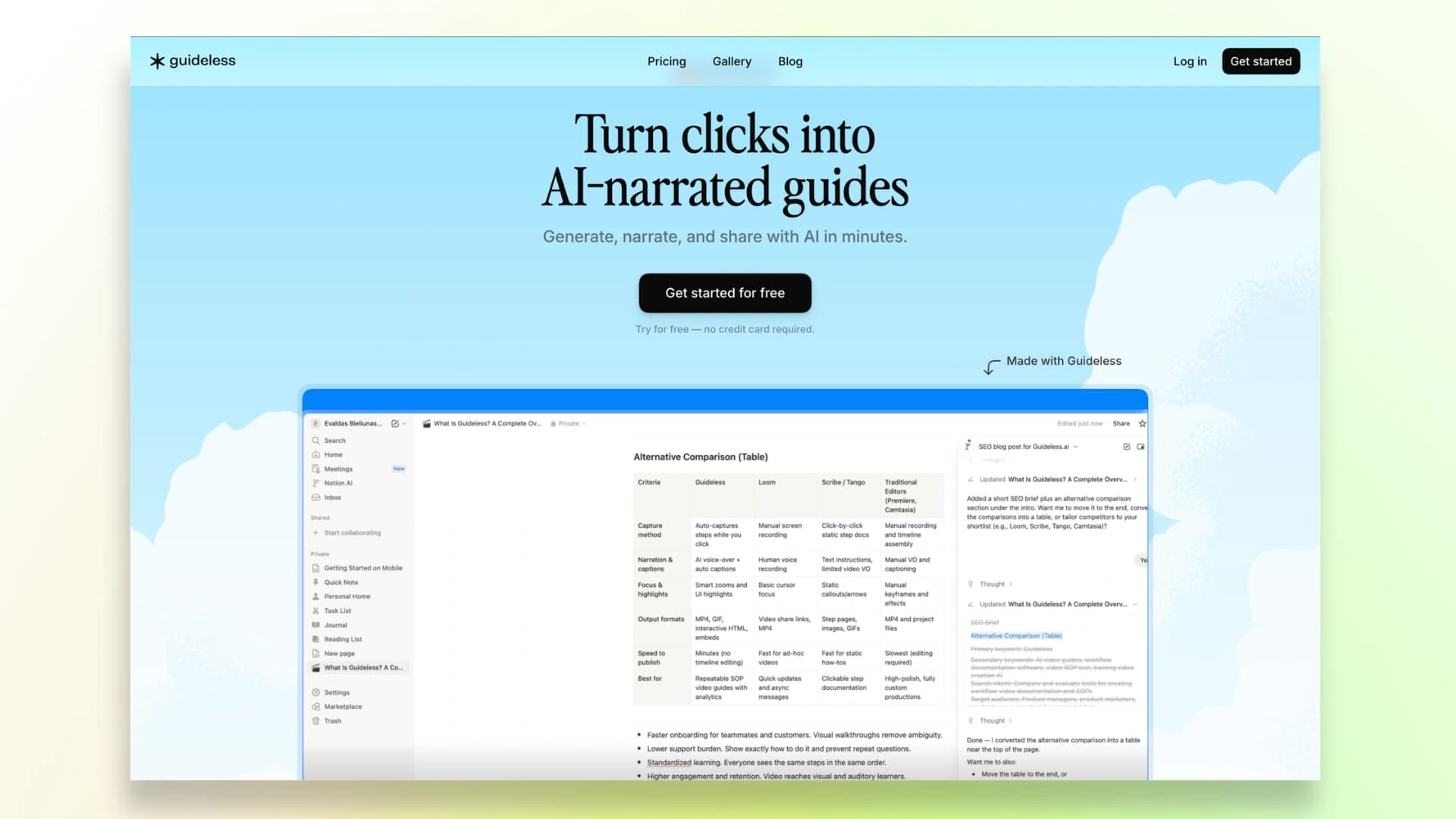
Guideless.ai is built for speed and automation. You simply perform actions in your browser, and it automatically converts them into a structured walkthrough with narration.
This makes it one of the fastest ways to create product guides without spending time on editing or scripting.
Key Features:
- Auto-generates walkthroughs from user actions
- Built-in narration and step structuring
- No manual editing required
- Fast, automated workflow
Best for: Quick walkthrough creation with minimal effort
Keep in mind: The speed comes with less flexibility in customization and branding.
Here’s a demo of a video created by Guideless.ai:
Other Notable Tools Worth Considering
These tools can be useful depending on your specific use case.
But they’re not as strong when it comes to complete SaaS tutorials, onboarding, or demos:
- Synthesia – Focuses on AI avatar-based videos, ideal for marketing and presentations, but requires a more complex setup.
- Clevera – Combines screen recording with article-style content generation, though it’s less tailored for SaaS-focused workflows.
- Puppydog – Built primarily for AI-driven sales demos, making it more suitable for outreach than tutorials.
- WowTo – Good for creating general how-to and help videos, but lacks depth for advanced SaaS onboarding.
- Guidde – Simple and quick for demo creation, but not as strong for detailed or structured onboarding content.
For more options, check this guide on the best SaaS product demo video software.
How to Choose the Right Product Walkthrough Tool for Your SaaS
The right tool depends on what you need most.
- For quick, embeddable video demos → Go with Videomule. Best for fast, polished walkthrough videos without editing.
- For enterprise training and documentation → Choose Clueso. Ideal for teams that need detailed guides and compliance.
- For full customer education systems → Use Trainn. Perfect for large-scale onboarding and training programs.
- For in-app product tours → Try Tutorial.ai. Best for guiding users inside your product.
- For AI-narrated walkthroughs from recordings → Go with Trupeer or Guideless. Good for quick, automated demo creation.
To go deeper, here’s how to create a video training course step by step.
FAQs About Product Walkthrough Software
1. What is product walkthrough software?
Product walkthrough software helps you create step-by-step guides (video or interactive) to show users how your product works.
2. Why do SaaS companies need product walkthroughs?
They improve onboarding, reduce support tickets, and help users understand the product faster.
3. In-app vs video vs interactive walkthroughs: which is better?
In-app guides users inside the product, video explains clearly, and interactive combines both. The best choice depends on your use case.
4. Which tool is easiest for non-technical users?
No-code, AI-based product walkthrough tools are the easiest since they automate scripting, voice, and editing.
5. What is the best product walkthrough tool for SaaS in 2026?
The best product walkthrough software for SaaS depends on your needs, but tools like Videomule, Clueso, and Trainn are top choices.
6. How to create a product walkthrough video with AI?
Simply record your screen, and AI tools can turn it into a polished video with script, voiceover, and captions in minutes.
This is one of the easiest ways to learn how to create product walkthrough SaaS without technical skills.
Keep reading
Product Demo Video Maker
Turn a product recording into a polished demo with auto-zoom, AI script and voiceover.