7 Best SOP Creation Software Tools for Businesses
Discover the best SOP creation software for workflow documentation, AI training videos, onboarding, and step-by-step process guides in 2026.
Finding the best SOP creation software isn't just about choosing a tool with the most features. It's about finding a solution that makes documenting workflows faster, easier, and more useful for your team.
Most businesses don't struggle with SOPs because they lack templates. They struggle because documenting workflows is time-consuming, repetitive, and difficult to maintain.
For years, SOPs lived inside PDFs, Word documents, Notion pages, or shared folders. The problem? They quickly became outdated, hard to find, and even harder for teams to follow.
Today's SOP software takes a different approach. Instead of manually writing every step, modern tools can capture workflows, generate documentation, create training videos, add AI voiceovers, and distribute guides where employees and customers actually need them.
In this guide, we'll compare seven of the best SOP creation software tools in 2026: VideoMule, Clueso, Trainn, Trupeer, Tutorial AI, Guideless, and Guidde, so you can find the right fit for your business.
What Is SOP Creation Software?
SOP creation software helps teams create, organize, share, and update Standard Operating Procedures (SOPs).
An SOP is simply a set of step-by-step instructions that explains how to complete a task the same way every time. It helps businesses reduce mistakes, improve consistency, and make training easier.
Today, SOP tools come in different forms:
- SOP writing software helps create and manage written procedures.
- Process documentation software captures and documents business processes.
- Workflow documentation software focuses on mapping tasks and workflows.
- Screen-recording-to-SOP tools turn screen recordings into step-by-step guides automatically.
- AI documentation software uses AI to generate instructions, screenshots, scripts, and training content.
These tools can be used for a wide range of business processes, including:
- HR onboarding checklists
- Customer support refund processes
- SaaS feature walkthroughs
- CRM data-entry procedures
- Product demo workflows
- IT troubleshooting guides
Instead of spending hours writing documentation manually, modern SOP creation software helps teams capture knowledge faster, keep information up to date, and make it easier for employees and customers to learn and follow processes.
What to Look for in the Best SOP Creation Software
- AI Workflow Capture – The tool should automatically capture screen actions and turn them into step-by-step instructions.
- Written SOP + Video Output – The best tools create both written guides and video walkthroughs to support different learning styles.
- AI Script and Voiceover – AI-generated scripts and voiceovers help create professional training content without recording your own voice.
- Editing and Maintenance – Look for software that makes it easy to update steps, edit scripts, and keep documentation current.
- Sharing and Distribution – SOPs should be easy to share through links, knowledge bases, LMS platforms, and downloadable formats.
- Ease of Use – The tool should be simple enough for non-technical teams to use without extensive training.
7 Best SOP Creation Software Tools for Businesses
1. VideoMule — Best for Turning Screen Recordings Into AI Training Videos
Most SOP tools help you document processes with text, but some workflows are simply easier to explain through video. That's where VideoMule stands out.
VideoMule helps teams turn screen recordings into professional training videos with AI-generated voiceovers and scripts.
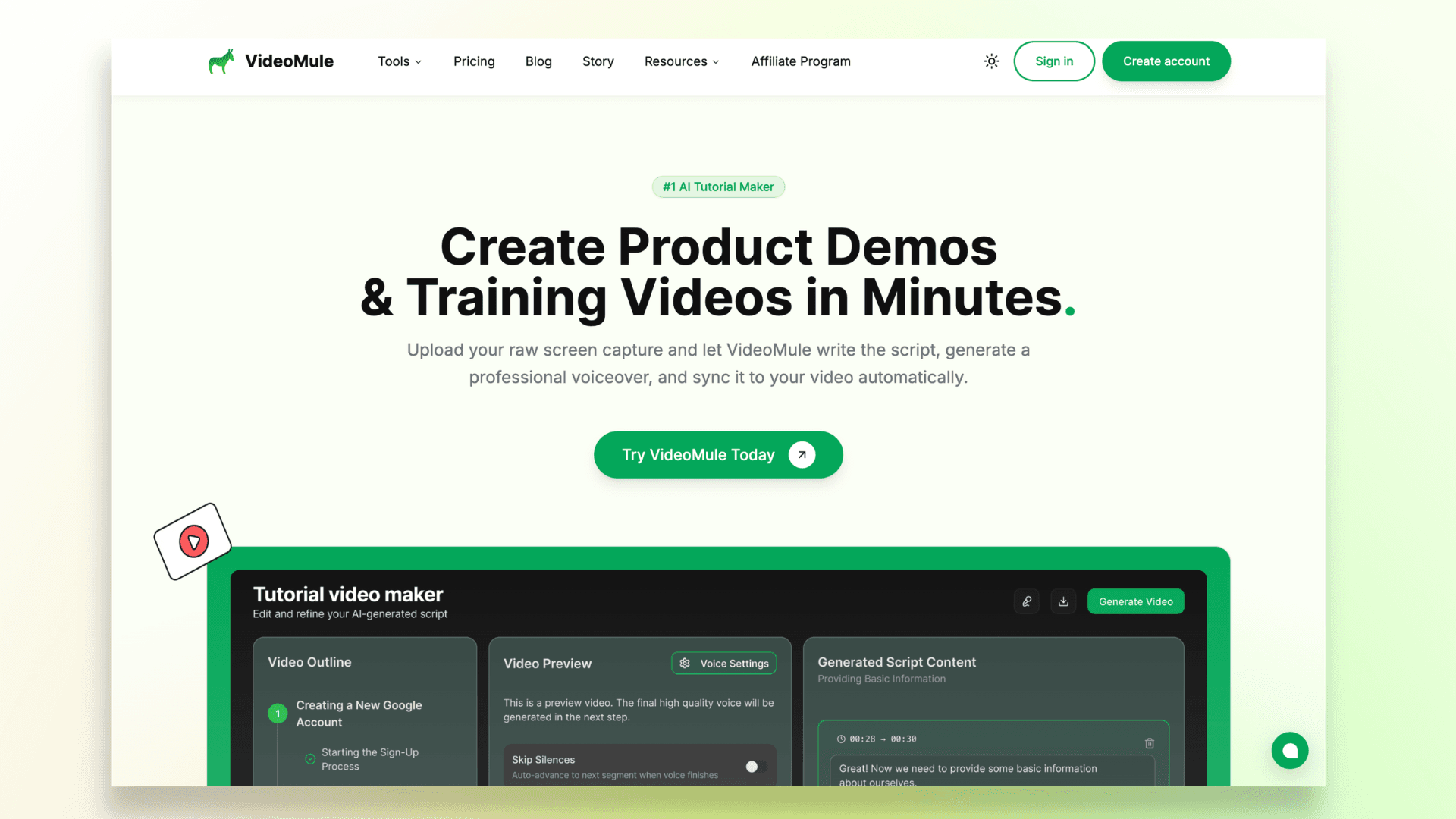
It's particularly useful for onboarding new hires, creating internal training materials, building SaaS product tutorials, and producing customer education content.
If your team already uses screen recordings to explain processes, VideoMule makes it much easier to turn them into polished, reusable training resources.
Key Features
- Turn screen recordings into professional training videos
- AI-generated voiceovers and scripts
- Built-in formats for tutorials, demos, and training content
- Beginner-friendly workflow with minimal editing required
- High-quality video exports
Pros
- Great for visual SOPs and training materials
- No need to record your own voiceovers
- Easy for non-editors to use
- Works for both internal and customer-facing training
Cons
- Not a full SOP management platform
- Lacks built-in approval workflows and compliance tracking
- May need to be paired with a knowledge base or LMS for larger documentation systems
Best For: Employee onboarding, workflow walkthroughs, customer training videos, SaaS product tutorials, and support teams creating reusable how-to content.
Why Choose VideoMule? Use VideoMule when a written SOP isn't enough and your team needs a clear, narrated walkthrough that people can follow step by step.
2. Clueso — Best for Polished Product Videos and Step-by-Step Documentation
Clueso helps teams turn screen recordings into both product videos and step-by-step documentation.
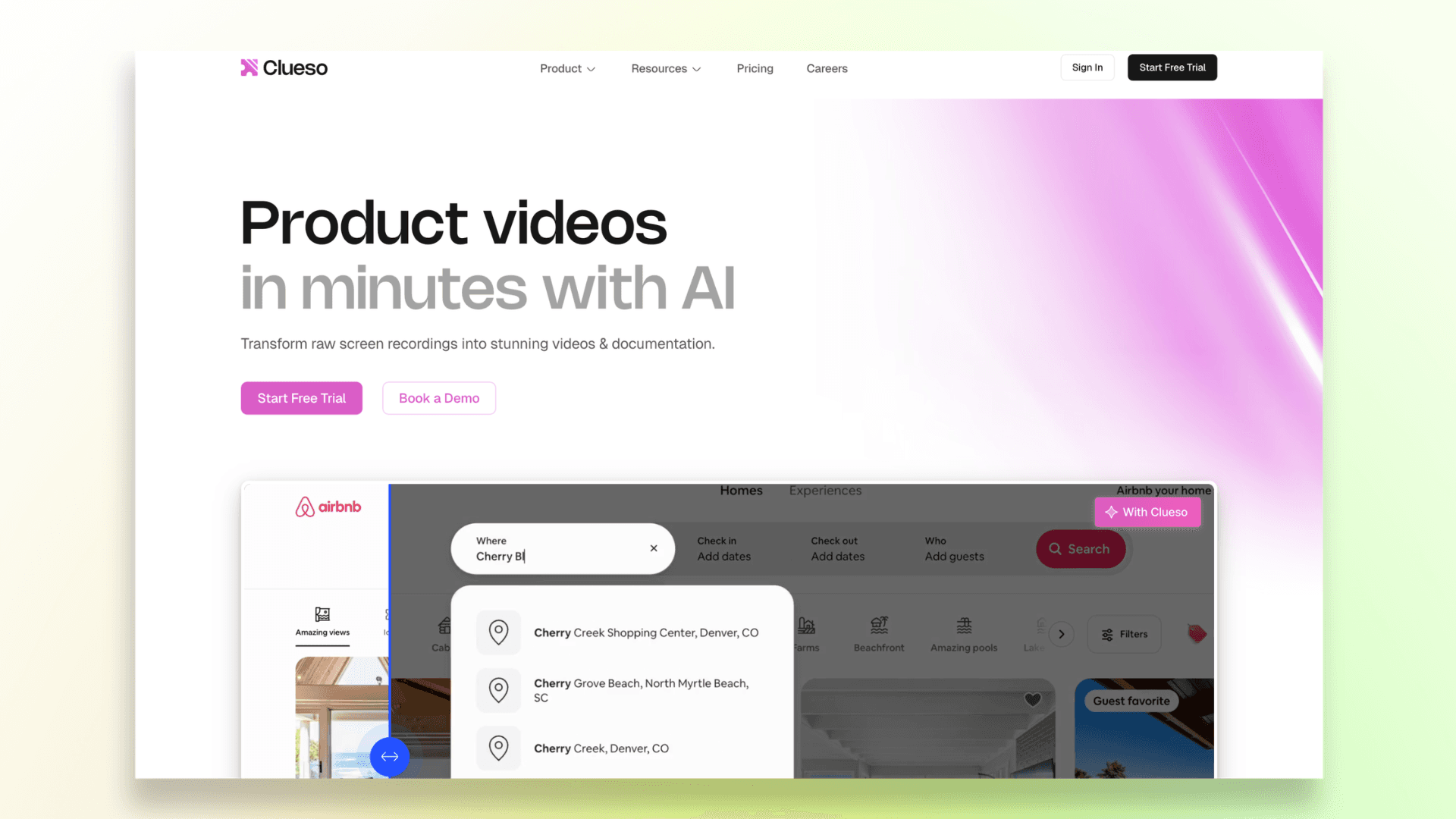
It uses AI to improve scripts, generate voiceovers, and enhance videos, making it easier to create professional training and educational content in less time.
The platform is particularly popular among SaaS teams that need customer-facing tutorials, help center content, and product walkthroughs.
Key Features
- Converts recordings into videos and documentation
- AI voiceovers and script improvements
- Visual enhancements and branding options
- Multi-language support
Pros
- Strong combination of video and documentation
- Great for customer education and product tutorials
- Professional-looking output
Cons
- May be more than small teams need
- Pricing can be higher than simpler alternatives
Best For: SaaS product teams, customer education, help center content, and product marketing videos.
If you're considering video-based documentation, this guide on how to create a SOP video walks through the process of turning workflows into easy-to-follow training content.
3. Trainn — Best for SaaS Customer Education and Onboarding
Unlike traditional SOP tools, Trainn is built as a customer education platform for SaaS businesses. It helps teams create training videos, guides, and learning content, then deliver them through knowledge bases, LMS platforms, and in-app experiences.
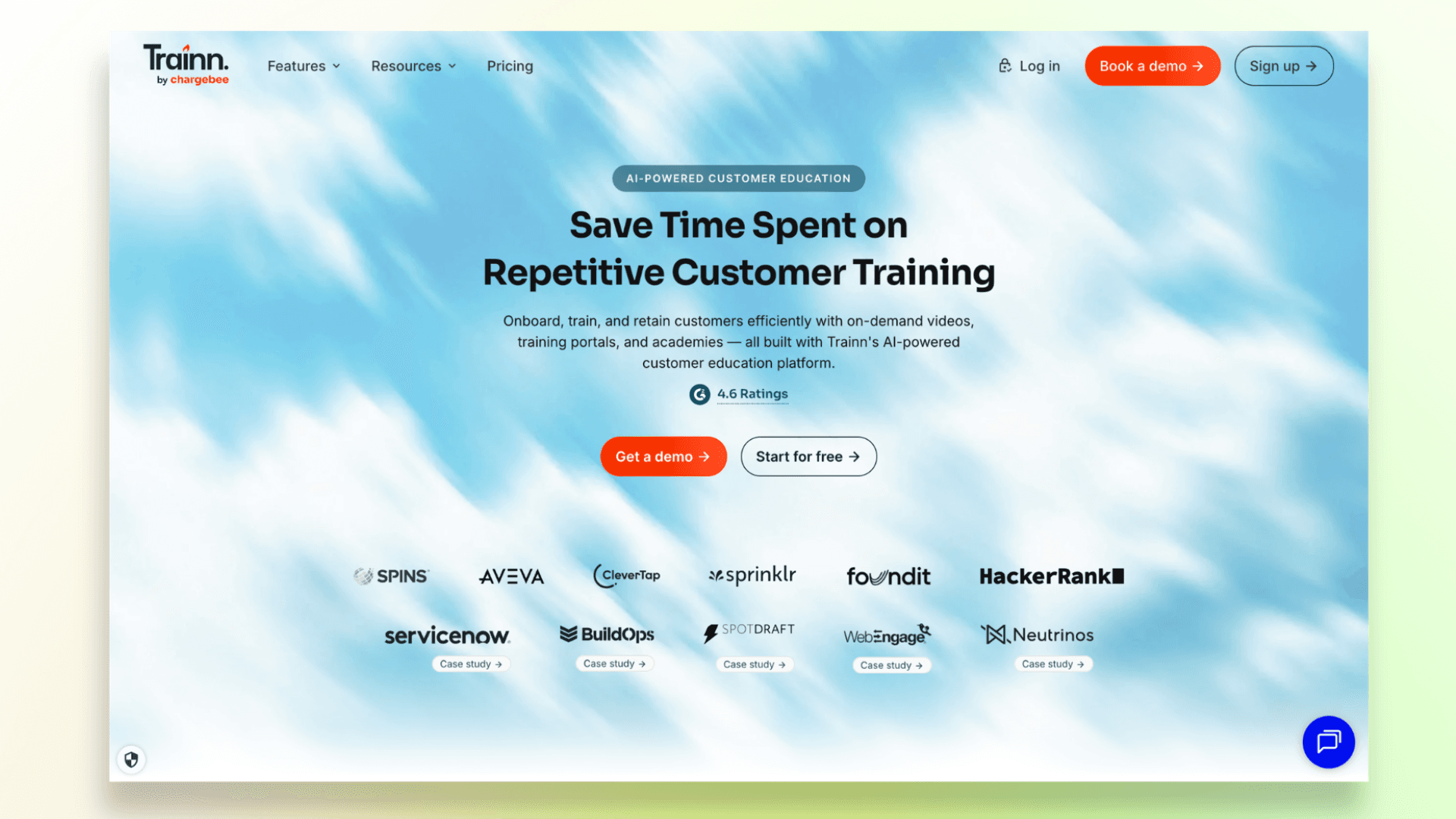
Trainn is a good fit for companies that want to go beyond simple documentation and build structured onboarding and product adoption programs.
Key Features
- Training videos and product guides
- Knowledge base and LMS delivery
- In-app learning experiences
- AI quiz builder for courses
- Customer onboarding and adoption tools
Pros
- Strong content distribution capabilities
- Great for customer education programs
- Supports quizzes, learning paths, and training workflows
Cons
- May be too complex for teams that only need SOPs
- Not the simplest option for turning screen recordings into documentation
Best For: SaaS onboarding, product adoption, customer training, LMS-based education, and customer success teams.
4. Trupeer — Best for AI Product Videos and Step-by-Step Documentation
Trupeer helps teams turn screen recordings into both product videos and written documentation. Simply upload a recording, and the platform can generate a formatted guide with screenshots, step-by-step instructions, and a video version of the workflow.
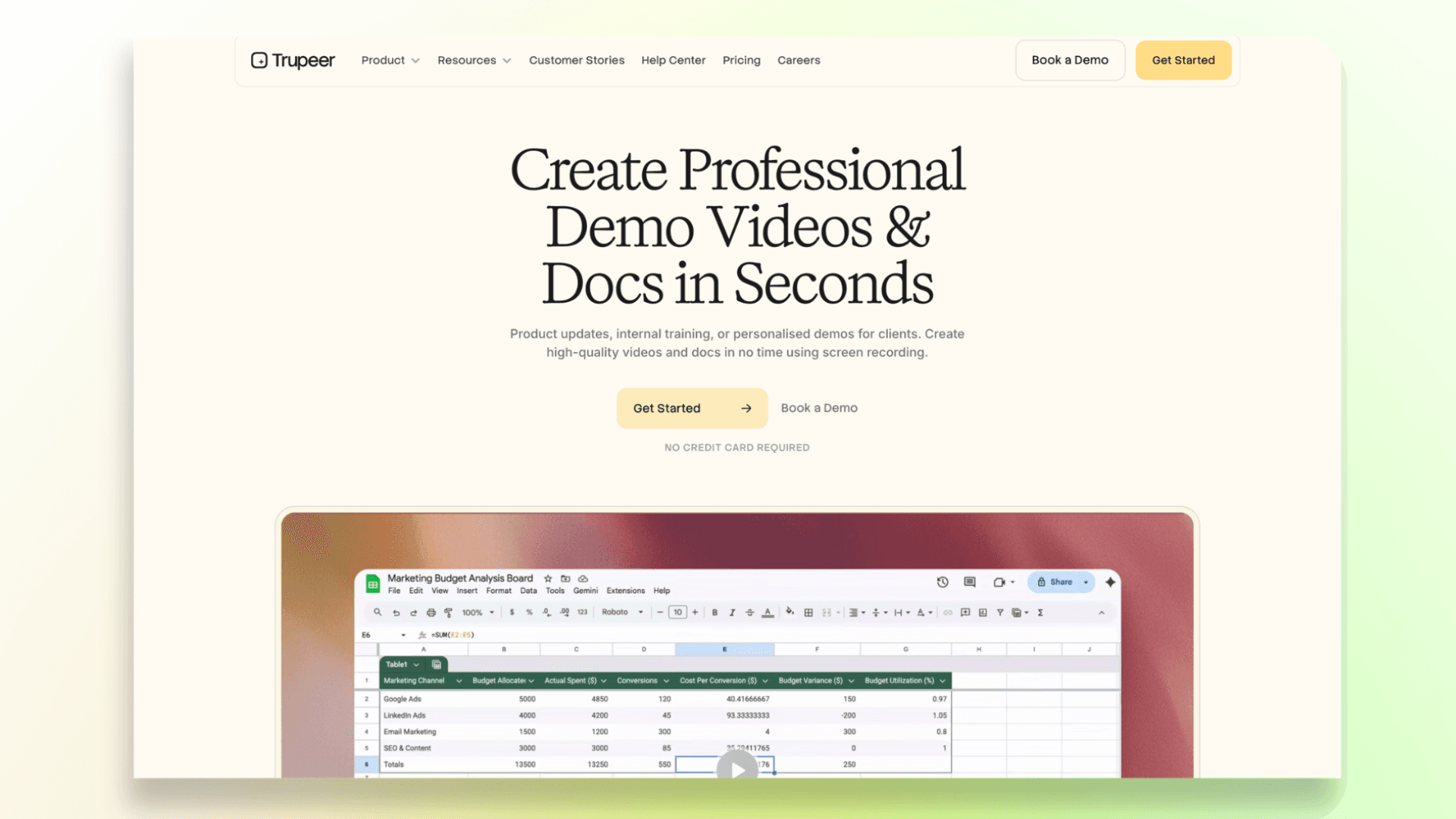
One area where Trupeer stands out is multilingual content. It supports automatic translation of videos and documentation into 65+ languages, making it a useful option for global teams creating training and support materials.
Key Features
- AI-generated product videos from screen recordings
- Automatic step-by-step documentation
- Screenshot-based guides
- Translation in 65+ languages
- Export and embed options
Pros
- Creates both videos and written guides
- Strong documentation-focused workflow
- Useful for multilingual teams
Cons
- Similar feature set to other AI video and documentation tools
- May offer more than teams needing simple SOP creation require
Best For: Product documentation, support documentation, L&D workflows, multilingual SOPs, and teams that need both video and written guides.
5. Tutorial AI — Best for Script-Editable Tutorial Videos
Tutorial AI is designed for teams that want more control over their training and tutorial videos. Instead of focusing on SOP management, it helps users turn screen recordings into polished tutorials with AI-generated narration, scripts, and visuals.
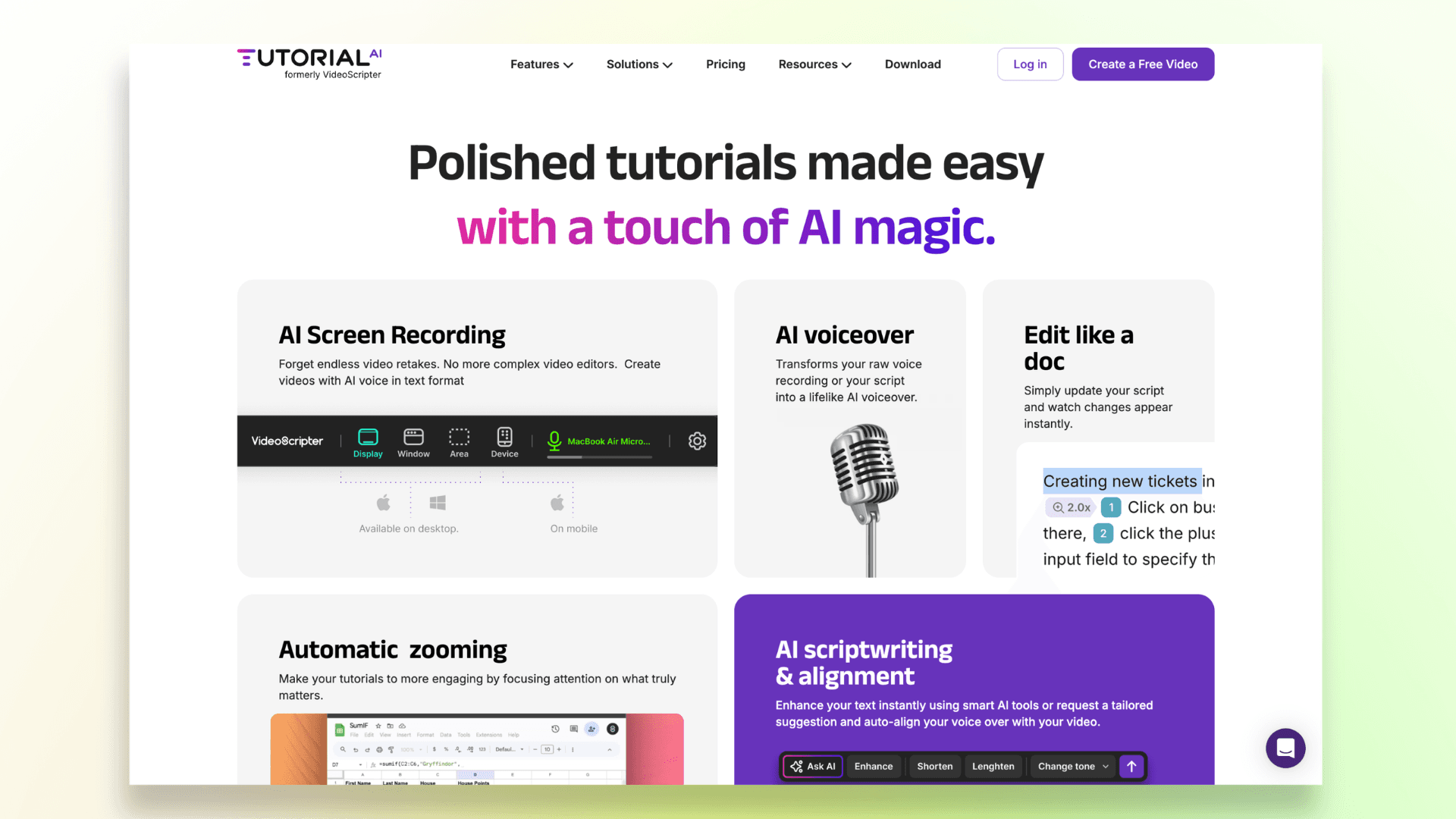
One of its standout features is script editing. Users can edit the generated script like a document, making it easier to refine explanations before publishing the final video.
Key Features
- AI-generated tutorial videos from screen recordings
- Edit scripts like a document
- AI script generation and voice narration
- Supports silent or spoken recordings
- Workspaces, publishing, embeds, and versioning
- Up to 4K video exports on supported plans
Pros
- Strong script editing workflow
- Flexible recording options
- Produces polished tutorial content
- Good control over narration and messaging
Cons
- Export-minute pricing may not suit heavy users
- More focused on video creation than SOP management
Best For: Tutorial creators, product education teams, training videos, and teams that want greater control over video scripts and narration.
And teams creating onboarding and training materials can also learn how to build a complete video training course using AI-powered workflows.
6. Guideless — Best for Click-Through AI-Narrated Guides
Guideless takes a different approach to SOP creation. Instead of recording your screen, it captures browser workflows and automatically turns clicks into step-by-step guides with AI-generated narration and voiceovers.
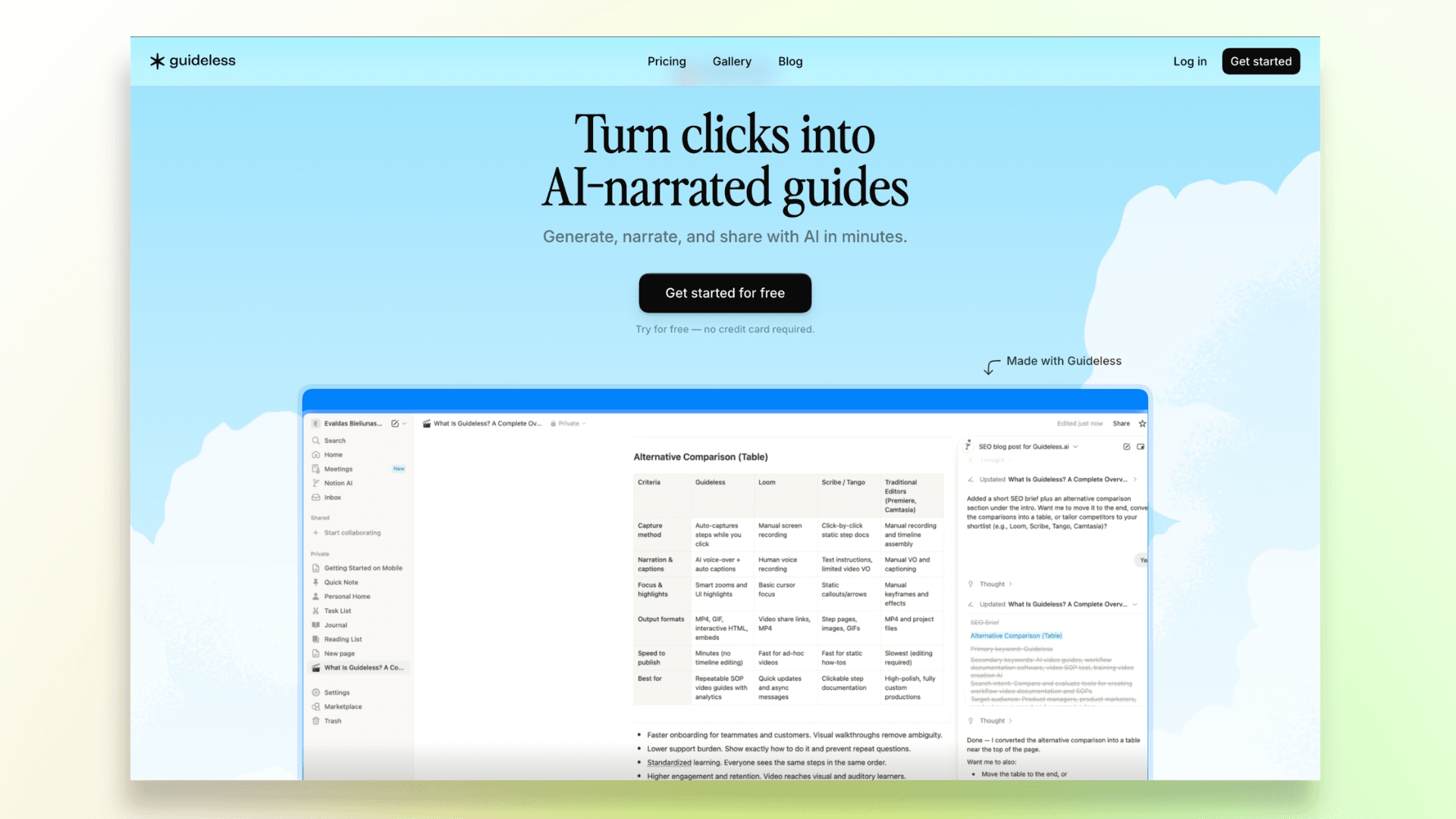
Because everything happens directly from your browser actions, it's a fast and beginner-friendly option for creating walkthroughs without recording, retakes, or video editing.
Key Features
- Turns clicks into step-by-step guides
- AI-generated narration and voiceovers
- Browser workflow capture
- Instant sharing and publishing
- No manual recording or editing required
Pros
- Very easy to use
- Great for browser-based workflows
- Fast guide creation with minimal effort
- Useful for onboarding, support, and internal processes
Cons
- Less suitable for non-browser workflows
- Smaller ecosystem than some established competitors
Best For: Browser-based workflows, product walkthroughs, internal operations guides, customer support teams, and quick SOP creation.
Since most modern SOP tools rely on workflow recordings, choosing the right screen recorder Chrome extension can make documentation much faster and easier.
7. Guidde — Best for Searchable Video Documentation
Guidde is a video documentation platform designed to help teams capture, organize, and share knowledge at scale.
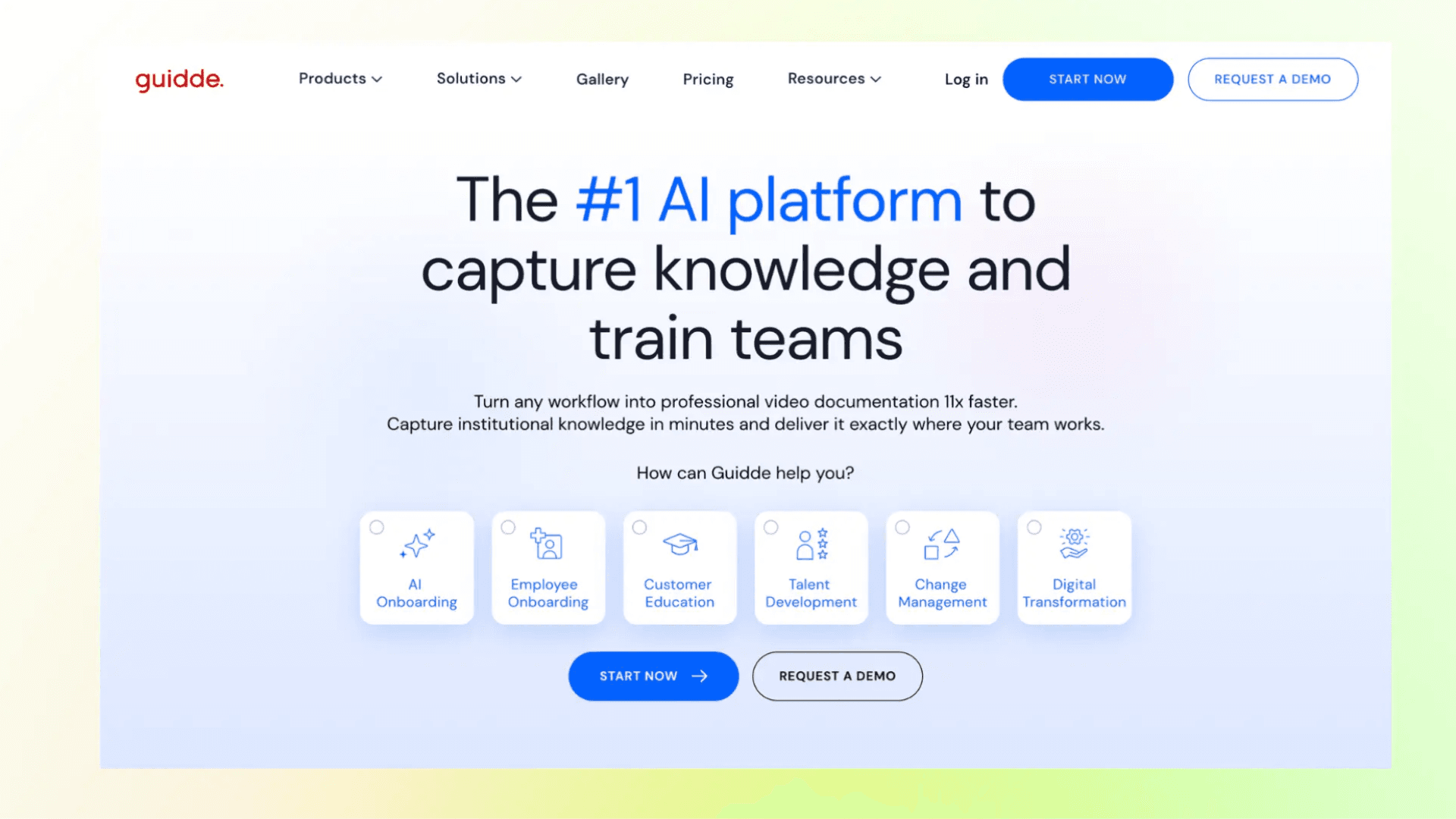
It turns web workflows into professional video tutorials and step-by-step guides, making documentation much faster than traditional recording and editing methods.
Its biggest strength is creating searchable, reusable documentation, which makes it a strong fit for teams managing large volumes of internal knowledge or support content.
Key Features
- AI-generated video tutorials and guides
- Searchable video documentation
- Browser workflow capture
- Knowledge-sharing and documentation tools
- Fast creation and publishing workflow
Pros
- Strong focus on video documentation
- Great for knowledge capture and team enablement
- Easy to reuse and share content across teams
- Works well for both internal and customer-facing guides
Cons
- May be more robust than smaller teams need
- Better suited to ongoing documentation programs than one-off SOP creation
Best For: Enterprise enablement, internal knowledge capture, and customer support.
Many teams now combine written documentation with knowledge base videos to make information easier to find, consume, and reuse.
Written SOPs vs Video SOPs: Which Is Better?
The answer depends on the type of process you're documenting.
Written SOPs work best for:
- Compliance and regulatory requirements
- Checklists and standard procedures
- Policy-heavy workflows
- Searchable documentation
- Auditable processes
Video SOPs work best for:
- Software walkthroughs
- Employee onboarding
- Product education
- Visual and hands-on tasks
- Customer support workflows
- Showing users exactly where to click
In reality, the best approach is usually a combination of both.
For workflows where users need to see the process in action, tools like VideoMule can turn a simple screen recording into a narrated training video.
Common Mistakes When Choosing SOP Creation Software
- Choosing software that's too complex. If creating a single SOP requires extensive training, adoption will suffer.
- Relying only on text documentation. Many workflows are easier to understand with videos, screenshots, and visual guidance.
- Ignoring maintenance. SOPs quickly become outdated if they're not regularly reviewed and updated.
- Forgetting distribution. A well-written SOP is useless if employees can't easily find it when they need it.
- Treating AI output as final. AI can create drafts faster, but humans should always verify accuracy, context, and compliance.
Final Thoughts
SOP creation software isn't about creating prettier documents, it's about capturing knowledge and making it easy to share and reuse.
The best tool depends on your needs, whether that's AI training videos, product documentation, customer education, multilingual guides, or searchable knowledge bases.
Most importantly, choose a solution your team will actually use.
If you're repeatedly explaining the same workflow, record it once and use VideoMule to turn it into a clear, narrated training video that can be reused whenever needed.
FAQs about SOP Creation Software Tools
What is the best SOP creation software?
It depends on your needs. For AI-narrated training and tutorial videos, VideoMule is one of the best options. Other tools focus more on documentation, customer education, or knowledge management.
What is an AI SOP generator?
An AI SOP generator automatically creates SOPs, guides, and training content from workflows, text, or screen recordings.
Can AI create SOPs from screen recordings?
Yes. Tools like VideoMule can turn screen recordings into step-by-step training videos with AI-generated narration.
Is SOP creation software good for onboarding?
Yes. It helps teams create consistent onboarding materials and training resources for new employees.
Should SOPs be written or video-based?
Both work best together. Written SOPs are easier to reference, while videos make processes easier to understand.
What features matter most in SOP software?
Look for easy creation, AI automation, simple updates, collaboration, and video capabilities for workflow training.
Keep reading
AI Training Videos
Turn silent screen recordings into narrated training videos — AI script, voiceover and captions.