Best Employee Onboarding Video Software for SaaS Companies
Discover the best employee onboarding video software for SaaS teams. Create faster training, improve retention, and scale onboarding with AI video tools.
Think about the last time you tried using a new app. You may not have opened a long guide or read through the instructions.
You just watched how it works, clicked around, tried a few things, and slowly figured it out as you went.
Now compare that to how most companies onboard new hires. It’s usually long documents, endless explanations, and the same questions being answered again and again.
That’s exactly why employee onboarding video software is becoming so important.
Instead of expecting new hires to read through pages of instructions, you can show them exactly what to do.
They can watch it, pause it, come back to it later, and actually understand the process.
Only 12% of employees feel their onboarding is done well, and around 30% leave within the first 90 days, because the experience just doesn’t meet expectations.
Because of this, more teams are now moving towards employee training video software and using employee onboarding video tools to make onboarding simpler and more consistent.
In this guide, we’ll go through some of the best employee onboarding video software for SaaS teams, and make an awesome one for your company today!
Why Video Is the Gold Standard
Earlier, onboarding meant long documents and repeated explanations, which don’t work well as teams grow or go remote.
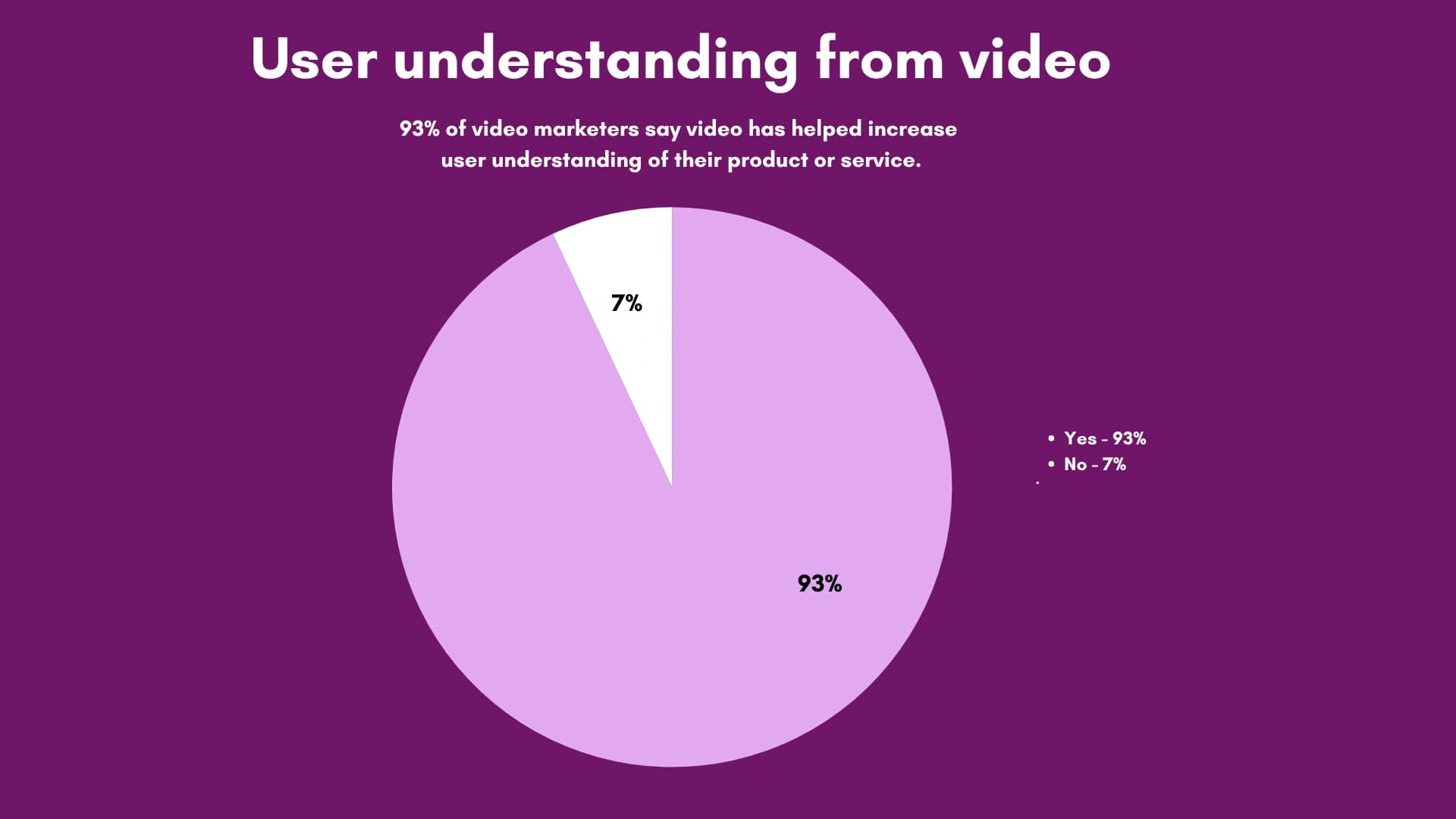
In fact, 93% of video marketers say video has helped increase user understanding of their product or service.
With AI, creating content is now much faster using video training software for employees, without spending hours on editing.
Tools like VideoMule make this even smoother by turning recordings into polished content and enabling SaaS onboarding automation with video. You can explore it here.
How We Evaluated These Tools
We looked at what actually matters when you’re onboarding real people and trying to save time.
Here’s how we evaluated:
- Ease of use: Can someone create a video on day one without needing training?
- Time-to-publish: Can you go from idea to finished video in under 10 minutes?
- Scalability: Will it still work smoothly as your team grows, without getting expensive or messy?
- Integrations: Does it fit into the tools you already use, like Slack, LMS, or documentation platforms?
- Update speed: Can you quickly edit or update content without re-recording everything?
The 7 Best Employee Onboarding Video Software for SaaS Teams (2026)
1. VideoMule - Best for Speed Without Sacrifice
Use Case
Let’s say your team already records product walkthroughs or internal demos, but those recordings just sit there or get shared as-is without any structure.
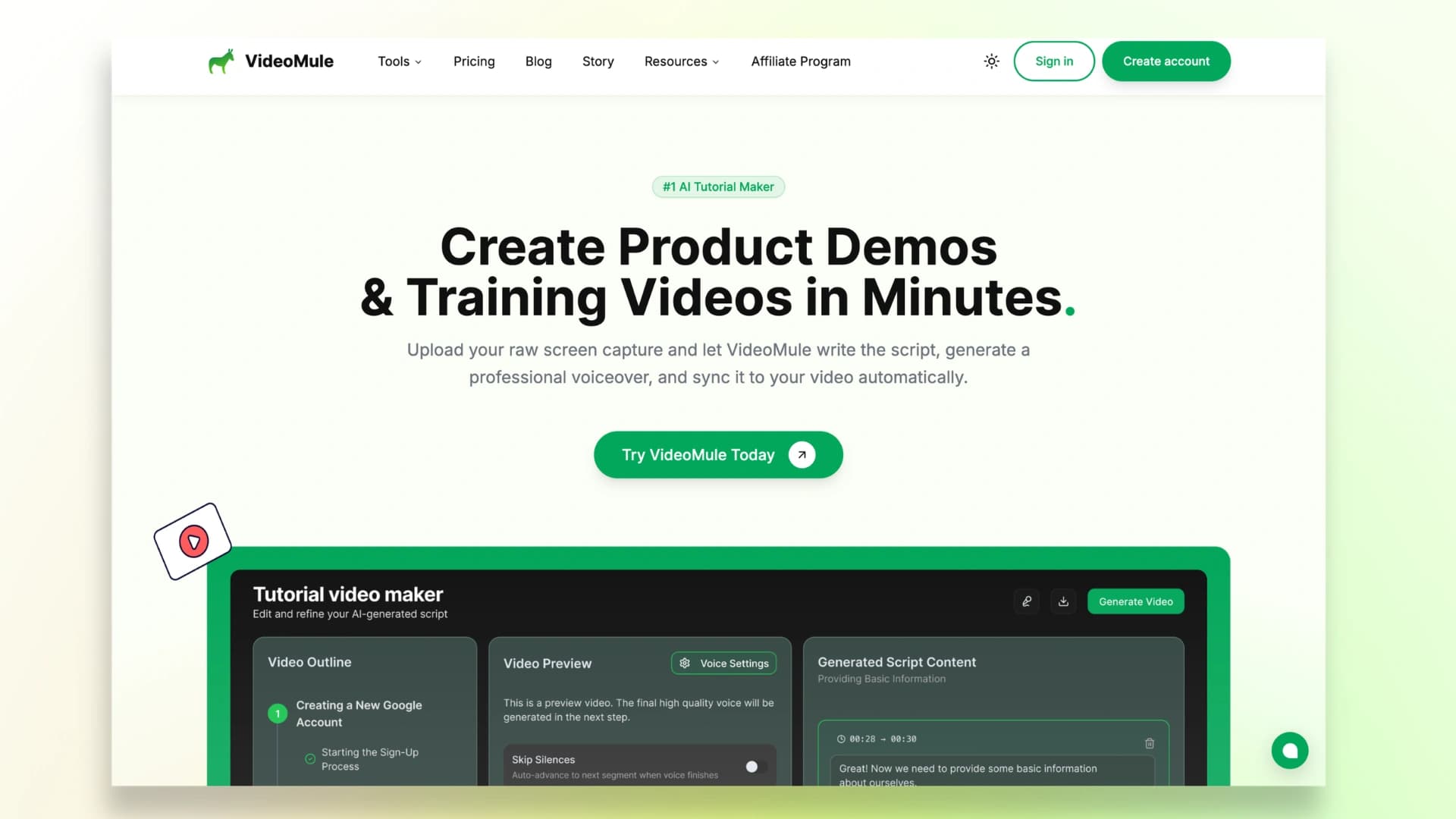
VideoMule is built exactly for this situation.
It helps you take those raw recordings and turn them into proper onboarding and training content without starting over.
How It Works
The process is simple. You upload your recording, and VideoMule automatically turns it into something much more usable.
It generates a clear script, adds a natural-sounding voiceover, and organizes everything into a structured video.
If something doesn’t feel right, you can edit the script directly instead of re-recording the entire video, and then export both the final video and a written guide.
Key Features
- Works with any screen recording, so you don’t need to change your current setup
- Automatically creates scripts and voiceovers using AI
- Voice cloning to keep narration consistent across videos
- Converts one recording into both a video and a step-by-step written guide
- Quick edits without the need to re-record
- Shared workspace for teams to collaborate
- Completely browser-based, so there’s no setup or downloads
If you want a step-by-step breakdown, you can also read this guide on how to create customer onboarding videos.
Here’s a demo of a video created by VideoMule:
2. Guidde - Best for Volume + Integrations
Use Case
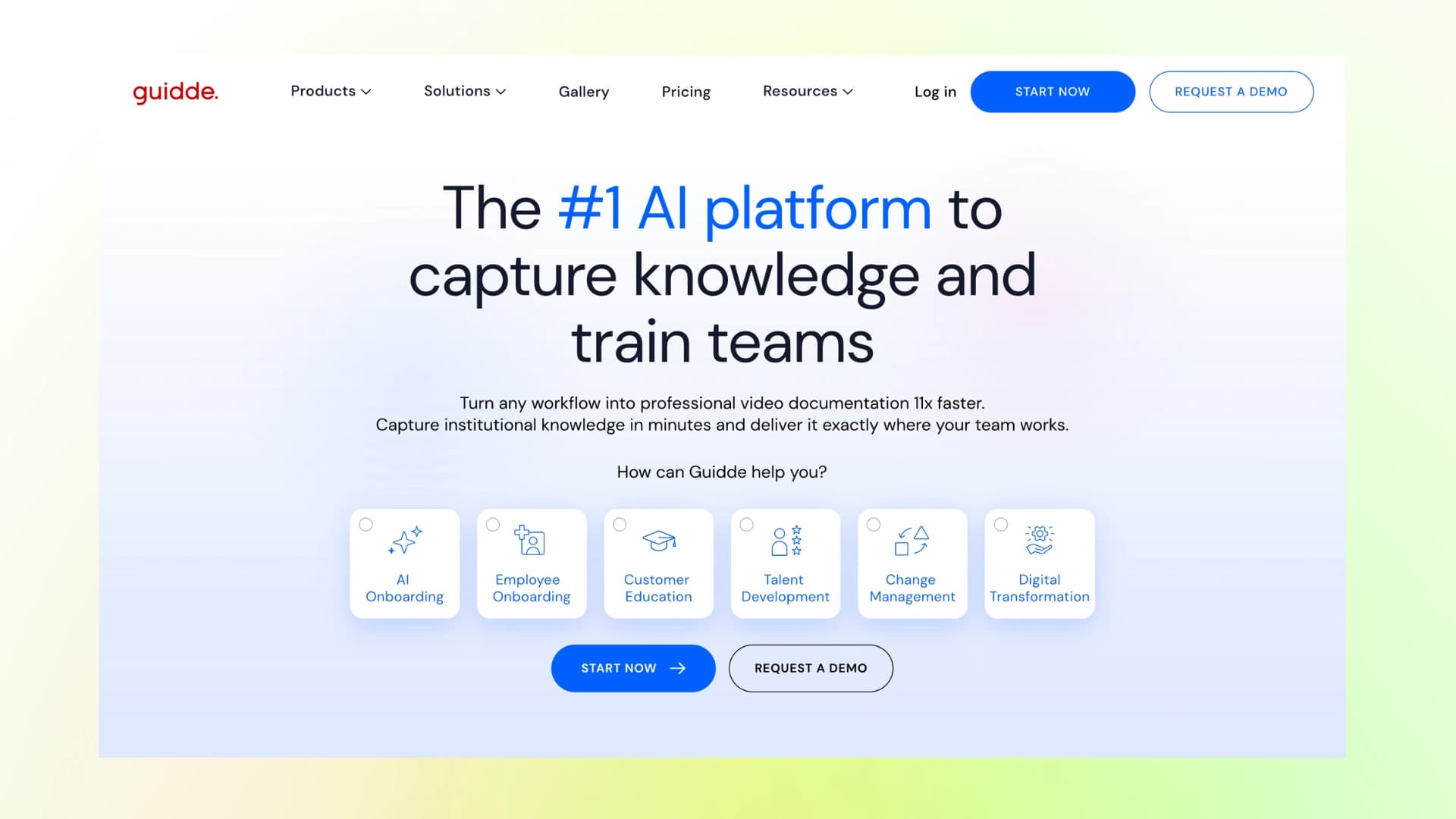
If your team creates a lot of how-to content and needs to share it directly inside tools like Slack, Zendesk, or Confluence, Guidde works really well.
It’s built for teams that want to create and distribute training content quickly across their existing workflow.
How It Works
Guidde runs as a Chrome extension. You record your process while working, and it automatically turns that into a step-by-step video with AI-generated voiceover.
Once it’s ready, you can instantly share or embed it into the tools your team already uses.
Key Features
- Chrome extension for quick recording
- AI-generated videos with voiceover
- 200+ voice options
- Strong integrations with tools like Slack, Zendesk, and Confluence
- Built-in analytics to track engagement
- Brand customization options
- SOC 2 compliant for security
Honest Con
You can’t reuse existing recordings - you have to record within the extension. Also, pricing is per seat, which can get expensive as your team grows.
Here’s a demo of a video created by Guidde:
3. Synthesia - Best for Multilingual Avatar Videos
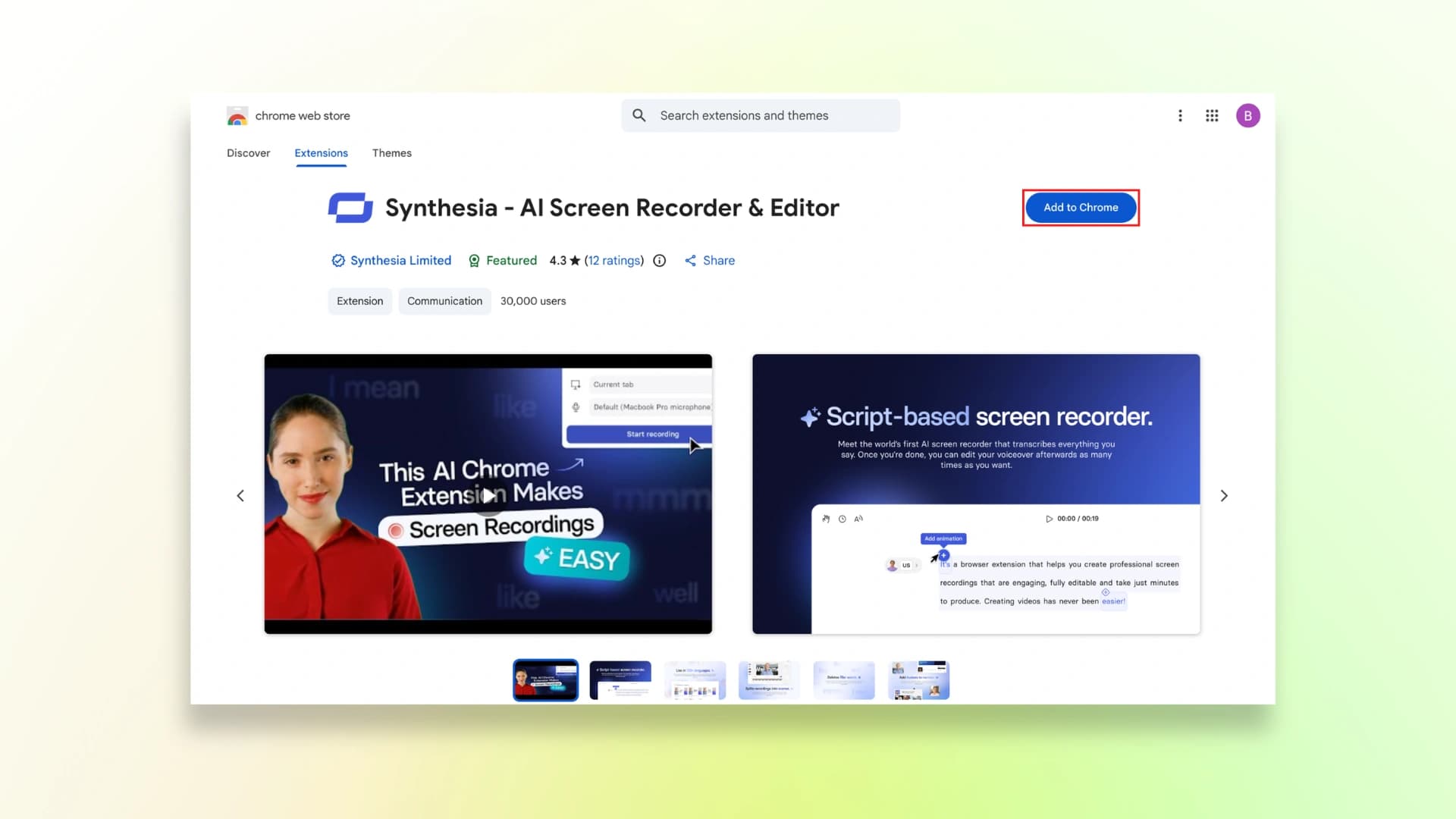
Use Case
If you need to create onboarding or training videos for teams across different countries, Synthesia makes that much easier.
Instead of recording yourself again and again, you can create presenter-style videos that work for everyone.
How It Works
You simply write your script, choose an AI avatar, and Synthesia turns it into a complete video.
It supports 160+ languages, so you can create one version and quickly adapt it for different regions without re-recording.
Key Features
- 230+ AI avatars to choose from
- Supports 160+ languages and accents
- Realistic lip-sync for translated videos
- SCORM export for LMS integration (on higher plans)
- No camera, mic, or editing skills needed
Honest Con
It’s not meant for screen recordings or product walkthroughs.
Also, video generation is limited by minutes in each plan, and advanced features like custom avatars can get expensive.
Here’s a demo of a video created by Synthesia:
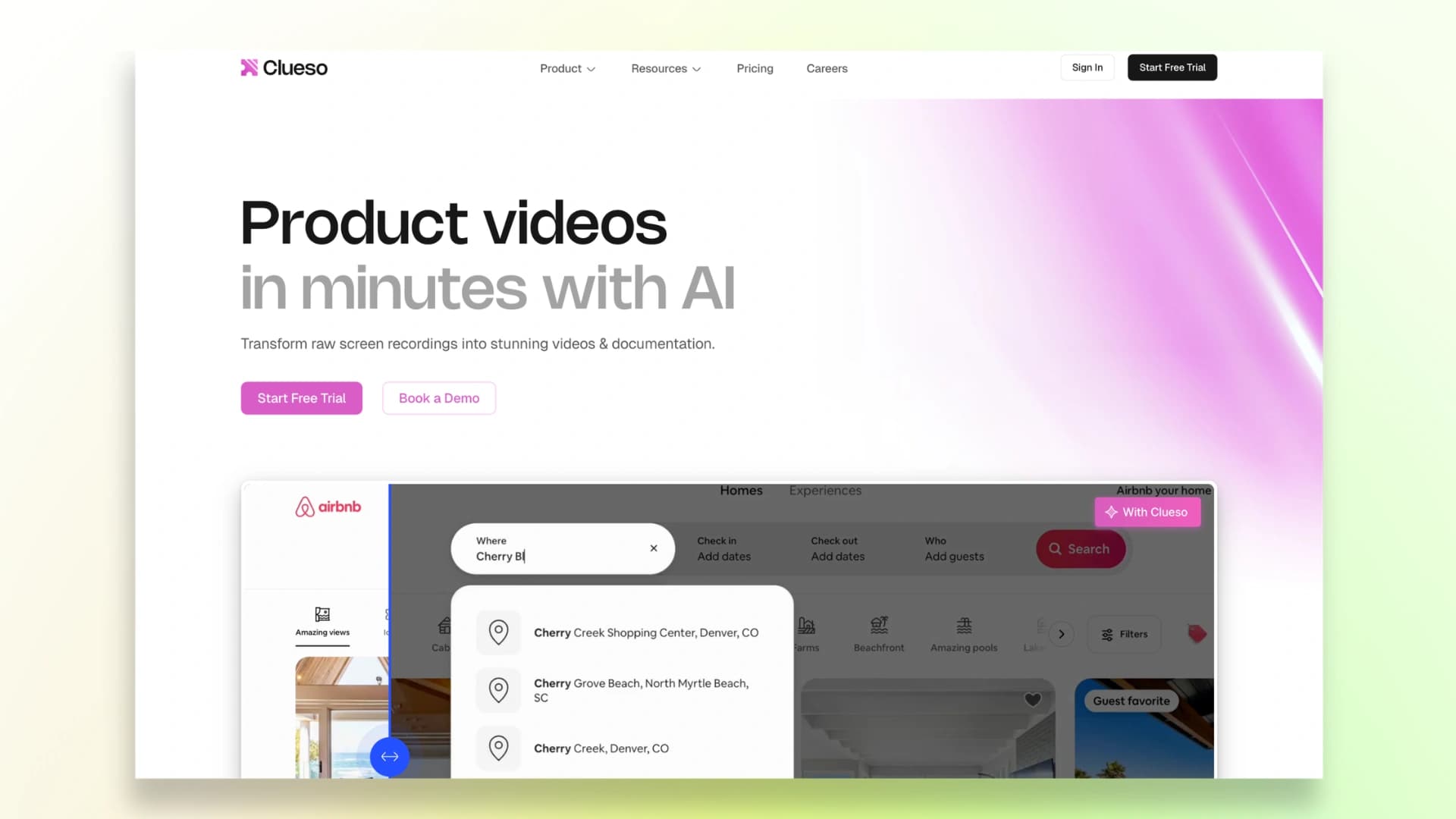
4. Clueso - Best for Video + Docs Together
Use Case
If your team struggles with maintaining both videos and written documentation, Clueso is designed to handle both in one place.
It’s especially useful when you want your training videos and step-by-step guides to stay consistent without managing them separately.
How It Works
You can record your screen or upload an existing video, and Clueso turns it into a polished training video along with a structured written guide.
It automatically generates scripts, voiceovers, and visuals, so you don’t have to manually edit everything.
Key Features
- Converts recordings into both video and step-by-step documentation
- AI-generated scripts, captions, and voiceovers
- Auto-editing with zooms, highlights, and visual effects
- Supports multiple inputs like slides, PDFs, and recordings
- Dual output keeps video and docs in sync
- SOC 2 and ISO certified for security
Honest Con
It’s on the higher end in terms of pricing, and there are limits on how much content you can export each month, which can be restrictive if you’re creating a lot of videos.
Here’s a demo of a video created by Clueso:
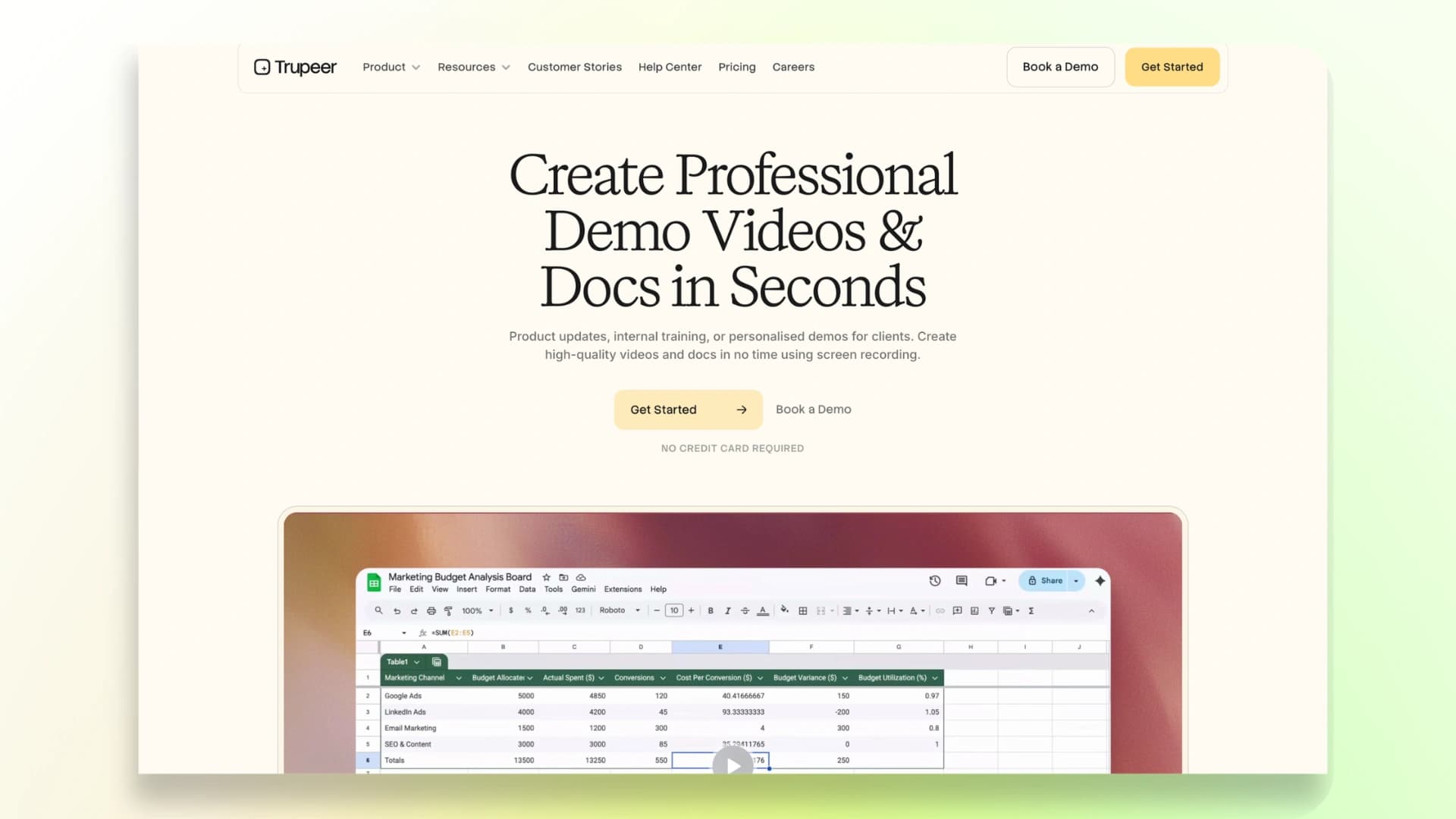
5. Trupeer - Best for Sales-Quality Videos
Use Case
If your goal is to create polished, customer-facing videos - like product demos, sales walkthroughs, or marketing explainers - Trupeer is built for that.
It’s less about quick internal training and more about making your product look clear and professional to external users.
How It Works
You can start with a screen recording, script, or even a rough idea.
Trupeer then uses AI to turn it into a refined video by adding voiceovers, zooms, transitions, and highlights automatically.
The end result feels more like a professionally edited demo rather than a raw recording.
Key Features
- AI avatars and voiceovers for presenter-style videos
- Studio-quality output with automatic edits and transitions
- Smart zoom effects that highlight important actions on screen
- Script-based editing (change text, video updates instantly)
- Can also generate step-by-step guides alongside videos
Honest Con
There are strict limits on video minutes depending on your plan (for example, around 120 upload minutes/month on Agency), which can feel restrictive if you’re creating a lot of content.
Here’s a demo of a video created by Trupeer:
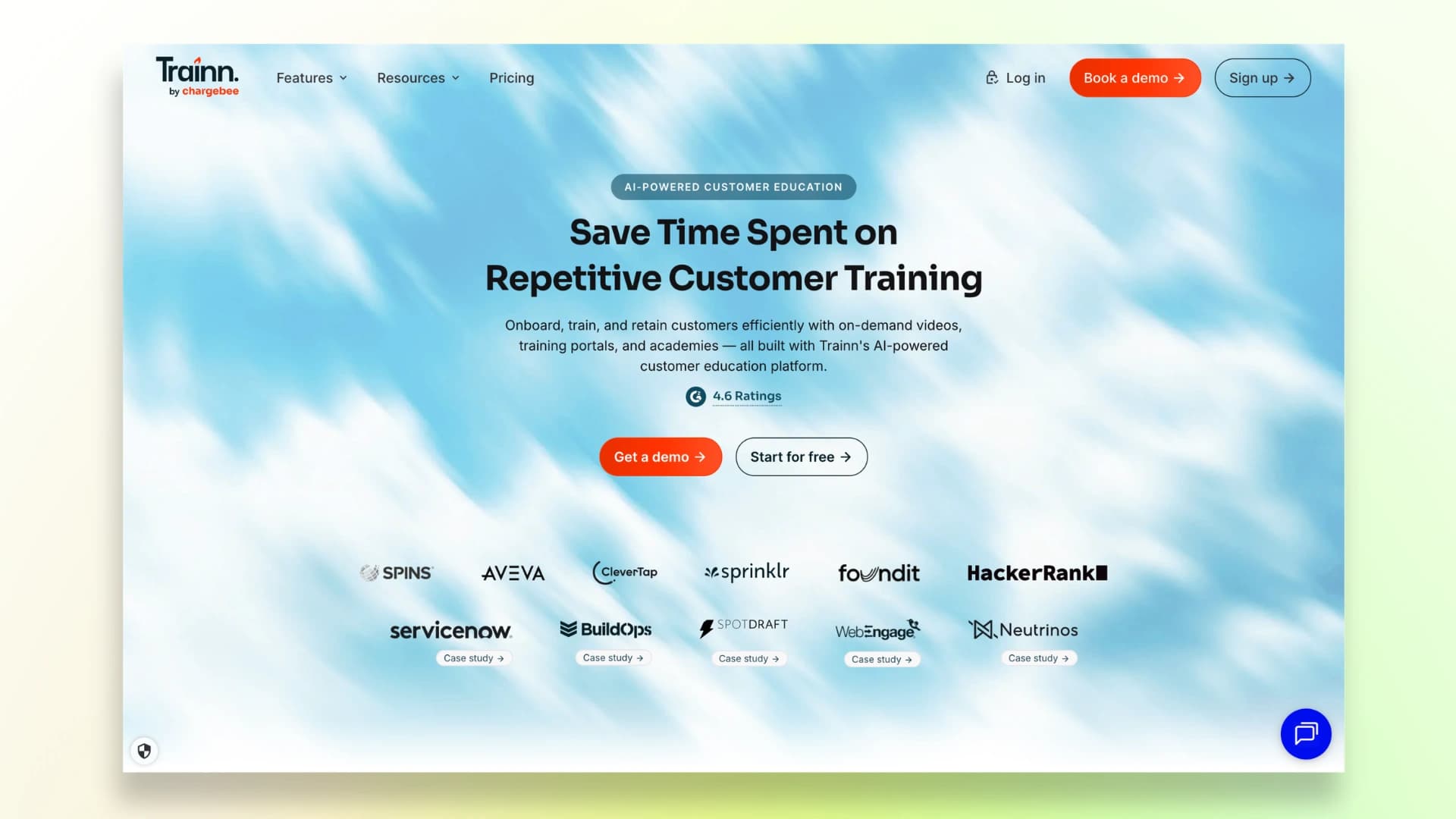
6. Trainn - Best for Training Academies
Use Case
If you’re looking to go beyond simple onboarding videos and actually build a full training system with courses, certifications, and a learning portal, Trainn is designed for that.
It’s especially useful for SaaS teams that want to educate customers at scale, not just onboard employees.
How It Works
You can record your screen or upload a workflow, and Trainn turns it into a structured training video with AI voiceovers, highlights, and captions.
From there, you can organize everything into courses, add quizzes, and build a complete training academy or knowledge base.
Key Features
- Create both videos and step-by-step guides from one recording
- Built-in LMS to create courses, learning paths, and certifications
- Quizzes and assessments to track learning
- No-code knowledge base and training academy
- In-app tutorials and easy content embedding
- Analytics to track engagement and performance
Honest Con
It can feel like too much if you only need simple internal onboarding videos.
Also, since it’s a full platform, it may take a bit more time to set up and manage compared to lighter tools.
Here’s a demo of a video created by Trainn:
7. Tutorial.ai - Best for Beginners
Use Case
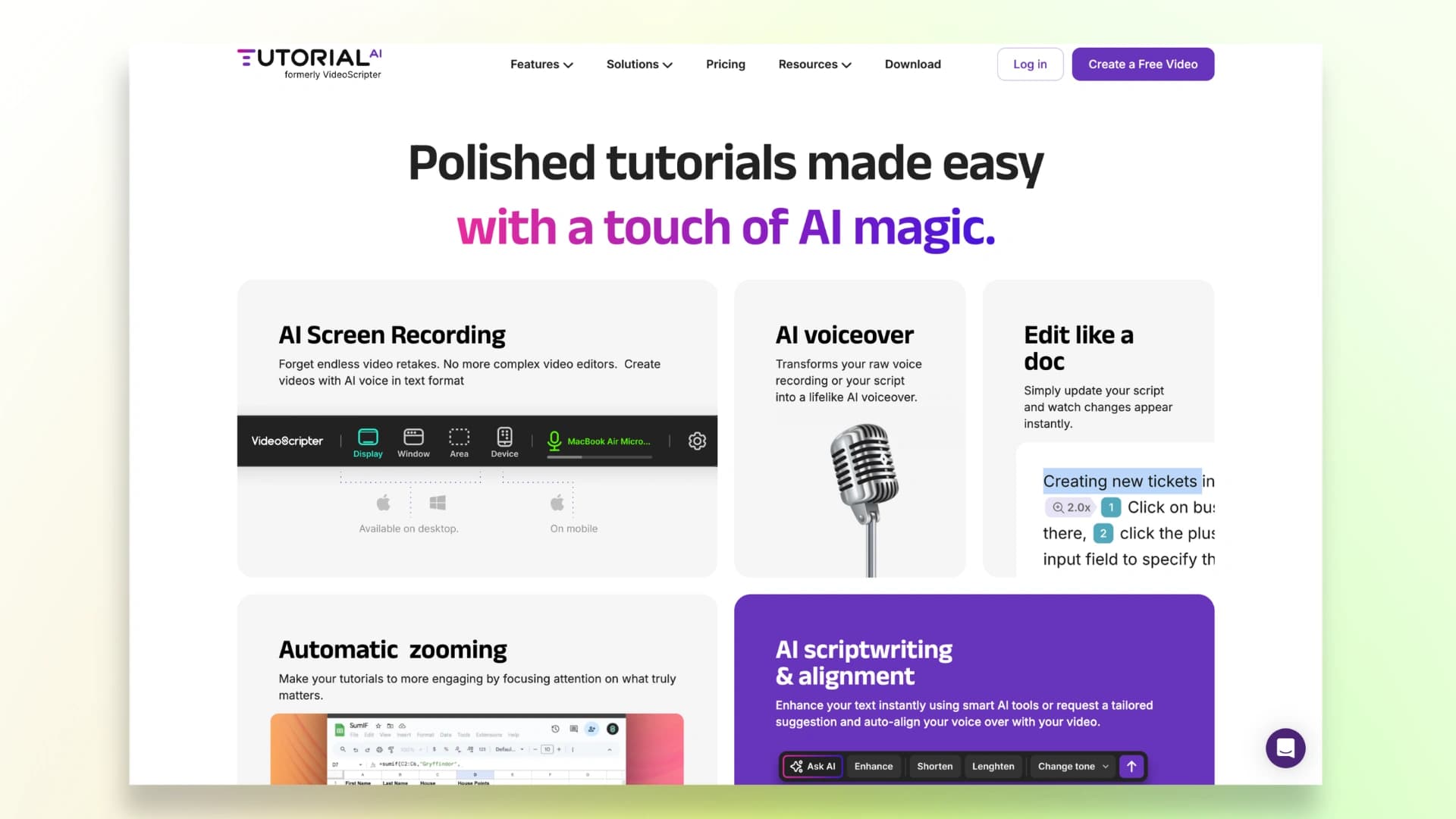
If you’re just getting started with video onboarding and don’t want something too complex, Tutorial.ai is a good place to begin.
It’s built for individuals or small teams who want to quickly test video-based onboarding without a steep learning curve.
How It Works
You can either record your screen or simply describe what you want to create.
The platform then uses AI to generate a structured tutorial with visuals, narration, and flow already aligned.
You can edit the script like a document, and the video updates automatically.
Key Features
- Simple screen recording with AI support
- AI-generated scripts and voiceovers
- Edit videos by editing text (doc-style editing)
- Automatic zoom and visual focus for clarity
- Free trial to get started
Honest Con
It’s quite basic compared to other tools on this list.
As your needs grow - like advanced editing, integrations, or scalability - you might find it limiting.
Here’s a demo of a video created by Tutorial.ai:
How to Choose the Right Tool
If you’re still unsure which tool to go with, here’s a simple way to decide based on what you actually need:
- Quick videos from recordings → VideoMule. Best when you already have recordings and just want to turn them into clean training content quickly.
- Deep integrations → Guidde. Ideal if your team works inside tools like Slack or Zendesk and needs content embedded directly there.
- Presenter-style videos → Synthesia. Great for global teams creating avatar-based videos in multiple languages.
- Video + documentation → Clueso. Works well when you want both videos and written guides from the same content.
- Sales-quality demos → Trupeer. Better for polished, external-facing videos where presentation matters more.
- Full training academy → Trainn. Best if you want to build courses, certifications, and a complete learning system.
- Just getting started → Tutorial.ai. A simple option if you want to test video onboarding without much setup.
If you’re not sure where to begin, you can start by creating simple walkthroughs using an AI tutorial video maker.
Turn Your Onboarding Into a Growth Engine
By now, you’ve seen how much easier onboarding becomes when you switch to video. It helps people understand your product faster and start using it without feeling stuck or confused.
You also don’t need to overcomplicate it. Keep your videos short, clear, and focused, and they’ll naturally be more effective for new hires.
And if creating videos feels like too much work, that’s where VideoMule can help. You don’t have to deal with scripts, voiceovers, or editing.
You can take a simple recording and turn it into a complete onboarding video in just a few minutes.
The result is simple. Your team learns faster, onboarding feels smoother, and people become productive sooner.
If you already have recordings, you can try VideoMule.
Sometimes, the only thing standing between slow onboarding and a smooth one is how easy it is to create and reuse your content.
FAQs on Employee Onboarding Video Software
1. What is employee onboarding video software?
It’s basically a tool that helps you turn your training into videos so new hires can just watch and learn.
It makes onboarding feel much simpler compared to going through long documents.
2. What is the easiest employee training video software for non-technical users?
If you don’t want to deal with editing or setup, tools like VideoMule or Tutorial.ai are easy to use. They take care of things like scripts and voiceovers for you.
3. Can I create onboarding videos without a microphone?
Yes, you don’t need to record your own voice at all. Most tools can add a natural voiceover automatically.
4. How long should an employee onboarding video be?
Try to keep it short, around 3 to 7 minutes. That way it’s easier to watch and understand without losing focus.
5. What is the best tool for teams that already have screen recordings?
If you already have recordings, VideoMule works really well. You can turn those into proper training videos without redoing everything.
6. How do I build an onboarding video library for a SaaS team?
Start with the tasks your team explains the most. Then create short videos and organize them so anyone can find them easily later.
Keep reading
AI Training Videos
Turn silent screen recordings into narrated training videos — AI script, voiceover and captions.